Are you a dedicated gamer balancing epic quests with real-life responsibilities, often finding your wrist aching after a long session? Many US gamers, average age around 36, log 10 or more hours a week, and they know the pain points: discomfort, fatigue, and even performance dips from poorly designed gear. This comprehensive guide will help you navigate the ever-evolving world of gaming peripherals to find the best ergonomic gaming mouse in 2026. We'll cut through the hype, focusing on practical solutions for busy adults who value both high performance and lasting comfort. From understanding different grip styles to deciphering sensor specs and considering budget-friendly upgrades, we've got you covered. Discover how the right mouse can enhance your gameplay, prevent common gaming injuries like carpal tunnel, and ensure your relaxation time remains truly enjoyable, even if it's just an hour of cozy gaming after a long day. Get ready to upgrade your setup without breaking the bank or sacrificing precious family time, ensuring your hardware supports your skills and well-being.
What is the best ergonomic gaming mouse for preventing wrist pain?
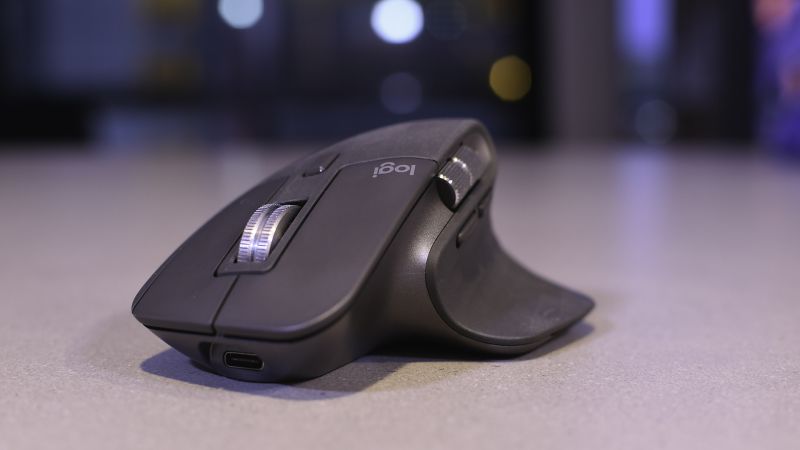
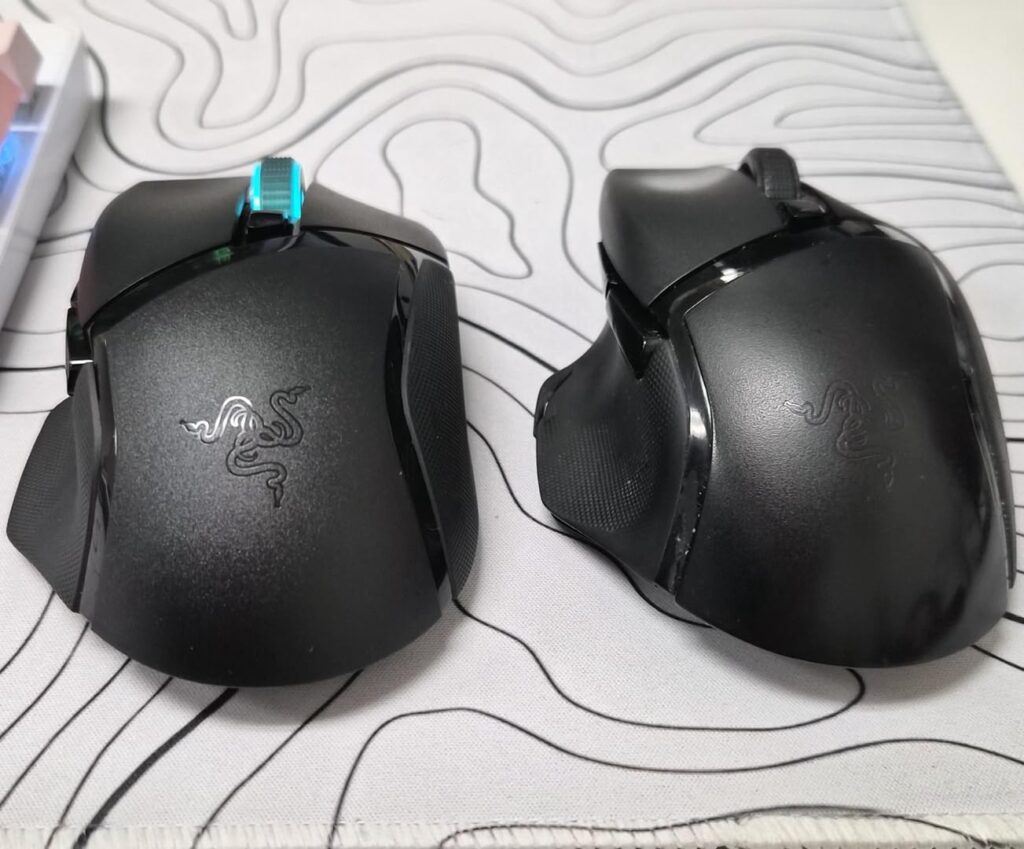
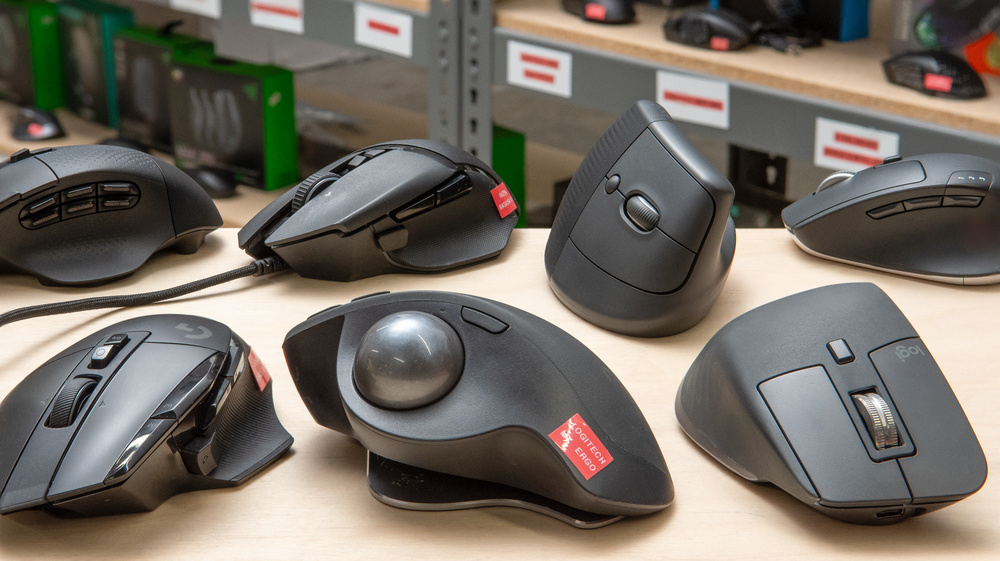
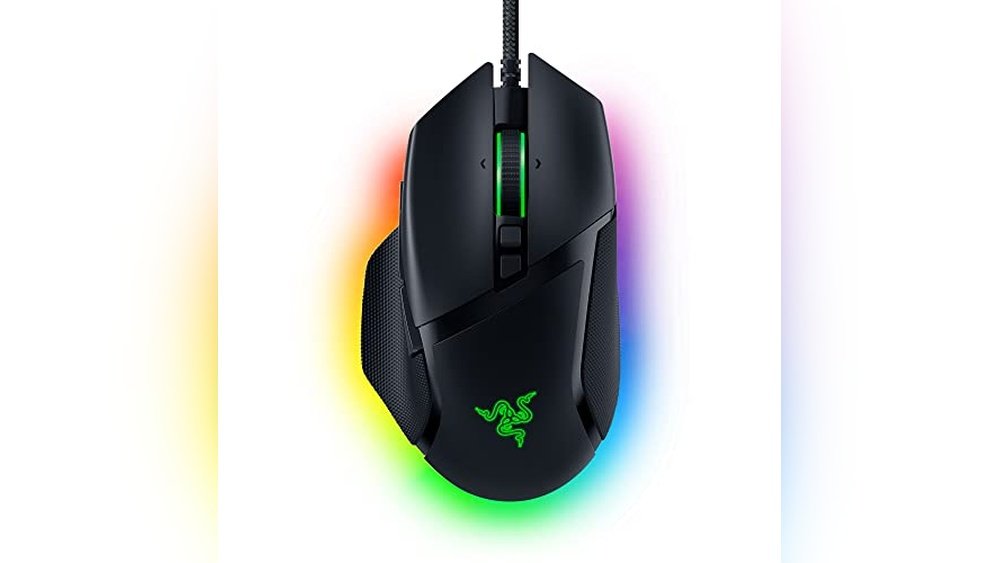
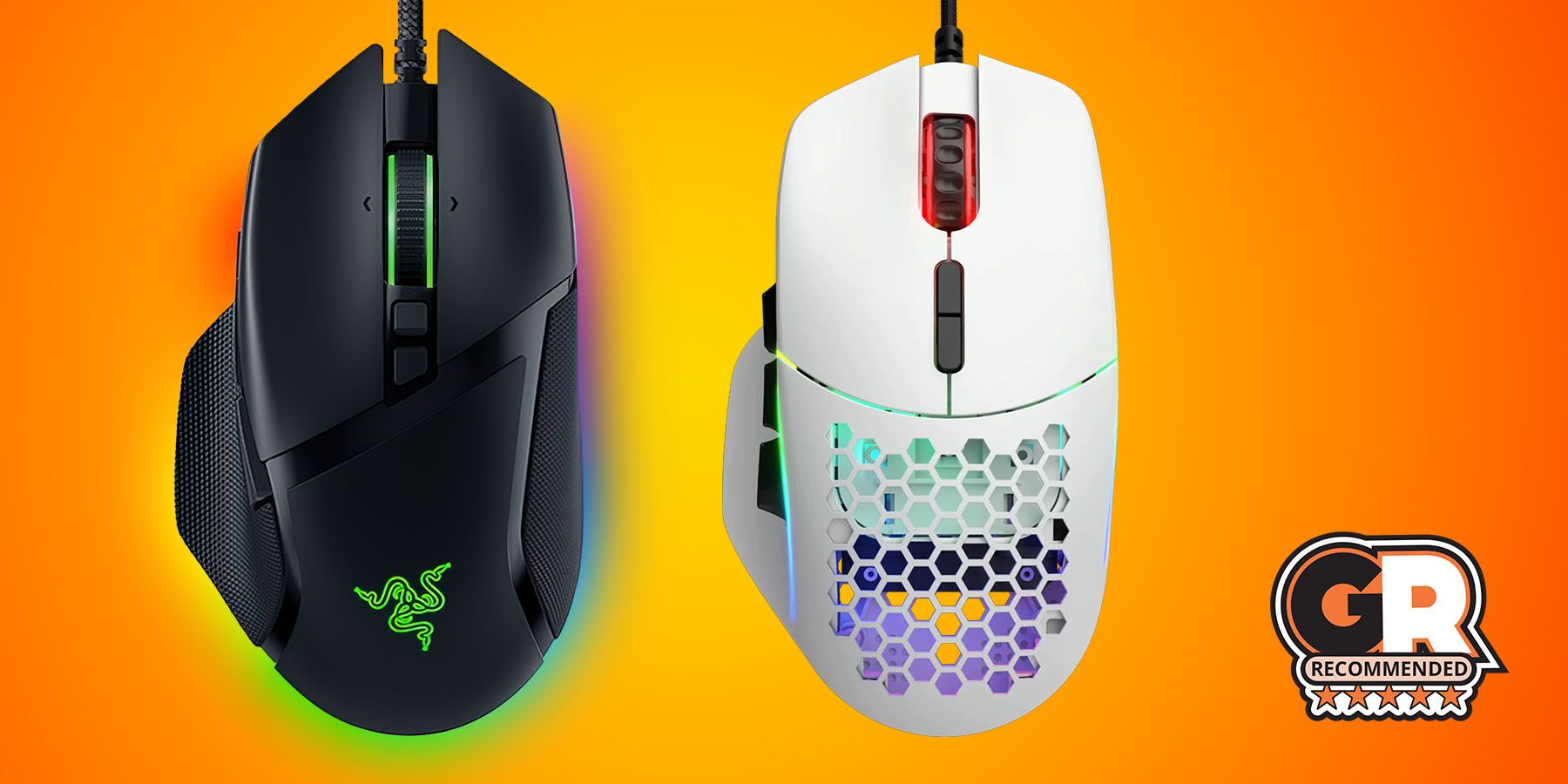
The best ergonomic gaming mouse for preventing wrist pain typically features a contoured design that supports your hand's natural resting position, often with a thumb rest and a shape that keeps your wrist straight. Models like the Razer Basilisk V3 Pro or Logitech G502 X PLUS are highly recommended due to their proven ergonomic shapes and advanced features that minimize strain during long gaming sessions.
How does an ergonomic gaming mouse differ from a regular gaming mouse?
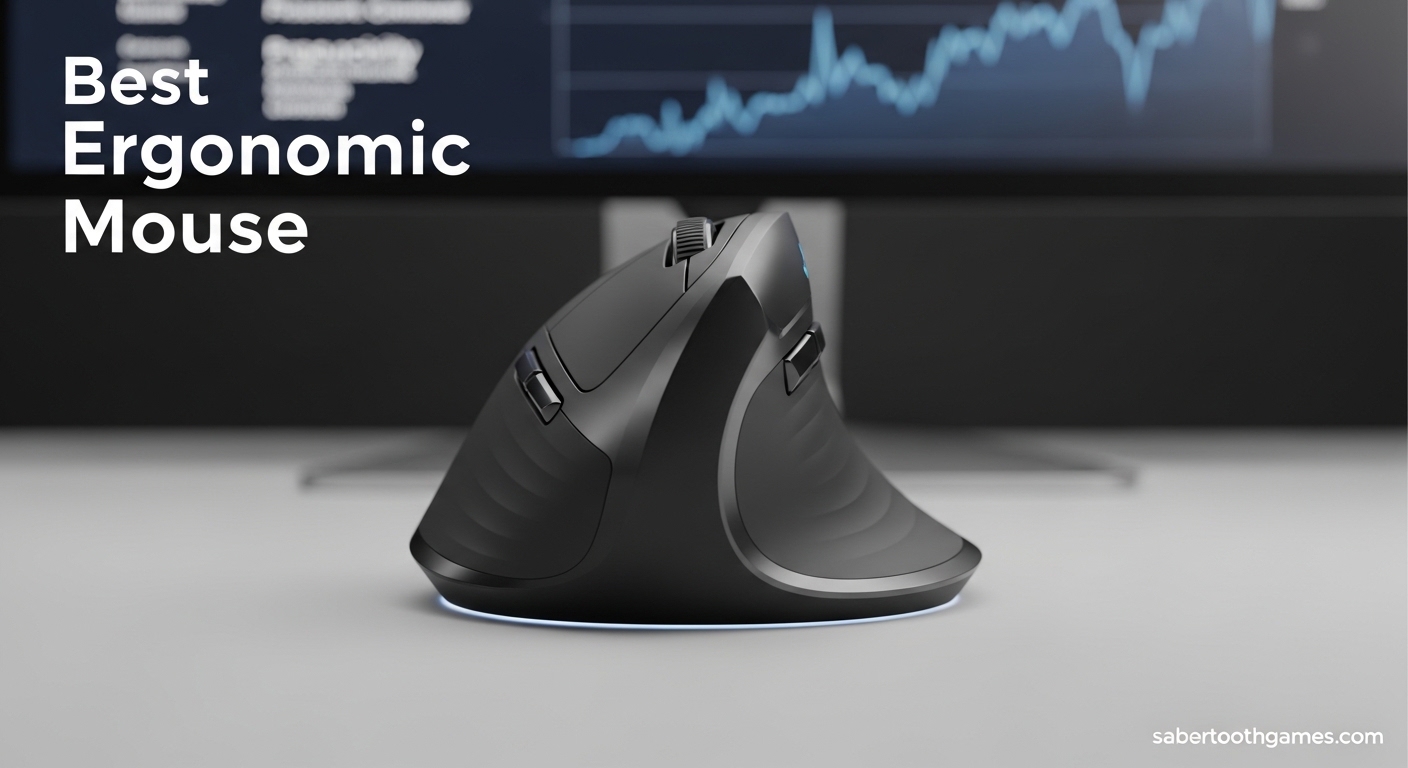
An ergonomic gaming mouse is specifically designed to fit the natural contours of your hand and wrist, promoting a neutral posture to prevent strain and repetitive motion injuries. While regular gaming mice focus primarily on performance, an ergonomic one integrates high-performance features with shapes that prioritize long-term comfort and health, making it ideal for extended play.
Which grip style is best suited for an ergonomic gaming mouse?
Ergonomic gaming mice are available for all grip styles (palm, claw, fingertip), but the 'best' depends on the specific mouse's shape and your hand size. Palm grippers often benefit most from larger, contoured mice with substantial palm support. Many ergonomic mice are designed to accommodate a hybrid of palm and claw grips, offering versatile comfort for a wide range of users.
Are lightweight ergonomic gaming mice better for competitive play?
Yes, often. Lightweight ergonomic gaming mice (typically under 80g) reduce arm and wrist fatigue, allowing for quicker, more precise flicks and sustained performance in competitive games. Combined with an ergonomic shape, this can significantly improve comfort and reaction times, which are crucial for high-stakes gameplay in titles like Valorant or Apex Legends.
Can an ergonomic gaming mouse help with carpal tunnel syndrome?
An ergonomic gaming mouse can significantly help manage and prevent symptoms of carpal tunnel syndrome by encouraging a more neutral wrist posture, reducing pressure on the median nerve. While not a cure, it's a vital tool for alleviating discomfort and preventing further aggravation, especially for gamers who spend many hours at their PC.
What are the essential features of a wireless ergonomic gaming mouse in 2026?
In 2026, essential features for a wireless ergonomic gaming mouse include ultra-low latency wireless technology (under 1ms), a high-precision optical sensor (e.g., PixArt 3370 or newer), long battery life (70+ hours), and customizable buttons via robust software. The ergonomic shape itself, coupled with a comfortable weight, remains paramount for optimal comfort during gameplay.
How do I find an ergonomic gaming mouse that fits my hand size?
To find an ergonomic gaming mouse that fits your hand size, first measure your hand from the tip of your middle finger to the base of your palm, and across your palm. Then, compare these measurements with the dimensions provided by manufacturers. User reviews and in-person testing (if possible) are also invaluable, as a good fit ensures the mouse supports your natural grip and reduces strain.
Hey fellow gamers! If you're anything like me, you love diving into your favorite virtual worlds, whether it's exploring a new open-world RPG, strategizing in an RTS, or teaming up with friends on Discord for some competitive fun. But let's be real: after a few hours, especially if you're an adult juggling work, family, and life, that wrist or hand can start to ache. You're not alone. Recent US gaming stats show that roughly 87% of gamers play regularly, often logging 10+ hours a week. For many, gaming is a vital stress reliever and a way to connect with friends, but it shouldn't come at the cost of your physical well-being. This is precisely why finding the best ergonomic gaming mouse is no longer a luxury—it's an essential upgrade.
We're talking about more than just comfort here. An ergonomic mouse is designed to fit your hand's natural contours, reducing strain, preventing injuries like carpal tunnel syndrome, and ultimately, boosting your in-game performance. This isn't about chasing the latest fad or blindly following streamer endorsements; it's about smart, value-driven choices that support your gaming habits for years to come. Let's dive into how you can pick a mouse that feels like an extension of your hand, allowing you to focus on your game, not your pain.
Why is an ergonomic gaming mouse essential for today's gamer?
For many gamers, particularly those in the 25-45 age bracket, long gaming sessions can lead to significant discomfort. The traditional, symmetrical mouse design often forces the hand and wrist into unnatural positions, leading to repetitive strain injuries (RSIs) over time. An ergonomic gaming mouse addresses this by supporting the hand and wrist in a neutral posture. This reduces pressure on nerves and tendons, allowing for longer, more comfortable play. Beyond health, improved comfort directly translates to better performance; when your hand isn't fatigued or aching, your aim is steadier, your clicks are more precise, and your reaction times remain sharp throughout your gaming session. It's an investment in both your health and your in-game prowess.
What are the key features to look for in the best ergonomic gaming mouse?
Choosing the right ergonomic gaming mouse involves a blend of comfort, performance, and functionality. Here's what to prioritize:
- Shape and Size: This is paramount. The mouse should fit your hand size and natural grip style (palm, claw, fingertip). Look for contoured designs, thumb rests, and shapes that prevent your wrist from bending unnaturally.
- Sensor Performance: A high-quality optical sensor (like those from PixArt) is crucial for accurate tracking and responsiveness. Look for a DPI range that suits your play style and ensures smooth, consistent movement without acceleration or prediction.
- Weight: Lighter mice (under 80g) offer faster flicks and less arm fatigue, while heavier mice provide more stability. Many modern ergonomic mice offer adjustable weights, allowing you to customize it to your preference.
- Buttons and Customization: Beyond the standard left/right clicks, consider programmable side buttons for macros or in-game actions. Good software support is essential for remapping buttons, adjusting DPI stages, and managing profiles.
- Wired vs. Wireless: Wireless technology has come a long way. Modern wireless gaming mice boast latency so low it's imperceptible to human reaction times (often under 1ms). They offer unparalleled freedom of movement, though they require charging. Wired mice offer consistent performance without battery concerns.
- Material and Build Quality: Durable materials, high-quality switches (like optical switches that prevent double-clicking issues), and a good scroll wheel are indicators of a mouse built to last.
How do different grip styles influence ergonomic mouse choice?
Your grip style is perhaps the most personal factor in choosing an ergonomic mouse. Understanding it is key to finding a perfect fit:
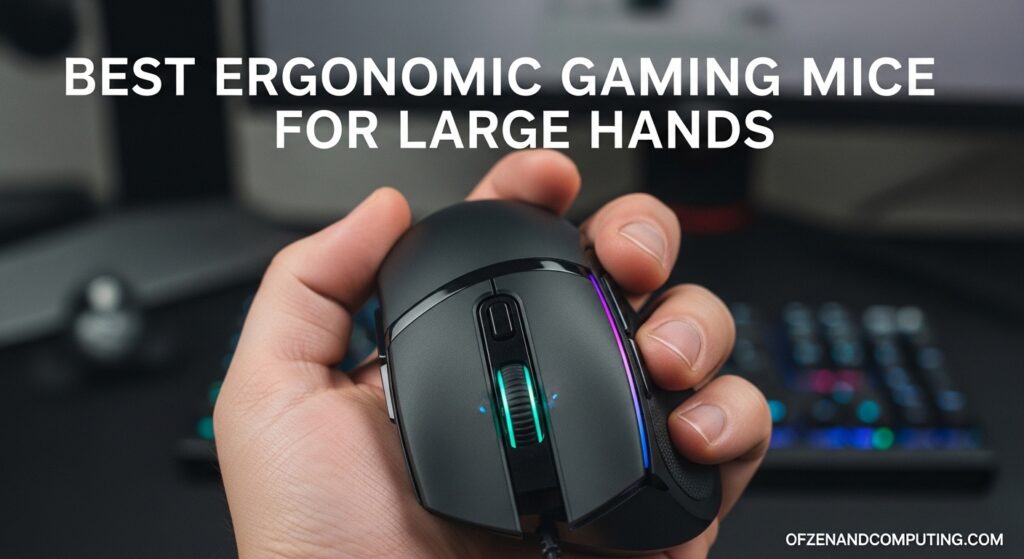
1. Palm Grip: This is the most common grip, where your entire palm rests on the mouse body, and your fingers lie flat. For palm grippers, larger, more elongated mice with a pronounced hump and excellent palm support are ideal. They promote a relaxed hand position, minimizing wrist bending.
2. Claw Grip: With a claw grip, your palm rests on the back edge of the mouse, but your fingers are arched like a claw, with only the tips making contact with the buttons. Mice with a moderate hump and a slightly shorter body that allows for greater finger articulation are often preferred. Good texture for finger tips is also a plus.
3. Fingertip Grip: Only your fingertips touch the mouse, and your palm doesn't make contact at all. This grip allows for very precise, quick movements using only the fingers. Lightweight, smaller, and flatter mice are typically best for fingertip grippers, offering maximum maneuverability without resistance from the palm.
Knowing your grip ensures the mouse's contours align with your natural hand posture, truly delivering on the ergonomic promise.
Which ergonomic gaming mice are top contenders in 2026 for different budgets?
The market for ergonomic gaming mice in 2026 is robust, offering fantastic options across various price points. Here are a few standout examples, keeping in mind that prices can fluctuate this month:
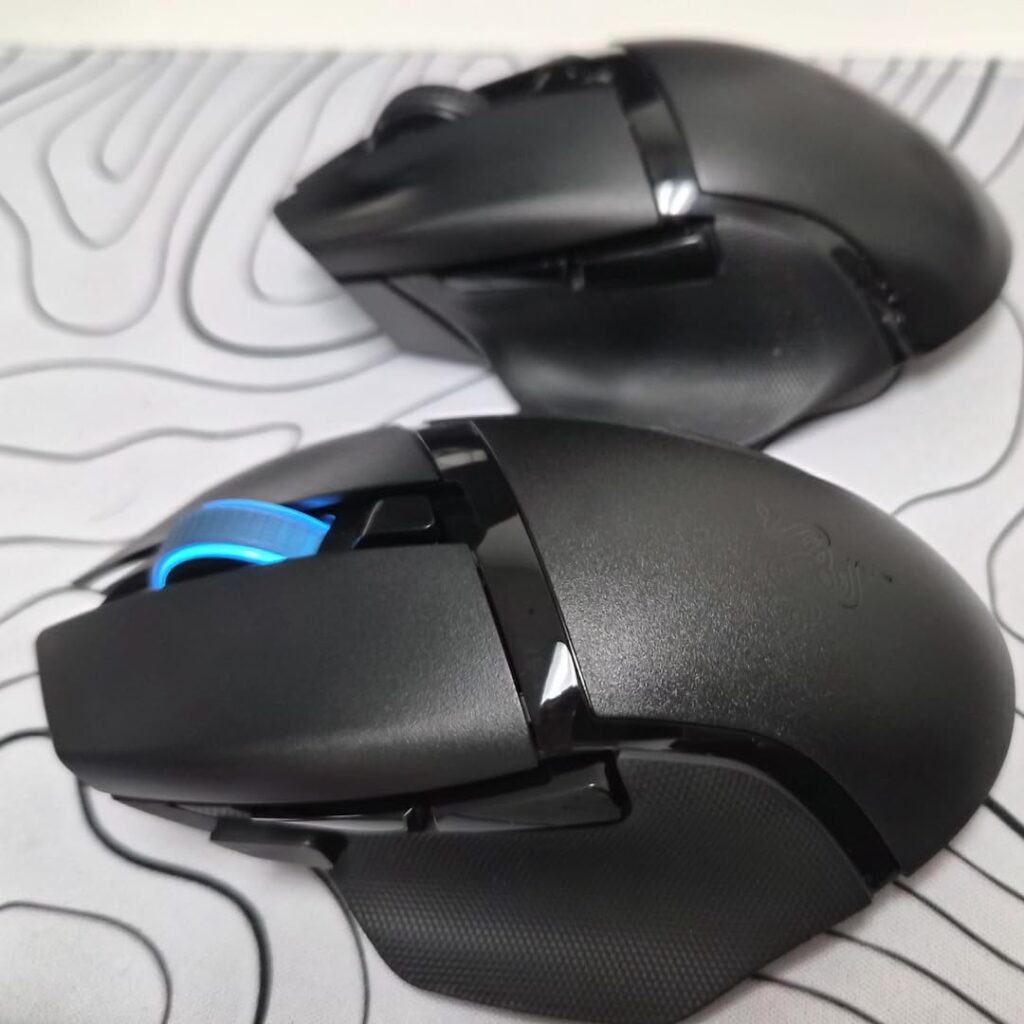
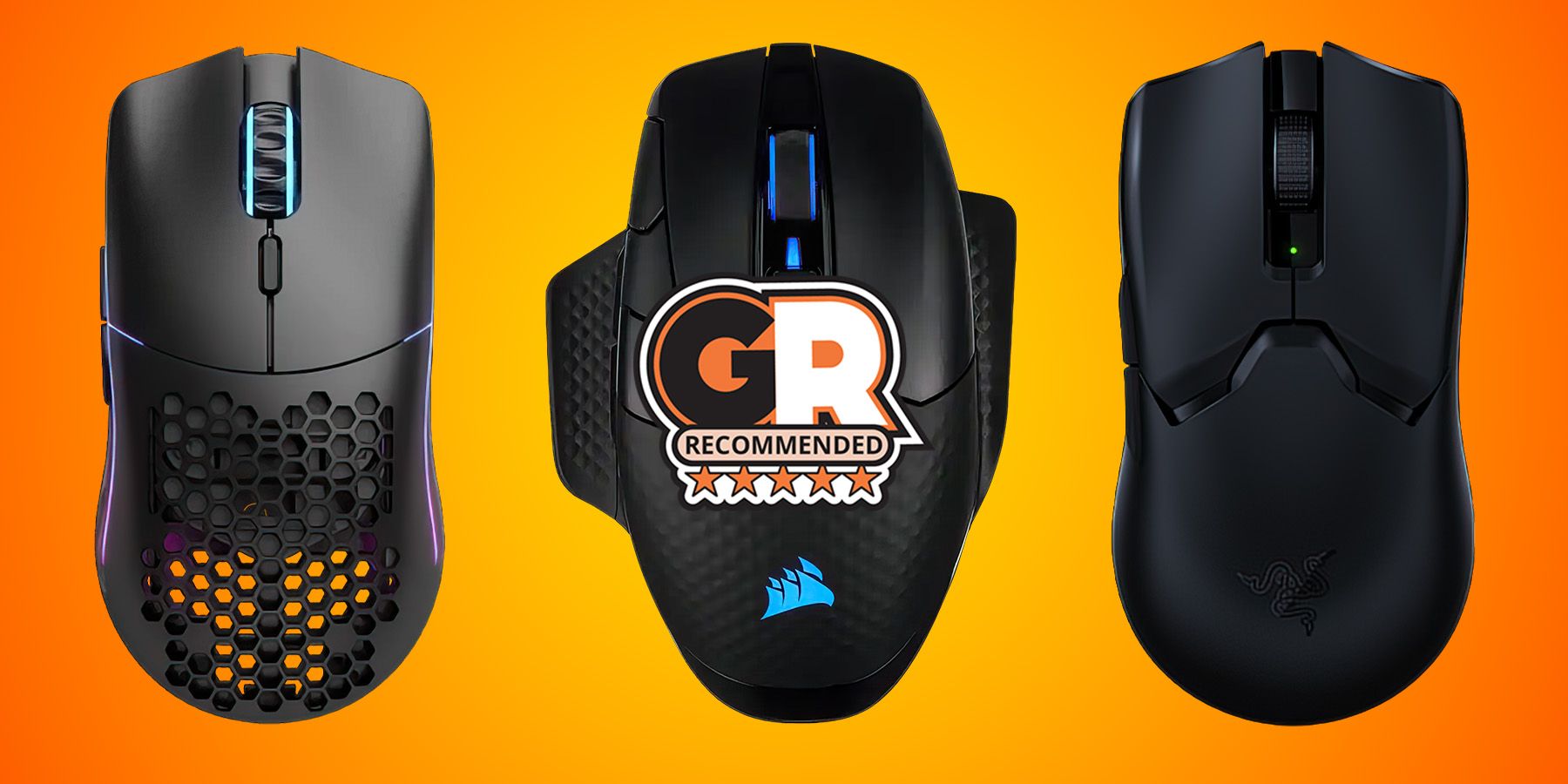
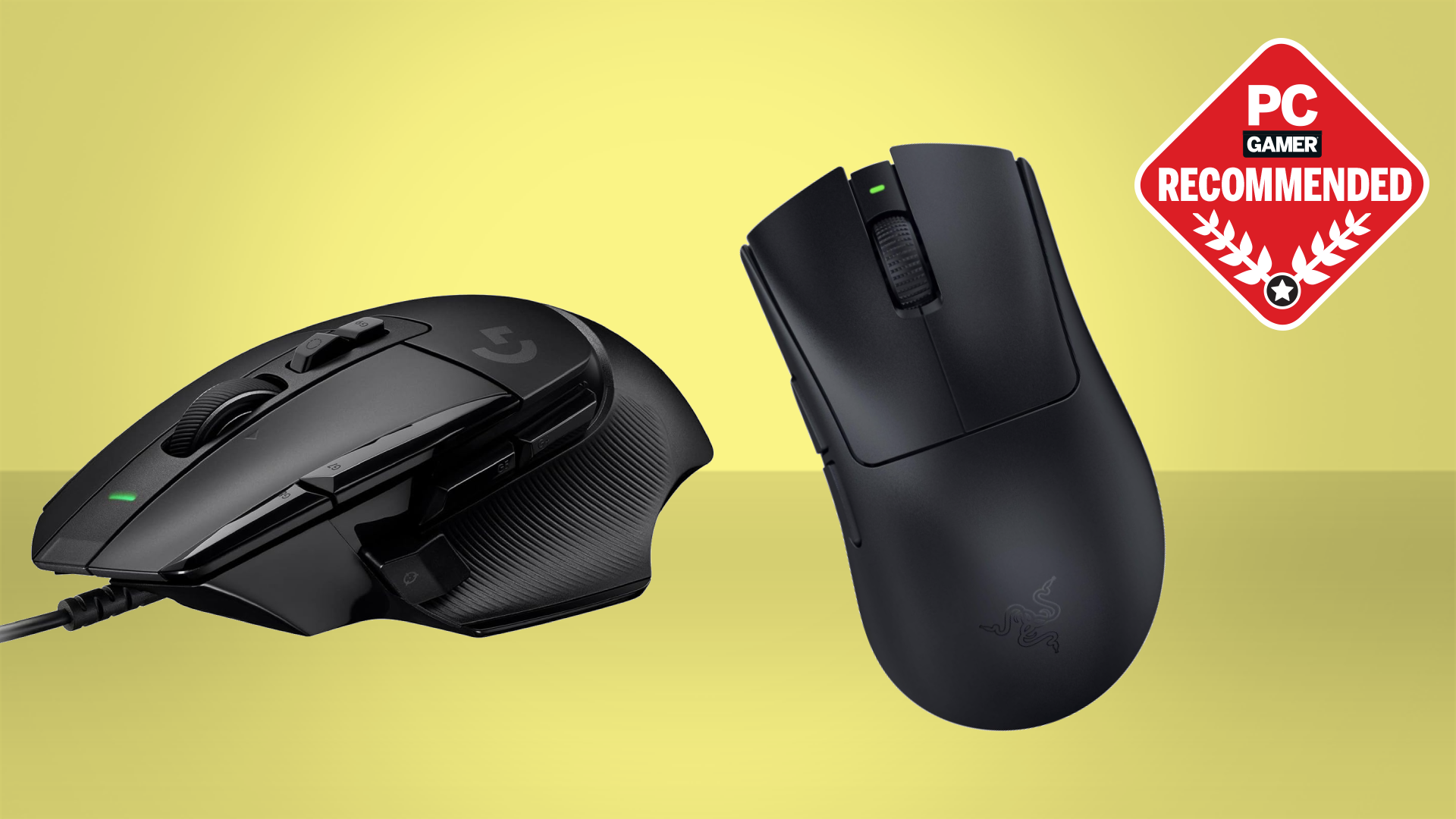
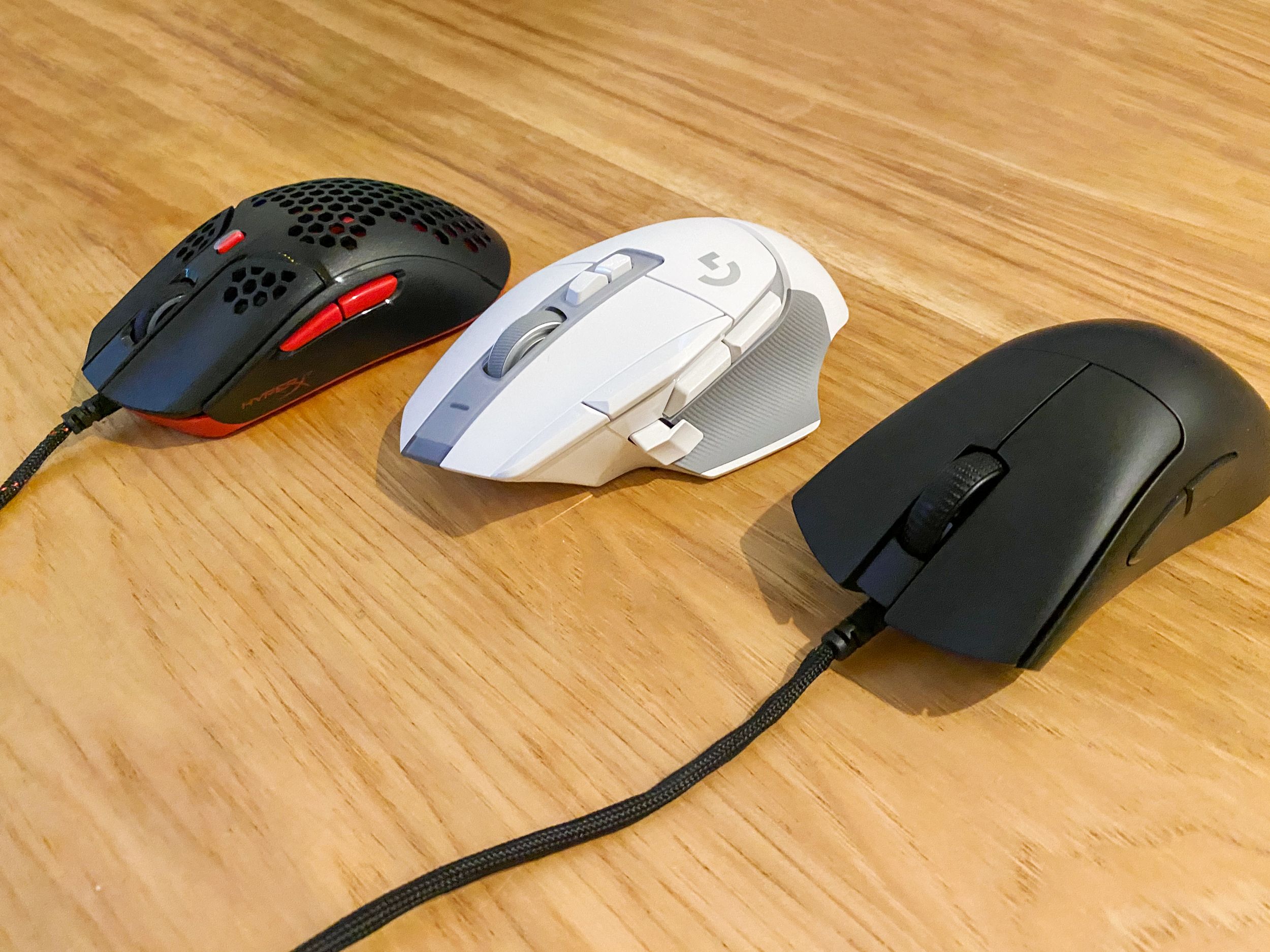
- High-End (Performance & Features): The **Razer Basilisk V3 Pro** continues to impress with its highly customizable scroll wheel, excellent ergonomics for palm/claw grip, and top-tier wireless performance. Its shape is a fan favorite for comfort. Another strong contender is the **Logitech G502 X PLUS**, offering a classic ergonomic shape with LIGHTSPEED wireless and hybrid optical-mechanical switches for crisp clicks.
- Mid-Range (Value & Comfort): The **Corsair Harpoon RGB Wireless** provides a comfortable, slightly smaller ergonomic shape perfect for claw/fingertip grips, with solid wireless performance at a more accessible price point. The **SteelSeries Aerox 5 Wireless** is another excellent choice, blending an ergonomic design with a lightweight, perforated shell and versatile button layout.
- Budget-Friendly (Entry-Level Ergonomics): For gamers on a tighter budget, the **HyperX Pulsefire Haste 2** offers an incredibly lightweight and comfortable design, prioritizing core performance and ergonomics without unnecessary frills. Another solid option is the **Glorious Model D- Wireless**, which boasts an ergonomic shape and excellent sensor for its price, often coming in under 60.
Remember, always check recent reviews and user experiences, as component updates or firmware changes can slightly alter performance.
Are wireless ergonomic gaming mice finally good enough for competitive play?
Absolutely! The days of worrying about wireless latency are largely behind us. Modern wireless gaming mice, especially those from top brands like Logitech, Razer, and SteelSeries, use advanced 2.4GHz wireless technologies (e.g., LIGHTSPEED, HyperSpeed, Quantum 2.0 Wireless) that achieve response times of 1ms or even less. This is on par with, and sometimes even faster than, wired connections. Pros routinely use wireless mice in esports tournaments, demonstrating their reliability and performance.
The main considerations now are battery life and weight. Many contemporary wireless ergonomic mice offer 70+ hours of battery life, often with quick charging or convenient charging docks. While some wireless models can be slightly heavier than their wired counterparts due to the battery, manufacturers are constantly innovating with lightweight designs, often utilizing perforated shells or advanced materials to keep the weight down, ensuring a fluid and unhindered gaming experience.
How can I properly set up and adjust my ergonomic gaming mouse for optimal comfort and performance?
Getting the right mouse is only half the battle; proper setup is crucial for maximizing comfort and performance. Here's a quick guide:
- Software Installation: Always install the manufacturer's software (e.g., Razer Synapse, Logitech G HUB). This is where you'll customize everything.
- DPI Settings: Experiment with DPI (dots per inch) to find what feels natural for you. Start with a common range like 400-800 DPI for FPS games or 1200-1800 DPI for general use, then adjust in small increments. Many ergonomic mice have dedicated DPI buttons for on-the-fly adjustments.
- Polling Rate: Set your mouse's polling rate to the highest available (usually 1000Hz or 1ms response time). This ensures the quickest communication between your mouse and PC.
- Button Customization: Map your programmable buttons to frequently used in-game actions or macros. This can significantly streamline your workflow and reaction times.
- Lift-Off Distance (LOD): Some mice allow you to adjust LOD. A lower LOD prevents the cursor from moving when you lift and reposition your mouse, which is vital for precise movements in competitive games.
- Mouse Pad: A good quality gaming mouse pad provides a consistent surface for your sensor and can drastically improve tracking. Choose between control (more friction) or speed (less friction) surfaces based on your preference and game type.
Spend some time in a practice range or a low-stakes game to fine-tune these settings. Small adjustments can make a big difference in comfort and accuracy.
Beyond the mouse, what other ergonomic tips can prevent gaming injuries?
An ergonomic mouse is a fantastic start, but a holistic approach to your gaming setup is key to long-term health. Remember, as adult gamers, we need to protect our bodies just as much as we protect our K/D ratios!
- Proper Posture: Sit upright with your feet flat on the floor, back supported, and shoulders relaxed. Your elbows should be at a 90-degree angle, close to your body. Avoid slouching!
- Monitor Placement: Position your monitor directly in front of you, about an arm's length away. The top of the screen should be at or slightly below eye level to prevent neck strain.
- Keyboard Ergonomics: Consider an ergonomic keyboard or a wrist rest to keep your wrists straight. Angle your keyboard slightly to reduce ulnar deviation.
- Regular Breaks: This is non-negotiable. Every 30-60 minutes, stand up, stretch your wrists, arms, shoulders, and neck. Walk around for a few minutes. Even five minutes away can significantly reduce cumulative strain.
- Hydration and Nutrition: Don't forget your basic health needs. Staying hydrated and eating well contributes to overall physical and mental well-being, enhancing focus and recovery.
- Strength and Stretching Exercises: Simple wrist and hand stretches, along with forearm strengthening exercises, can make your hands more resilient to repetitive stress.
These small habits, combined with your ergonomic mouse, will keep you gaming comfortably for years.
How do I maintain my ergonomic gaming mouse for long-term performance?
Just like any piece of high-performance gear, your ergonomic gaming mouse benefits from regular care. This ensures consistent performance and extends its lifespan:
- Keep it Clean: Dust, sweat, and grime can accumulate, affecting sensor performance and button feel. Use a soft, dry cloth to wipe down the mouse regularly. For stubborn grime, a slightly damp cloth with mild soap can work, but avoid getting moisture into crevices. Use a cotton swab or compressed air for hard-to-reach areas around buttons and the scroll wheel.
- Sensor Care: Periodically clean the mouse sensor with a cotton swab lightly dampened with rubbing alcohol. A clean sensor ensures accurate tracking.
- Software Updates: Regularly check for firmware and software updates from the manufacturer. These updates often improve performance, fix bugs, or add new features, keeping your mouse optimized.
- Battery Management (Wireless): For wireless mice, avoid letting the battery completely drain too often, as this can reduce its overall lifespan. Keep it topped up, and if your mouse has an intelligent charging feature, utilize it.
- Cable Management (Wired): For wired mice, ensure the cable isn't kinked, twisted, or under constant tension. Use cable ties if necessary to prevent damage to the cable's internal wires.
- Mouse Feet Inspection: Over time, the PTFE (Teflon) feet on the bottom of your mouse can wear down, leading to increased friction. If you notice your mouse dragging, consider replacing the feet (many manufacturers sell replacements).
A well-maintained mouse not only performs better but also lasts longer, saving you money and hassle in the long run.
What are the budget-friendly options for ergonomic gaming mice without sacrificing too much?
For gamers who need to balance their passion with a budget—which, let's face it, is most of us trying to afford life and maybe a new game every month—there are excellent ergonomic gaming mice that deliver solid performance without a premium price tag. You don't always need the absolute top-tier sensor or the most exotic materials to get a comfortable and responsive experience. Look for established brands offering their older flagship models, which often see price drops but still pack excellent tech. Brands like HyperX, Glorious, and Cooler Master often have fantastic ergonomic shapes with reliable sensors and switches in the 40-70 range. Focus on core features: a comfortable shape that fits your hand, a reputable optical sensor (e.g., PixArt 3335 or similar), and decent build quality. You might forgo some RGB flair or ultra-lightweight designs, but you won't compromise on the essential ergonomics and gaming performance that truly matter for your health and fun.
Conclusion
Choosing the best ergonomic gaming mouse is about making a smart investment in your gaming future and your physical well-being. By understanding your grip style, prioritizing key features like sensor performance and shape, and committing to proper setup and maintenance, you can dramatically improve your comfort and in-game performance. This isn't just about winning more matches; it's about enjoying your hobby without pain, balancing your passion with a healthy lifestyle. Now go forth, conquer those digital realms, and may your hands stay happy!
What's your biggest gaming challenge when it comes to comfort or hardware? Comment below!
FAQ Section
Can an ergonomic mouse truly improve my aim?
Yes, indirectly. An ergonomic mouse reduces hand and wrist fatigue, allowing for more consistent, precise movements over longer periods. When your hand is comfortable, your fine motor control is better, leading to improved aim and reaction times.
What's the ideal weight for an ergonomic gaming mouse?
The ideal weight is subjective, but generally, lighter mice (under 80g) are preferred for fast-paced competitive games requiring quick flicks. Heavier mice (80-120g) offer more stability for precise tracking. Many ergonomic mice now offer adjustable weights.
How often should I replace my gaming mouse?
A good quality gaming mouse can last 2-5 years, depending on usage and build quality. Signs it's time for a replacement include inconsistent tracking, double-clicking issues, worn-out buttons, or frayed cables.
Are vertical mice good for gaming?
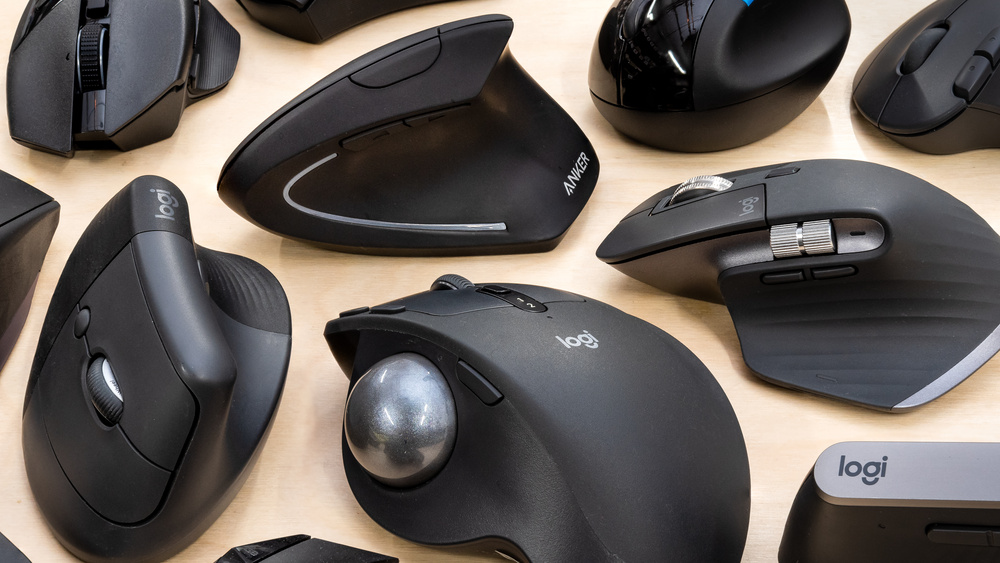
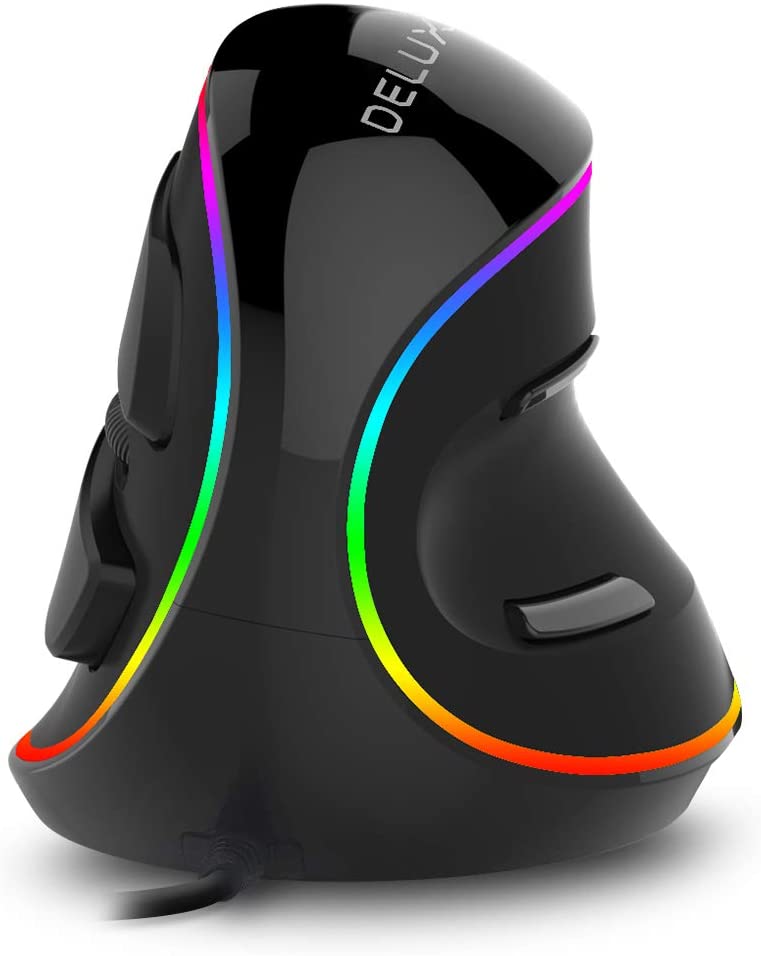
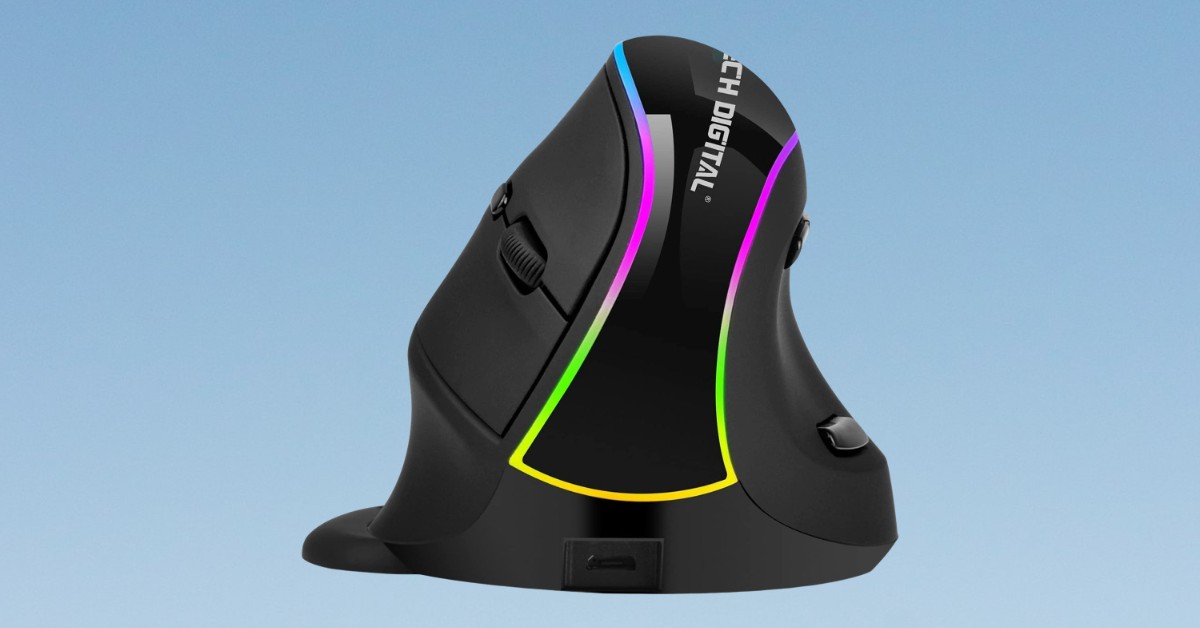
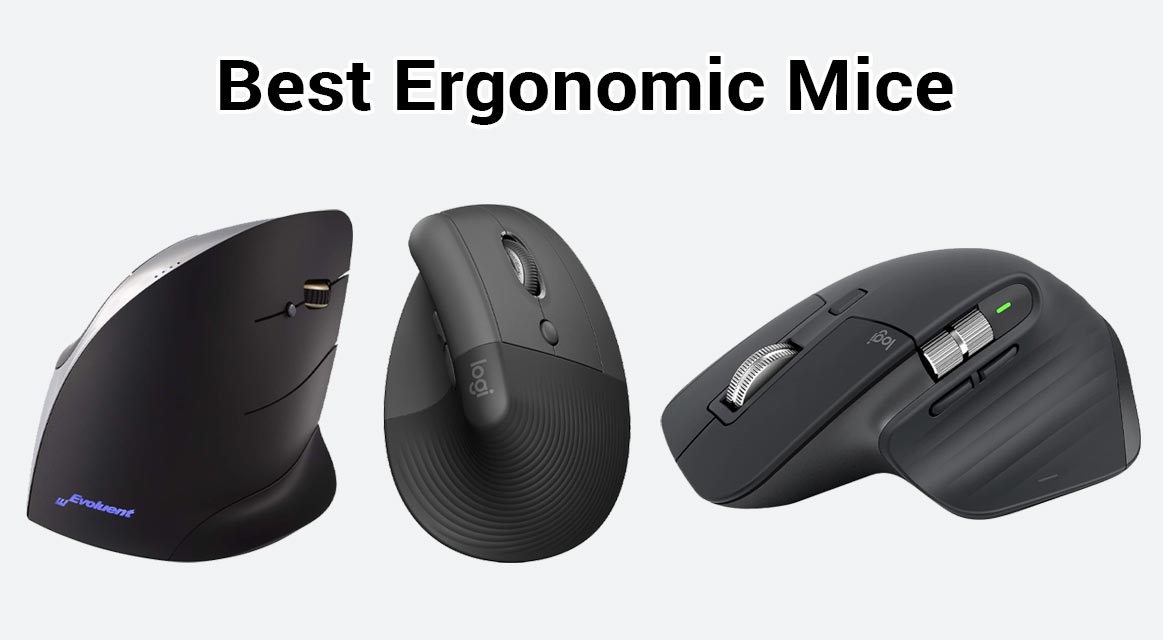
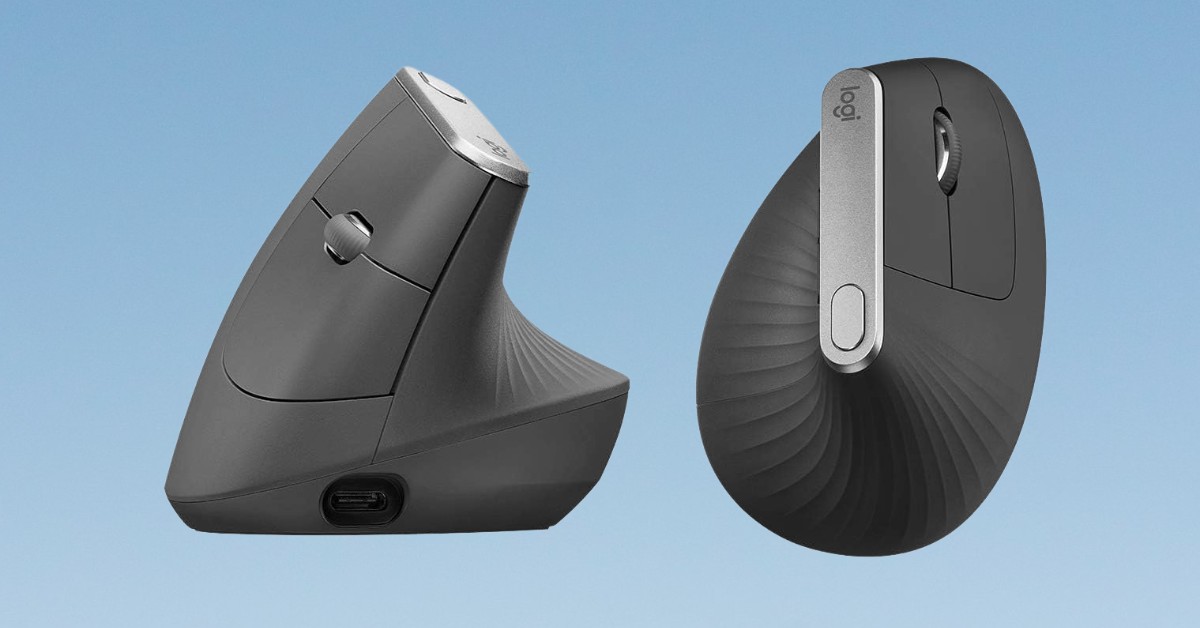
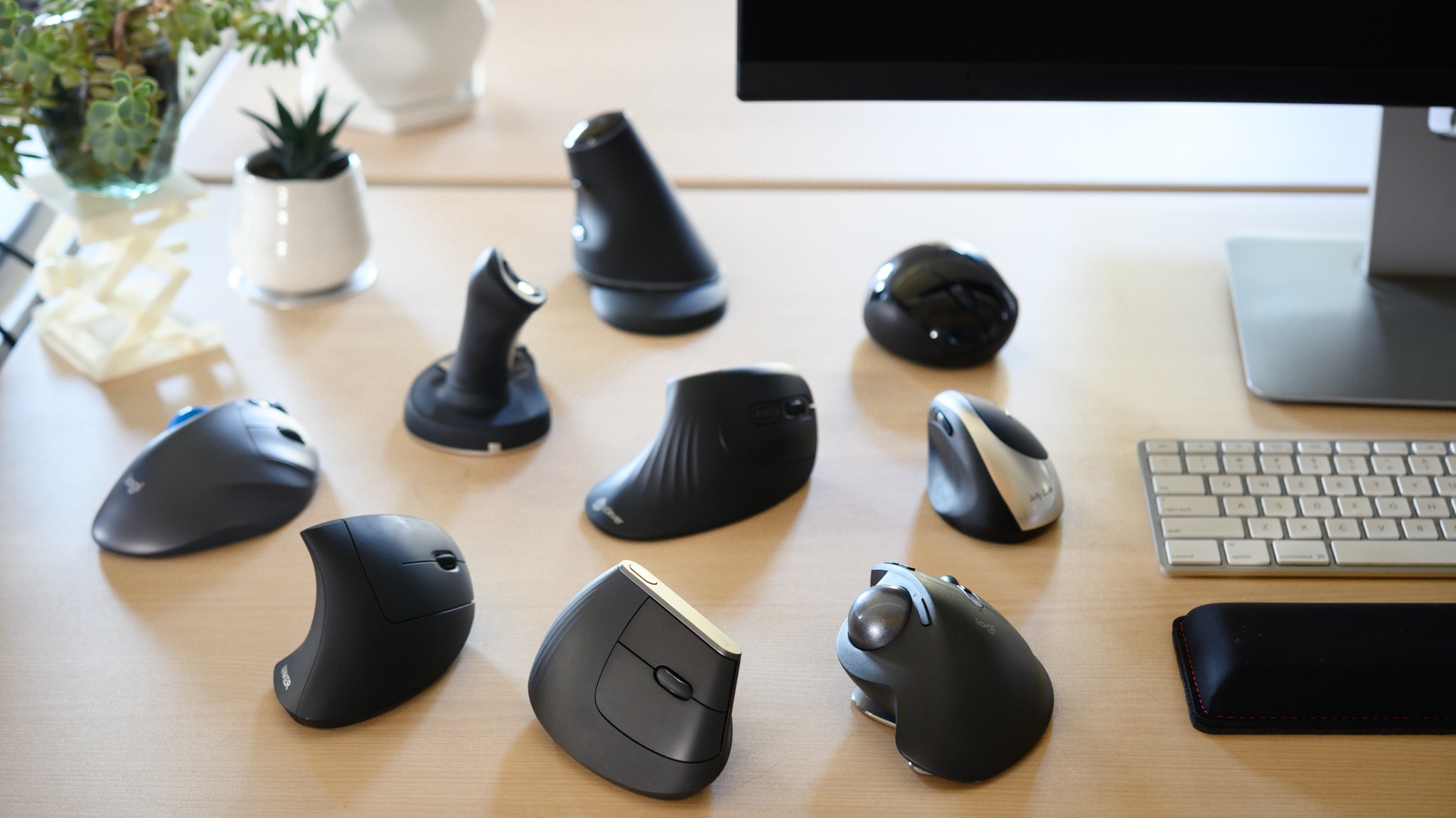
Vertical mice are excellent for alleviating wrist strain by keeping your hand in a neutral handshake position. While some gamers adapt to them for casual play, their unique grip can be challenging for high-precision competitive gaming where rapid, consistent tracking is key.
Does mouse pad material matter for ergonomics?
While not directly ergonomic, a good mouse pad significantly enhances the overall experience. Consistent surface tracking reduces strain by minimizing re-adjustments and providing optimal glide for your mouse's feet, contributing to smoother, less fatiguing movements.
How to clean an ergonomic mouse?
Use a dry microfiber cloth for general wiping. For stubborn dirt, dampen the cloth slightly with water or a small amount of isopropyl alcohol (avoiding internal components). Use compressed air for crevices and cotton swabs for the sensor and tight spots.
Is a wireless ergonomic gaming mouse worth the extra cost?
For many, yes. The freedom of movement and decluttered desk space can significantly enhance comfort and immersion. Modern wireless tech has virtually eliminated latency concerns, making it a worthwhile investment if your budget allows, especially for adult gamers who value convenience.
Ergonomic gaming mouse prevents discomfort and injury, enhances performance through better grip and features, caters to different hand sizes and grip styles, offers wireless freedom without latency, balances price with essential gaming features, and supports long gaming sessions for busy adults.
35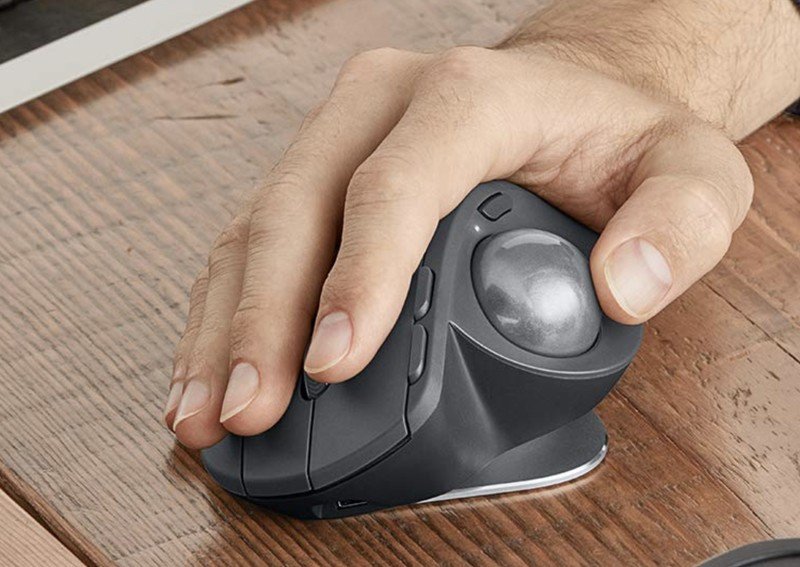
Top 20 Best Budget Wired Wireless Ergonomic Gaming Mouse 2026 Best Ergonomic Wireless Gaming Mouse . 12 Best Ergonomic Mouse March 2026 Models Tested VVN News Best Ergonomic Mouse . Gaming Mouse Ergonomic Essentials Boost Comfort Control 2026 Best Ergonomic Mice 20230502 2 Medium . 10 Best Ergonomic Gaming Mice For Large Hands April 2026 Tested B0BXBC26X8 Customer 2 1024x1024 . The Best Ergonomic Gaming Mouse In 2024 Best Wireless Gaming Mouse Gamerant Corsair Glorious Logitech Thumb
10 Best Ergonomic Gaming Mice For Large Hands April 2026 Tested Best Ergonomic Gaming Mice For Large Hands 1024x559 . The 7 Best Ergonomic Gaming Mice Dot Esports. Best Gaming Mouse In 2026 We Ve Tested The Very Best Mice And These . Computer Mouse Best Ergonomic Mice 001 . The Best Ergonomic Mice Of 2026 CNN Underscored Best Computer Mouse Master


Best Gaming Mouse Best Gaming Mouse . 7 Best Ergonomic Mice In 2026 Ergo Mouse Review J Tech Digital RGB Ergonomic Mouse Min . Top 3 Best Ergonomic Gaming Mouse 2025 Best Budget Friendly Gaming . 10 Best Ergonomic Gaming Mice For Large Hands April 2026 Tested B0BXBC26X8 Customer 1 1024x849 . The Best Ergonomic Mouse Of 2026 Mice Reviews RTINGS Com Best Ergonomic Mouse 20250523 Medium

10 Best Ergonomic Mice For Comfort And Best Ergonomic Mice . 10 Best Ergonomic Gaming Mouse 2026 For Ultimate Comfort And Best Ergonomic Gaming Mouse . The Best Ergonomic Gaming Mouse In 2024 Best Egonomic Gaming Mouse Razer Basilisk Glorious Model 1 Gamerant Recommended Feature . Best Gaming Mouse . Top 5 Best Ergonomic Mouse 2025 Best Gaming All 0 5


Best Ergonomic Gaming Mouse 2026 The Most Comfortable Mice For Long Mouse . 10 Best Commode Chairs For Bedside Use May 2026 Best Ergonomic Gaming Mice For Large Hands . Best Ergonomic Gaming Mouse 2026 Elevate Your Setup Gaming Gear Labs Jake . 10 Best Ergonomic Gaming Mice June 2026 Reviews Best Ergonomic Gaming Mice 1024x683 . Best Gaming Mouse 2025 2026 Top Picks For Every Gamer File


The 3 Best Gaming Headsets Of 2026 Audio Comfort The 3 Best Gaming Mice Of 2026 . Best Gaming Mouse Under 25 In March 2026 Budget Champions Tested Best Ergonomic Vertical Mouse For Wrist Pain 1024x559 . Top 5 Best Gaming Ergonomic Mice 2025 Ultimate Buyer S Guide . 7 Best Ergonomic Mice In 2026 Ergo Mouse Review Logitech MX Vertical Wireless Ergonomic Mouse 1 Min . Redragon K683WB FIDD Magnetic Gaming Keyboard Review Magnetic Switches

Best Ergonomic Mouse Of 2024 Tested Rated 453255 25140 XXXL . Gaming Mouse That Are Still The Best In 2026 Noobs2Pro Gaming Mouse That Are Still The Best In 2026 1170x658 . Best Gaming Mouse To Buy In 2026 GAMES GG Best Gaming Mouse To Buy In 2026 47043110a9 . The Best Gaming Mice In 2026 Picked By Our Tech Experts Gaming Mouse Hero 2 . BEST Wireless Gaming Mouse Of 2026 HERE S What You Should Buy At