Discover if the popular Audio Technica M50x headphones are truly suitable for your gaming setup This detailed guide explores their sound quality comfort durability and microphone considerations for everyday gamers who juggle work family and social lives Many players seek audio solutions that offer great value and versatility without needing multiple specialized devices We delve into how the M50x performs in various gaming scenarios from casual social play to more competitive environments addressing common pain points like soundstage and imaging which are crucial for situational awareness in games Learn about potential modifications and accessories that can enhance the M50x gaming experience making an informed decision about whether these studio headphones fit your gaming lifestyle and budget needs This article helps gamers balance performance optimization with value for money keeping up with trends without unnecessary hype or complex setups
Are the M50x good for competitive FPS gaming where sound is critical
The Audio-Technica ATH-M50x offers excellent audio clarity and detail, making it good for hearing subtle sound cues in competitive FPS games. However, its closed-back design naturally provides a narrower soundstage compared to open-back headphones. This means while you'll hear sounds clearly, pinpointing their exact distance and direction with extreme precision might require a slight adjustment or reliance on virtual surround sound software. For serious competitive players, a wider soundstage is often preferred, but the M50x's accurate imaging can still be very effective once accustomed to them, especially with a good DAC or sound card.
What is the best external microphone to pair with the M50x for gaming and streaming
For gamers using the M50x, an external microphone is essential. Popular choices that offer great value and performance include the Antlion Audio ModMic, which attaches directly to the M50x and offers excellent clarity for communication. For a desk-mounted option, the HyperX SoloCast or Blue Yeti Nano provide crisp audio quality and are simple to set up via USB. These mics ensure your teammates or stream audience hear you clearly, enhancing the social and collaborative aspects of gaming, which are highly valued by busy adults balancing their lives.
How can I make my M50x more comfortable for long gaming sessions
The M50x headphones are known for their firm clamping force and stock pleather earpads which can become uncomfortable over long gaming sessions. The most effective upgrade for comfort is replacing the earpads with aftermarket options. Brands like Brainwavz, ZMF, or Dekoni offer velour, hybrid, or sheepskin pads that are softer, more breathable, and often thicker. These not only improve comfort significantly by reducing pressure and heat build-up but can also subtly enhance the soundstage, making the M50x much more suitable for extended play, a common need for adult gamers fitting sessions into their busy schedules.
Do the M50x benefit from an external DAC or amplifier for gaming
While the M50x are relatively easy to drive and will work with most onboard sound cards, an external DAC Digital-to-Analog Converter and amplifier can definitely improve the gaming audio experience. A DAC helps bypass your computer's potentially noisy internal audio, leading to cleaner sound, while an amplifier ensures the headphones receive sufficient power for optimal volume and dynamic range. Even a budget-friendly USB DAC/amp combo like the FiiO K3 or Schiit Fulla can provide a noticeable boost in clarity, detail, and overall sound quality, giving you a slight edge in recognizing crucial in-game audio cues.
Are the M50x durable enough for regular gaming travel and daily use
The Audio-Technica ATH-M50x are renowned for their exceptional build quality and durability. Their robust construction, metal components, and replaceable cables make them highly resilient to the rigors of daily use, including gaming, commuting, and occasional travel. The folding design is also convenient for storage and portability. This durability is a significant advantage for adult gamers who need reliable gear that can withstand being moved between different setups or even surviving a child's curious hands. Investing in the M50x means you're getting a headphone that's built to last for many years of gaming enjoyment.
Can the M50x's sound signature be adjusted for different game genres
Yes, the M50x's neutral-leaning sound signature can be effectively adjusted using software equalizers EQ to suit various game genres. For FPS games, you might slightly boost mid-range frequencies to emphasize footsteps and gunshots, while for RPGs or cinematic titles, a bit more bass and treble can enhance immersion and soundtrack impact. Most PC operating systems and sound card software offer built-in EQ tools. Experimenting with these settings allows you to tailor the M50x's sound profile, optimizing it for maximum enjoyment whether you're exploring vast open worlds or engaging in intense competitive skirmishes.
What are common alternatives to M50x that are specifically designed for gaming
If the M50x's lack of an integrated mic or narrower soundstage for competitive play is a deal-breaker, several dedicated gaming headsets offer compelling alternatives. Popular choices include the HyperX Cloud II known for comfort and sound quality, the SteelSeries Arctis Nova series for excellent versatility and features, or the Beyerdynamic TYGR 300 R for an open-back option with superb soundstage. These alternatives often come with integrated microphones and gamer-centric features, but the M50x remains a strong contender for its audio fidelity and multi-purpose appeal, especially with a separate mic setup.
Hey fellow gamers Ever found yourself staring at your headset, wondering if it's really giving you the edge or just making noise? For many of us, gaming isn't just a hobby; it's a crucial escape, a way to unwind after a long day, connect with friends, or sharpen those strategic skills. We're often balancing demanding jobs, family responsibilities, and a desire to stay current with gaming trends without breaking the bank or dedicating hours to complex setups. This is where the Audio-Technica ATH-M50x enters the chat.
You've probably heard of them. They're legendary in the music production world, known for their flat frequency response and robust build. But are M50x good for gaming? That's the million-dollar question for many US gamers like us, who according to recent stats, include around 87% of adults regularly engaging in gaming, often averaging 10+ hours a week. We value performance, sure, but also comfort for those longer sessions, and crucially, value for money. Can a studio headphone truly stand up to the specific demands of gaming, where spatial awareness, clear communication, and deep immersion are key? Let's dive in and explore whether the M50x can be your next go-to gaming companion, addressing your real-world gaming pain points and offering practical solutions.
Are M50x Good for Gaming A Deep Dive into Sound Performance
When asking are M50x good for gaming, sound quality is paramount. The M50x headphones are celebrated for their accurate, neutral sound profile with a slight bass emphasis, which can be fantastic for gaming. This means explosions feel impactful, and soundtracks are rich and vibrant, enhancing the overall immersion. Their clarity ensures that speech, whether from in-game characters or teammates on Discord, comes through crystal clear.
However, what truly matters for competitive gaming, or even just enjoying a story-driven title, is the soundstage and imaging. Soundstage refers to how wide and expansive the sound feels, while imaging describes how precisely you can pinpoint the origin of sounds within that space. The M50x, being closed-back studio monitors, naturally have a more intimate soundstage compared to open-back headphones. This means while you'll hear everything clearly, discerning the exact direction of distant footsteps or gunfire in a game like Valorant or Call of Duty might be slightly less precise than with a dedicated open-back gaming headset. For casual games, single-player adventures, or social gaming, this isn't an issue. For competitive play, it requires a bit more acclimatization.
How Do M50x Compare to Dedicated Gaming Headsets for Comfort
Comfort is a huge deal for adult gamers, many of whom squeeze in gaming sessions after work or once the kids are asleep, leading to potentially longer playtimes. Traditional gaming headsets often prioritize comfort with plush earcups and lightweight designs. The M50x, while well-built, can be a mixed bag here. Out of the box, their clamping force is quite firm, and the faux leather earpads can cause sweating and discomfort during extended use. This is a common complaint among users, especially those with larger heads or glasses.
However, there's good news for value-conscious gamers. The M50x are highly modifiable. Many gamers upgrade the earpads to velour or hybrid options from brands like Brainwavz or ZMF. These aftermarket pads significantly improve comfort, airflow, and can even subtly alter the sound profile, often opening up the soundstage slightly. This relatively inexpensive upgrade transforms the M50x into a much more comfortable headset for those 2-3 hour gaming sessions that 87% of US gamers regularly enjoy.
Do M50x Require a Separate Microphone for In-Game Communication
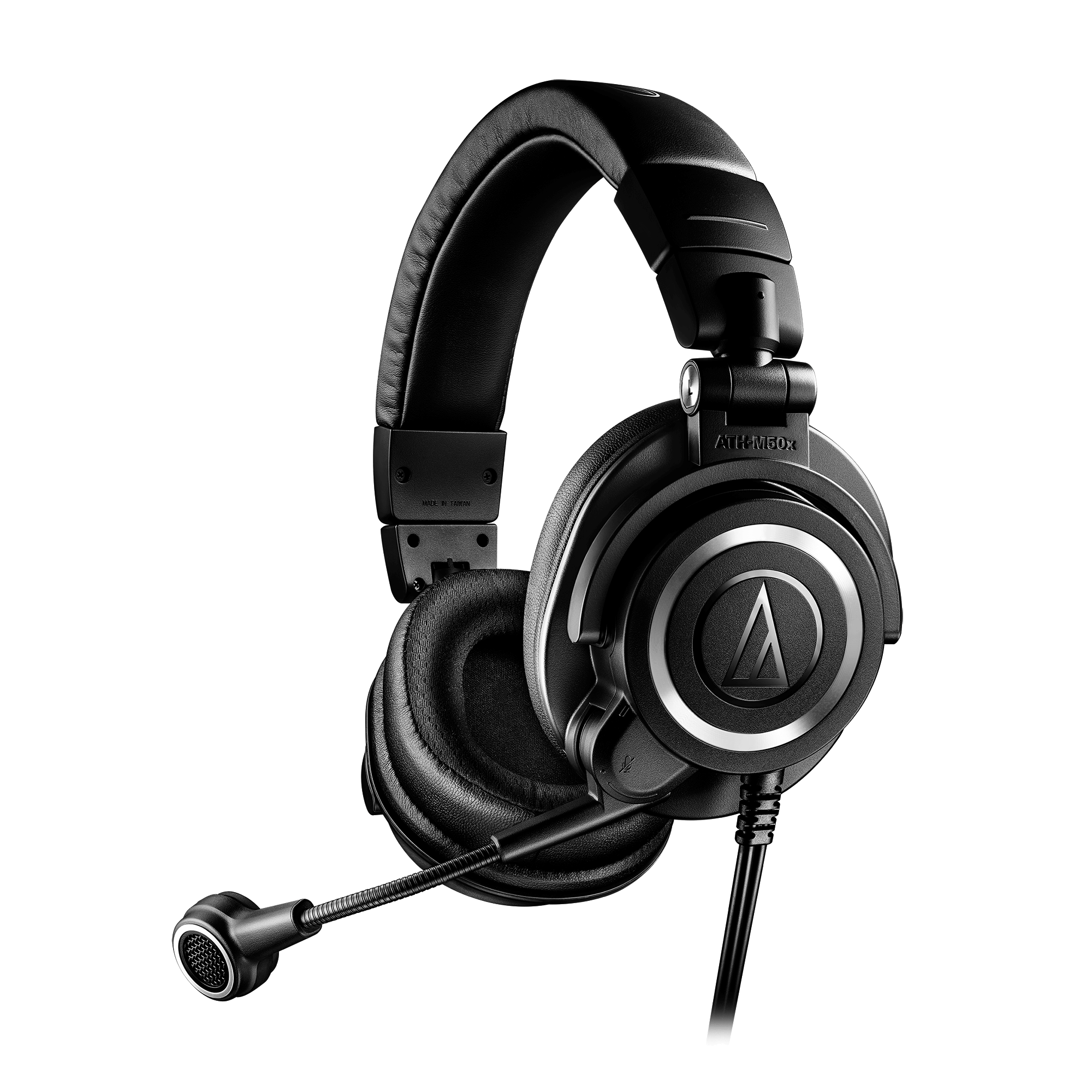
Absolutely, yes. This is one of the most significant factors when considering if are M50x good for gaming. The M50x are headphones, not a headset, meaning they do not come with an integrated microphone. For any form of multiplayer gaming, chatting with friends on Discord, or streaming, you will need a separate microphone setup. This could be a simple clip-on mic, a desk microphone, or a more advanced XLR setup if you're into streaming.
Many gamers opt for an affordable USB mic like the Blue Yeti or HyperX SoloCast, or a ModMic that attaches directly to the M50x. This additional purchase adds to the total cost but offers flexibility. You get to choose a mic that perfectly suits your communication needs without compromising on headphone audio quality. For gamers balancing life, having a clear mic for team calls during a quick Destiny 2 raid or a family-friendly Minecraft session is crucial for effective social play, a major draw for US gamers today.
What Accessories Enhance the M50x Gaming Experience
To truly optimize your M50x for gaming, a few accessories can make a world of difference. As mentioned, upgrading earpads is almost a necessity for long-term comfort. Beyond that, a good quality external microphone is essential. For audio, while the M50x can be driven by most onboard sound cards, an external Digital-to-Analog Converter DAC and amplifier combo can elevate the experience. A DAC bypasses your computer's potentially noisy internal sound card, providing cleaner audio, while an amp ensures the headphones receive enough power for optimal performance.
Even a simple USB DAC/amp combo, like the FiiO K3 or Schiit Fulla, can provide noticeable improvements in clarity and volume, making those crucial in-game audio cues more distinct. For console gamers, a good USB sound card with virtual surround sound capabilities can also be beneficial, providing a simulated wider soundstage that can aid in positional audio. These additions transform a great studio headphone into a formidable gaming audio setup, aligning with the performance optimization goals of many adult gamers.
Are M50x a Good Value for Gamers on a Budget
When considering if are M50x good for gaming, their value proposition is strong, especially for budget-conscious gamers. The M50x typically retail for around 150-170 USD, placing them firmly in the mid-range headphone category. For that price, you're getting a durable, professional-grade headphone known for excellent build quality and consistent sound. While adding a separate mic and potentially new earpads increases the initial investment, the longevity and versatility of the M50x often make it a smarter long-term purchase than a similarly priced gaming headset.
Gaming headsets in the same price range often make compromises on audio fidelity or build quality to include a mic and gaming aesthetics. The M50x allows you to invest in high-quality audio first, then add components as your budget allows. This modular approach is appealing to adult gamers who prioritize value for money and want hardware that can serve multiple purposes—gaming, music listening, work calls—without having to buy dedicated gear for each, fitting perfectly into a balanced lifestyle.
How to Optimize M50x Settings for Positional Audio in Games
Optimizing your M50x for better positional audio in games involves a few software and hardware tweaks. First, ensure your audio drivers are up to date. Many modern motherboards come with advanced audio software (like Realtek Audio Console or Nahimic) that allows for fine-tuning. Experiment with equalizer EQ settings; a slight boost in mid-range frequencies can make footsteps and environmental cues more prominent, while reducing bass slightly can clean up muddy sounds.
For games that support it, enabling spatial audio features like Windows Sonic Dolby Atmos or DTS HeadphoneX can significantly improve virtual surround sound. These technologies process stereo audio to simulate a 3D soundscape, making it easier to pinpoint enemy locations. While the M50x's natural soundstage is somewhat narrow, these software solutions can largely compensate, offering a competitive edge without needing a new headset. For console gamers, check your console's audio settings for similar spatial audio options.
Can M50x Be Used for Both PC and Console Gaming Seamlessly
Yes, the M50x are highly versatile and can be used with both PC and console gaming setups with relative ease. For PC, simply plug the 3.5mm jack into your computer's audio output. If you're using a separate DAC/amp, connect them to that. For consoles like PlayStation and Xbox, the 3.5mm jack plugs directly into the controller. This plug-and-play functionality is a huge plus for gamers who enjoy cross-platform play, a growing trend in 2026 with titles offering seamless progression across devices.
The detachable cable is also a great feature, allowing you to swap between the longer coiled cable for PC setups and the shorter straight cable for console controllers or mobile gaming. This flexibility makes the M50x an excellent choice for a gamer who wants one high-quality audio solution for all their platforms, minimizing clutter and maximizing convenience—a crucial factor for those balancing gaming with real-life demands.
Are There Any Drawbacks to Using M50x for Gaming
While the M50x offer many advantages for gamers, there are a few drawbacks to be aware of. The most significant is the lack of an integrated microphone, requiring an additional purchase and setup. Secondly, the out-of-the-box comfort can be an issue for some, necessitating an earpad upgrade for extended sessions. Thirdly, their closed-back design, while offering good passive noise isolation, results in a narrower soundstage compared to open-back headphones, which can be a slight disadvantage in competitive games requiring pinpoint spatial audio.
Finally, while their sound profile is accurate, some gamers might prefer a more
Audio Technica M50x gaming suitability explored Sound quality for gaming M50x comfort and modifications for long sessions External microphone necessity for M50x gaming M50x value proposition versus dedicated gaming headsets Alternatives for balanced gaming audio needs
35


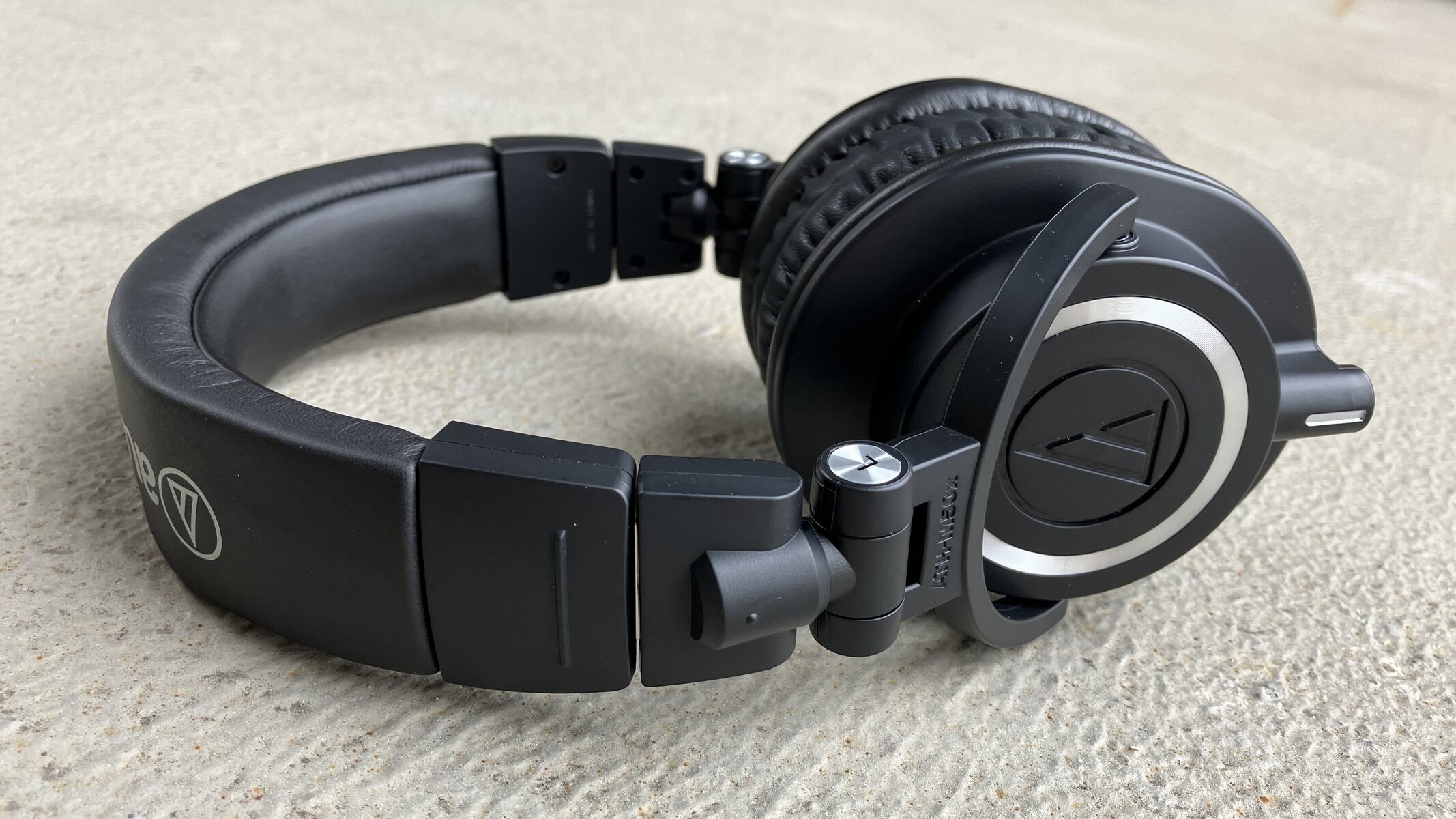
Audio Technica ATH M50X Monitoring Earphones Recording Ph 11134208 7ra0k. Audio Technica ATH M50X Headphones Broadcast Solutions Ath M50x 01 1.webp. Audio Technica ATH M50x Monitor Headphones Black ATH M50X B H Audio Technica Ath M50x Closed Back Studio 1024222 . ATH M50X Headphones Best Quality Wired Design For Gaming . Audio Technica ATH M50x GM YouTube

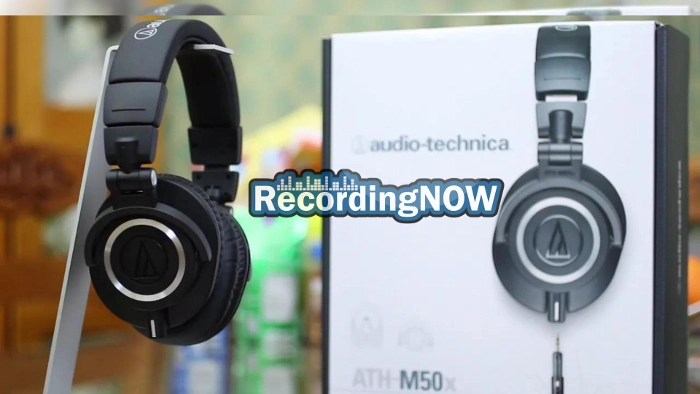
M50X Watch This First YouTube . How To Use Audio Technica M50X As Xbox One Gaming Headset Robots Net How To Use Audio Technica M50x As Xbox One Gaming Headset 1704246566 . 144 Best M50x Images On Pholder Headphones A Vexchange And . ATH M50x F R Studio Gaming Und Alltag Von Audio Technica B12musics ATH M50x Copy 1 1000x1333 . Audio Technica ATH M50x Review Still GOOD In 2025 Com Audio Technica M50x.webp


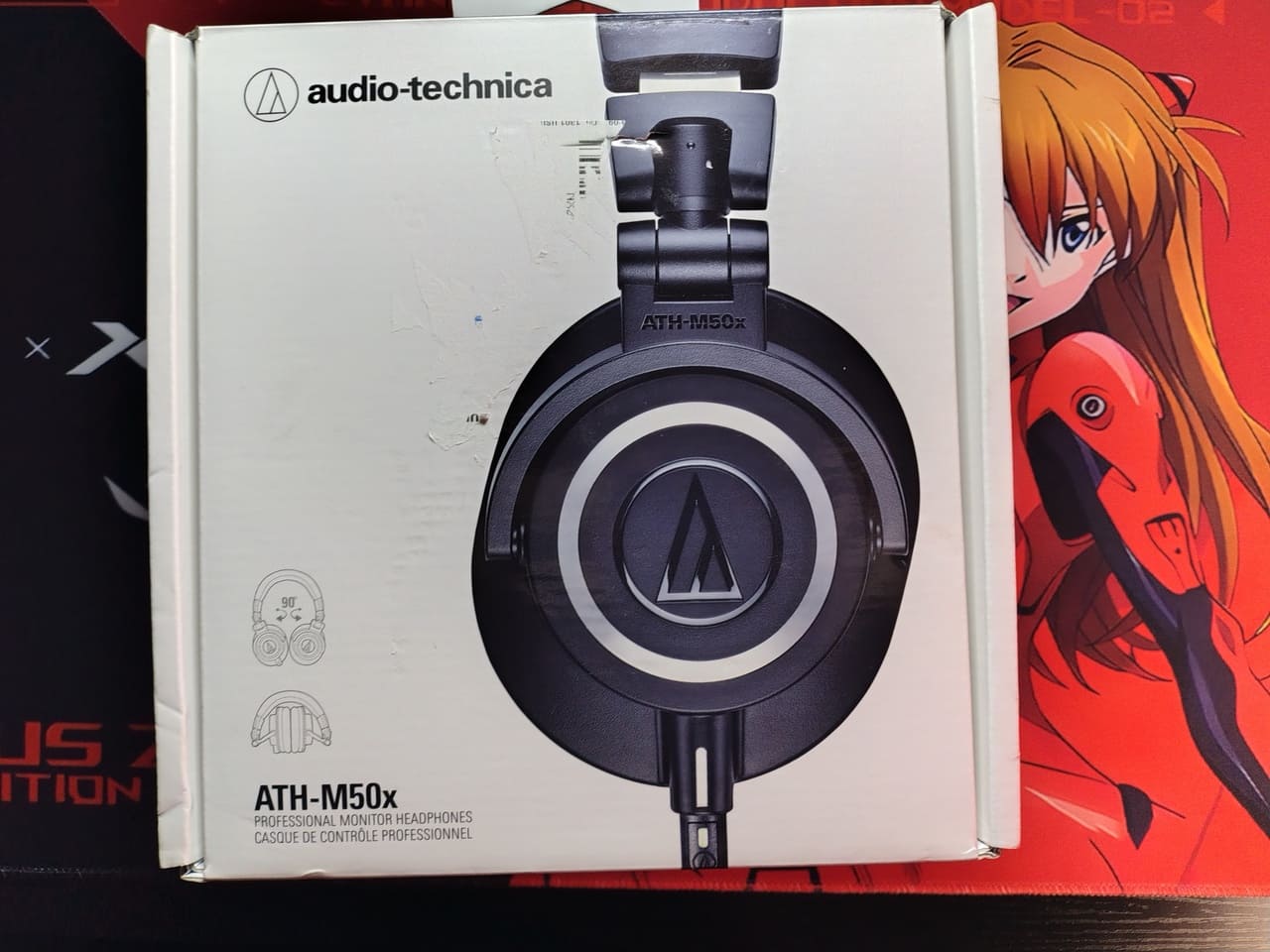

Audio Technica ATH M50X Vs M40X What S The Difference 8a0721 . Audio Technica ATH M40x Vs M50x Complete Guide Home Studio Basics M50 2 Scaled . Audio Technica ATH M50x ENSO Headphone 3 Jutaan Rupiah Edisi Terbatas Audio Technica ATH M50x ENSO 4.webp. An Lisis Audio Technica ATH M50x El Cl Sico De Estudio Que Engancha IMG 20260309 193034333 HDR . Audio Technica M50x Vs M40x Headphones Which Is Better For You YouTube


Does A 100 Difference Matter Audio Technica ATH M50X And M20X . Is The ATH M50X Good For Gaming Bass Head Speakers Is The ATH M50X Good For Gaming . ATH M50x Studio PRO Or Just Overhyped Honest Review YouTube . Comparing Audio Technica ATH M20X M30X M40X M50X Headphones Audio Technica ATH M40X Headphones In Hand 1080x720 . Top 10 Most Anticipated Games Of 2026 What To Watch Out For TVN GAMES IN 2026



Best Headphones For Music Gaming 2026 One Headset For Both ChatGPT Image 6. Jan. 2026 21 57 34 . What Ryzen CPU Is Best For Gaming 2026 Be Gaming PC Guru Best Noise Cancelling Gaming Headphones Featured 800x500 . Xbox Game Showcase 2026 Trailers Release Dates TAFT Independent 2026 Video Game Release Dates Post Feature Image . Top Gaming Headsets For 2026 GAMES GG Top Gaming Headsets For 2026 59c0382d8b . Best Gaming Setup 2026 Monitors Chairs More ESports Gear Webp




The 3 Best Gaming Mice Of 2026 Precision Performance The 3 Best Gaming Headsets Of 2026 . The CES 2026 Gaming Lineup That Set The Bar For The Year Ahead Gadget Csm AdobeStock 285904462 KONZERN ST BNG Bearbeitet 01 67bfdf7916 . Best Gaming PC Builds For 2026 Best Gaming PC Builds For 2026.webp. The Best Gaming Phones For 2026 The Best Gaming Phones For 2025 Hacr . 2026 Xbox Game Pass KOREA Xbox Game Pass In 2026 The Full List Of Everything Announced So Far.900x



Audio Technica M50x M40x M20x Which One S Right For You YouTube . 6 Best Gaming Keyboards 2026 Gaming Net Steel Series 2 . Buy Audio Technica M50X Studio Headphones Deep Sea ATH ATH M50X DS Audio Technica M50x Studio Headphones Deep Sea Product1 . Streaming Headset ATH M50xSTS StreamSet Audio Technica Audio Technica Ath M50xsts 01 . Audio Technica M50x The Gateway To Modding R Audio Technica M50x The Gateway To Modding V0