Unlock the power of cloud gaming for your favorite Call of Duty titles with this comprehensive guide on playing Call of Duty GeForce Now. In 2026, as 87% of US gamers spend an average of 10+ hours weekly immersed in digital worlds, many seek high-performance gaming without the prohibitive cost of top-tier hardware. GeForce Now offers a revolutionary solution, streaming blockbuster games like Call of Duty directly to almost any device. This trending resource explores how GeForce Now delivers an unparalleled, low-latency experience, ensuring you're always ready for action, whether on a budget PC, a Mac, or even a mobile device. Discover setup tips, performance optimizations, and why this service is rapidly becoming the go-to for competitive and casual CoD players alike, enabling seamless cross-play and social gaming without compromise. Get ready to dominate the battlefield, no expensive upgrades required.
What is the real latency like playing competitive Call of Duty on GeForce Now's Ultimate tier, truly?For most competitive CoD players on a stable fiber internet connection with a wired Ethernet, the input latency on GeForce Now's Ultimate tier is surprisingly low and often indistinguishable from a local PC for many. While a professional esports player might detect a minuscule difference, the average skilled player finds the response time more than adequate for fast-paced gunfights and precise aim. NVIDIA's optimized servers and network infrastructure are designed to minimize this, making it a viable option for serious play.
Can I use my existing Call of Duty account and progression when I play through GeForce Now?Absolutely, yes! GeForce Now simply provides the computing power to run the PC version of your Call of Duty games. You'll log in using your established Steam or Battle.net credentials, and then your Activision ID. All your existing progression, unlocked weapons, operators, battle pass status, and in-game purchases are tied to your Activision ID, not to your hardware or cloud service. So, everything carries over seamlessly, letting you pick up exactly where you left off.
Does GeForce Now support controllers, and how good is the experience for Call of Duty players who prefer them?Yes, GeForce Now offers excellent controller support for Call of Duty. Whether you're using an Xbox, PlayStation, or other compatible PC controller, it will be recognized and function just as if you were playing locally. Many mobile gamers even connect their controllers via Bluetooth for a console-like experience on their phone or tablet. The input lag for controllers is generally very good, making it a comfortable and competitive option for controller-preference CoD players.
What if my internet connection isn't perfectly stable? Will I still have a good CoD experience on GeForce Now?A perfectly stable and fast internet connection is crucial for the best Call of Duty GeForce Now experience. If your connection is unstable, you might encounter visual artifacting, resolution drops, increased latency, or even disconnects, which can be detrimental in a competitive game. While GeForce Now does have some adaptive streaming technologies, consistent instability will degrade the experience. We highly recommend a wired connection and as much bandwidth as possible for CoD.
Are all Call of Duty titles available on GeForce Now, including older ones like Black Ops 2 or Modern Warfare 2 (2009)?While the recent Activision Blizzard partnership brought many popular Call of Duty titles to GeForce Now, it primarily focuses on newer and actively supported titles like Modern Warfare III, Warzone, and Black Ops 6 (upon release). Older, classic titles like the original Black Ops 2 or Modern Warfare 2 (2009) are generally not available through GeForce Now, as the agreement usually covers titles that are still widely played and supported by their respective PC launchers. Always check the official GeForce Now game library for the most current list.
Can I play Call of Duty on GeForce Now if I only own it on a console like PlayStation or Xbox?Unfortunately, no. GeForce Now streams the PC versions of games. This means you must own the Call of Duty title on a supported PC digital storefront like Steam or Battle.net to play it through the service. Your console purchases do not transfer to GeForce Now, as it does not emulate console ecosystems. It's a PC cloud gaming service, so your PC game library is what matters.
How do I manage my friends list and invite people to my squad when playing CoD on GeForce Now?Since you're playing the PC version of Call of Duty, your friends list and squad management work exactly as they would on a local PC. You'll use the in-game social features, whether through the Battle.net launcher overlay or directly within the Call of Duty game itself, to view your friends, invite them to your party, and communicate. GeForce Now doesn't replace these in-game social systems; it simply streams the environment where you access them.
Hey fellow gamers! Ever find yourself scrolling through the latest Call of Duty trailers, hyped for the new season or the next big release, only to sigh at the thought of your aging rig struggling to keep up? You're not alone. In 2026, with an estimated 87% of US gamers spending over 10 hours a week in virtual worlds, the desire for high-fidelity gaming is universal, but the budget for cutting-edge hardware isn't. What if I told you there's a way to play Call of Duty with maxed-out settings, buttery-smooth frame rates, and competitive latency, all without dropping thousands on a new PC? Enter Call of Duty GeForce Now. It's like having a top-tier gaming rig in the cloud, ready to stream your favorite CoD titles directly to almost any device you own. Let's dive into how this game-changing service works for your favorite shooter.
Is Call of Duty on GeForce Now?
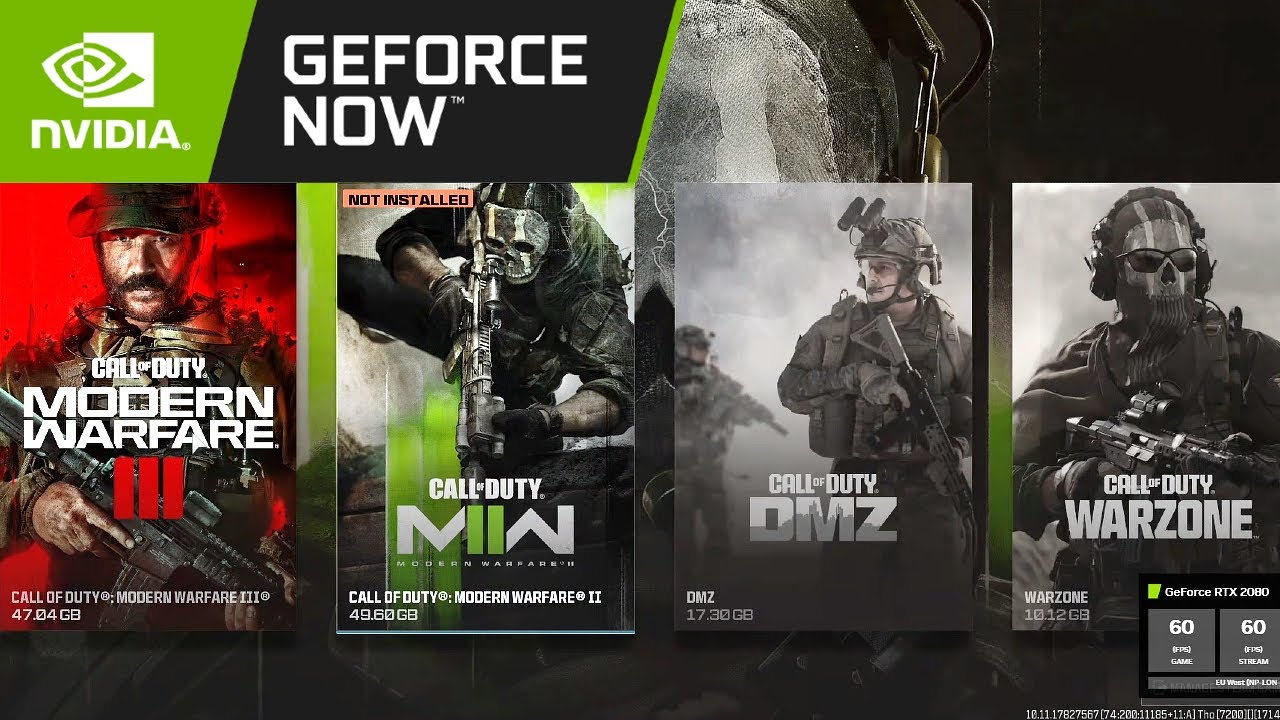
Yes, absolutely! Following Microsoft's acquisition of Activision Blizzard, a significant partnership was forged with NVIDIA, bringing many beloved Activision Blizzard titles, including Call of Duty, to the GeForce Now platform. This means that if you own supported Call of Duty games on PC platforms like Steam or Battle.net, you can now stream them directly through GeForce Now. It's a fantastic development, especially for those who want to jump into the latest Warzone, Modern Warfare III, or Black Ops 6 with premium performance, regardless of their local hardware. This integration ensures that your existing game library is leveraged, making the transition seamless for millions of players.
How to Play Call of Duty on GeForce Now?
Getting into the action with Call of Duty GeForce Now is straightforward, even if you're new to cloud gaming. Here's a step-by-step guide:
Sign Up for a GeForce Now Account: First things first, you'll need an NVIDIA GeForce Now account. They offer different membership tiers, including a free tier to try it out, and premium tiers like Priority and Ultimate for better performance, longer session times, and access to RTX 4080-level graphics. For Call of Duty, especially competitive modes, a premium tier is highly recommended for optimal experience.
Download the GeForce Now App: While you can play through a web browser, the dedicated GeForce Now application for Windows, macOS, Android, iOS/iPadOS, ChromeOS, and even specific Smart TVs offers the best experience. Download and install it on your preferred device.
Link Your Game Stores: Open the GeForce Now app and log in. You'll need to link your Steam and/or Battle.net accounts within the GeForce Now settings. This tells GeForce Now which games you own, allowing it to prepare them for streaming.
Search for Call of Duty: Use the search bar in the GeForce Now app to find the specific Call of Duty title you want to play (e.g., "Call of Duty: Warzone", "Call of Duty: Modern Warfare III").
Launch and Play: Select the game and click "Play." GeForce Now will then connect you to a powerful cloud gaming rig. You might need to log into your Steam or Battle.net account again within the streaming session the first time you launch a game, but it usually remembers your credentials for subsequent sessions. Once connected, your game will launch, and you're ready to dive into the action!
Why Choose GeForce Now for Call of Duty?
For many gamers, GeForce Now for Call of Duty isn't just a convenience; it's a necessity, especially among the 20-45 age group who balance gaming with work and life. Here's why it's a game-changer:
Unmatched Performance on Any Device: Gone are the days of needing a monster PC. GeForce Now streams Call of Duty from high-end NVIDIA servers, meaning you get access to top-tier GPUs (up to RTX 4080 with the Ultimate tier) even on an old laptop, a Mac, a mobile phone, or a cheap Chromebook. This ensures competitive frame rates and stunning visuals, crucial for a fast-paced shooter like CoD.
Cost-Efficiency: A new gaming PC capable of running the latest CoD titles at high settings can cost thousands. GeForce Now offers a subscription model that's a fraction of that cost, giving you access to premium hardware without the upfront investment or constant upgrade cycle.
Accessibility and Portability: With mobile gaming dominating nearly 60% of the US market, playing CoD on the go or even on your tablet is a huge draw. GeForce Now makes Call of Duty truly portable. As long as you have a stable internet connection, your battlefield is wherever you are.
Social Gaming and Cross-Play: Many Gen Z and Millennial gamers use Discord and in-game chats to socialize. Since you're playing the PC version of Call of Duty, full cross-play functionality is retained. You can squad up with friends on PC, PlayStation, or Xbox just as you normally would, fostering that vital social connection.
Instant Access and No Downloads: Forget waiting hours for massive Call of Duty updates or downloads. GeForce Now keeps the games updated on their servers, so you can jump straight into the latest season or event without any delays.
What are the Performance Expectations for CoD on GFN?
Performance on Call of Duty GeForce Now can be incredibly impressive, often mirroring or exceeding what many local high-end PCs deliver. Here's what to expect:
Frame Rates: With an Ultimate membership, you can expect stable frame rates up to 240 FPS for competitive titles like Call of Duty, especially on a 120Hz or 240Hz monitor. Priority members typically see up to 60 FPS, which is still smooth and highly playable for most. The actual frame rate will depend on your internet connection and chosen server.
Resolutions: Ultimate members can stream up to 4K resolution at 120 FPS or 1080p at 240 FPS, while Priority members typically get 1080p at 60 FPS. Again, a stable internet connection is key to maintaining these resolutions without quality drops.
Internet Requirements: This is perhaps the most critical factor. NVIDIA recommends a minimum of 15 Mbps for 720p at 60 FPS, 25 Mbps for 1080p at 60 FPS, and at least 35-50 Mbps for 4K streaming or higher frame rates. A wired Ethernet connection is always superior to Wi-Fi for stability and reducing latency, which is paramount in Call of Duty.
Latency: One of the biggest concerns for competitive CoD players is input lag. GeForce Now's optimized network and server locations aim to minimize this. While there will always be *some* inherent latency in cloud gaming, many users report it being negligible, especially on premium tiers with a strong internet connection. For top-tier competitive play, local hardware might still have a tiny edge, but for most, GFN is more than sufficient.
Who Benefits Most from Call of Duty GeForce Now?
A wide range of gamers can significantly benefit from playing Call of Duty on GeForce Now:
Budget-Conscious Gamers: Those who can't afford a new high-end gaming PC but want to experience CoD at its best.
Mac Users: With Mac traditionally having limited gaming options, GeForce Now opens up the entire PC CoD library with excellent performance.
Laptop/Chromebook Owners: Transform an everyday device into a powerful gaming machine without any local hardware upgrades.
Mobile Gamers: Leverage the growing trend of mobile gaming to play full PC CoD titles on phones and tablets with a controller.
Casual & Social Gamers: Players who want to jump in for a few rounds with friends after work without extensive setup or maintenance.
Gamers on the Go: If you travel frequently or want to game from different locations, GFN offers unparalleled flexibility.
Content Creators/Streamers: While streaming from a local PC is often preferred, GFN can be a viable option for those without powerful local encoding hardware, or for showcasing gameplay from different setups.
When Can I Play New Call of Duty Titles on GeForce Now?
With the Activision Blizzard partnership, new Call of Duty titles are generally expected to be available on GeForce Now shortly after their PC launch on platforms like Steam or Battle.net. This means you won't be left behind when the next big CoD drops, like the rumored Black Ops 6 or future iterations. NVIDIA and Microsoft are committed to bringing these games to the cloud rapidly, ensuring GeForce Now subscribers can experience the latest content alongside traditional PC players. Always keep an eye on official GeForce Now announcements and your app for the most up-to-date information regarding new game additions.
Where Can I Access GeForce Now for CoD?
The beauty of GeForce Now is its wide accessibility across various devices and regions:
Supported Devices:
Windows PCs
macOS devices (MacBooks, iMacs)
Android phones and tablets
iOS/iPadOS devices (via Safari browser)
Chromebooks
NVIDIA SHIELD TV
Select LG, Samsung, and Hisense Smart TVs
Web browsers (Chrome, Edge)
Regions: GeForce Now is available in over 100 countries across North America, Europe, and Asia, thanks to NVIDIA's own data centers and partnerships with telecommunication companies. To ensure the best performance, GeForce Now automatically connects you to the closest available server. You can also manually select servers if you suspect a closer or less congested one is available.
How to Optimize Your GeForce Now Experience for Call of Duty?
Even with cloud gaming, a few tweaks can elevate your Call of Duty GeForce Now experience from good to phenomenal:
Wired Internet Connection: This is non-negotiable for competitive CoD. An Ethernet cable dramatically reduces latency and packet loss compared to Wi-Fi, providing a more stable and responsive connection.
High-Speed Internet: Ensure your internet plan meets or exceeds NVIDIA's recommended speeds. A fiber connection is ideal if available in your area.
Router Optimization: If using Wi-Fi (though not recommended for competitive play), ensure your router is up-to-date, preferably Wi-Fi 6 compatible, and that your device is close to it. Prioritize your gaming device's traffic using Quality of Service (QoS) settings on your router.
Select the Closest Server: In the GeForce Now settings, manually check and select the server location closest to you for the lowest possible ping.
In-Game Settings: While GeForce Now handles the heavy lifting, you can still adjust in-game graphics settings. For competitive play, reducing some visual effects might give you a slight edge in visibility and maintain rock-solid frame rates, even if your GFN tier could handle higher settings. Experiment to find your sweet spot.
Disable VPNs: A VPN can add significant latency. Disable it when playing Call of Duty on GeForce Now.
Use a Good Gaming Controller/Keyboard & Mouse: While any peripheral works, a low-latency gaming mouse and keyboard or a responsive controller will make a difference in competitive play.
Is Call of Duty Cross-Platform on GeForce Now?
Yes, absolutely! When you play Call of Duty on GeForce Now, you are essentially streaming the PC version of the game. This means all the existing cross-play functionality that is built into Call of Duty titles will work seamlessly. You can squad up with your friends who are playing on other PC platforms, PlayStation consoles, or Xbox consoles without any issues. GeForce Now doesn't change the game's core architecture; it simply delivers the PC gaming experience to you through the cloud.
What About In-Game Purchases and Battle Passes?
Everything related to your Call of Duty account, including in-game purchases, battle passes, weapon unlocks, operator skins, and progression, functions exactly as it would if you were playing on a local PC. Since you're logging into your existing Steam or Battle.net account and then into your Activision ID, all your progress and purchased content are tied to those accounts, not to GeForce Now itself. So, feel free to buy that new bundle or grind out your battle pass levels – it all carries over and is accessible through GeForce Now.
Call of Duty GeForce Now: The Future of Your Battle Pass Grind
The landscape of gaming is constantly evolving, and cloud services like GeForce Now are at the forefront, solving real-world problems for modern gamers. From balancing work and life to stretching budgets, being able to jump into the latest Call of Duty with friends on any device is a huge win. The days of needing to buy a new graphics card every two years just to keep up are rapidly fading. GeForce Now empowers you to game smarter, not harder.
We hope this guide helps you unlock the full potential of Call of Duty on GeForce Now. Get out there, dominate the leaderboards, and connect with your squad, knowing you've got a powerful rig in the cloud backing you up!
If you're looking for more tips or have questions, drop a comment below. Share this guide with your gaming buddies, and don't forget to sign up for our newsletter for the latest gaming tech insights and exclusive content!
Call of Duty on GeForce Now provides high-performance cloud gaming without the need for expensive hardware. Users can stream various CoD titles directly to budget PCs, Macs, or mobile devices. The service leverages powerful Nvidia servers for low-latency gameplay and stunning graphics. It's a cost-effective solution for accessing the latest CoD games, supporting cross-play functionality. GeForce Now integration allows players to utilize their existing game libraries from platforms like Steam and Battle.net.
35


Call Of Duty Se Podr Jugar En GeForce Now Durante 10 A Os Tras El Call Of Duty Geforce Now .webp. Call Of Duty Black Ops 6 Geforce Now Ultimate RTX 4080 120Hz Test . What Would CALL Of DUTY Look Like On GeForce Now ULTIMATE YouTube . Unveiling CALL Of DUTY On GeForce NOW Big Updates Discount Offers Hqdefault . GeForce Now Accueille Call Of Duty Et Modern Warfare III Se Pr Pare


ABYA . How Many Call Of Duty Are Available To Play On GeForce NOW YouTube . 12 NVIDIA GeForce NOW Call Of Duty Black Ops 7 Anno 117 . Call Of Duty 2026 Call Of Duty 2026 . How To Play CoD On NVIDIA GeForce Now Warzone MW3 More Charlie INTEL How To Play Call Of Duty Nvidia Geforce Now


NVIDIA Ampl A GeForce NOW En CES 2026 Con Apps Nativas HOTAS Y Nuevos AAA GeForce NOW Captura 2 . GeForce NOW To Add Call Of Duty Black Ops 7 Anno 117 Pax Romana And GFN Thursday Nov 6 HD 1920x960 . CALL OF DUTY En GEFORCE NOW YA DE YA Las Noticias De DICIEMBRE De . Nvidia GeForce Now En Novembre 2025 Voici Les 23 Nouveaux Jeux Du Illustres Catalogue Geforce Now Novembre 2025 2 . GeForce NOW Caps 2025 With Hogwarts Legacy Call Of Duty And A Major GeForce NOW December 2025 Games And Sale 20251205 043032

Kaufe Call Of Duty 2026 PC Call Of Duty 2026 Pc Spiel Cover . GDC 2026 NVIDIA Revela Novedades Para Plataformas En GeForce NOW Banner Noticia GeForce GDC 2026 . CALL OF DUTY 2026 Global War Ignited Chris Hemsworth Denzel . RUMOR Leak Call Of Duty 2026 Bocor Di Publik Leak Call Of Duty 2026 3.webp. GeForce NOW February 2026 24 Games Mark 6th Anniversary Geforce Now 6th Anniversary Delta Force February 2026
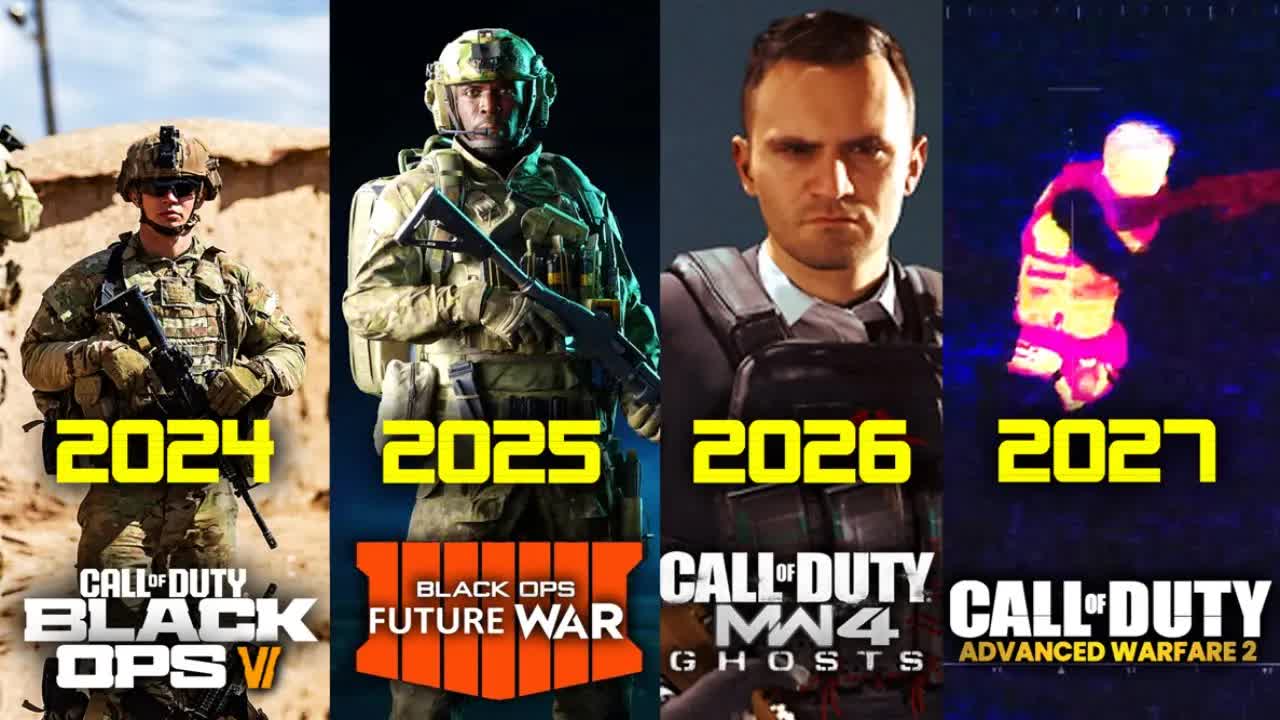


Call Of Duty Games Have Been Added To The GeForce Now Library New And Upcoming Games For Geforce Now 2 . The NEXT 4 Call Of Duty S Line Up JUST CHANGED Call Of Duty 2024. Call Of Duty 2026 Gets Update From Trusted Leaker. Call Of Duty Mobile Siapkan Ekosistem Esports 2026 Dari Community Call Of Duty Mobile Esports Roadmap 2026 1 1 08e36 9fd382e2 . Call Of Duty 2026 Detonated Dtndmw4 1 1536x864
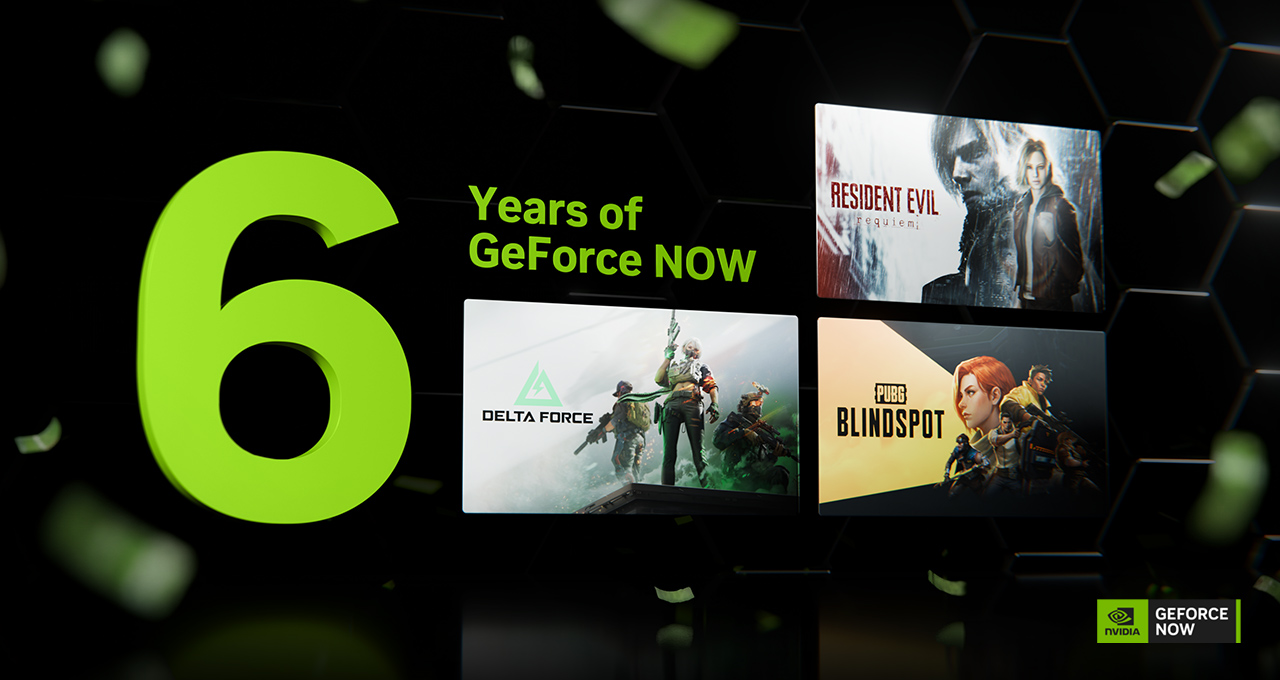
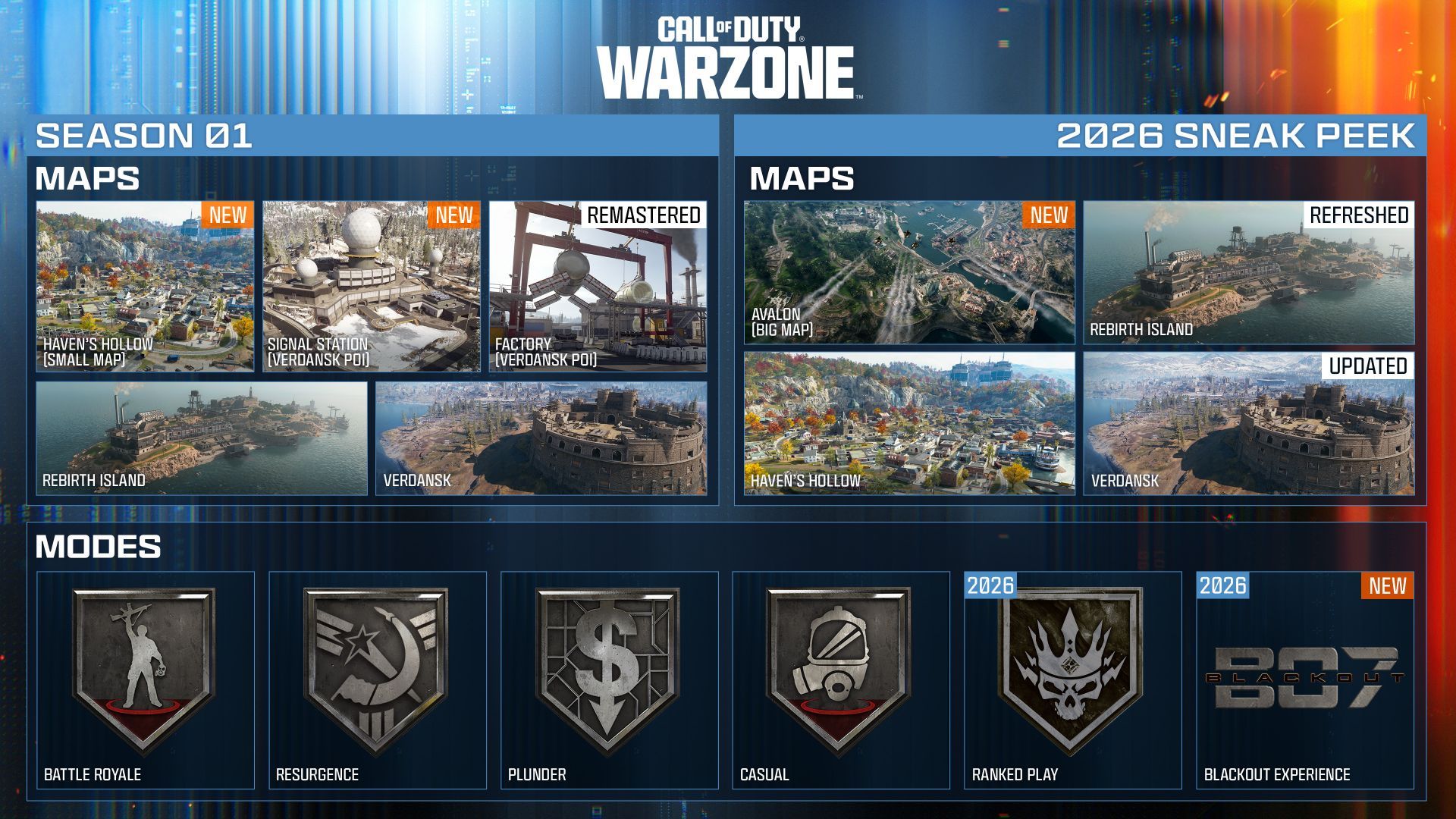

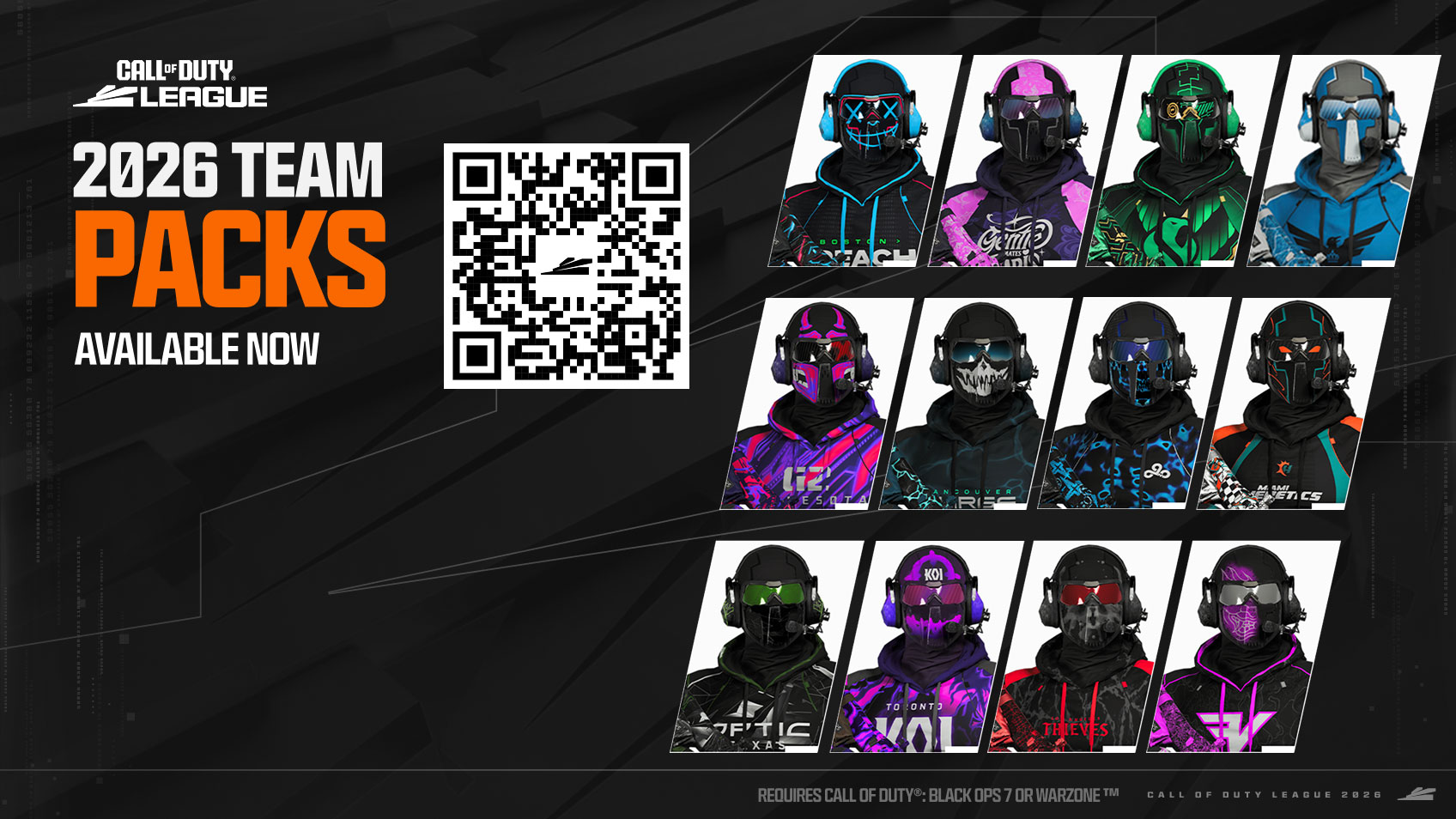
GFN Thursday GeForce NOW Sixth Anniversary NVIDIA Blog Gfn Thursday 6yr Anniversary Nv Blog 1280x680 Logo . Call Of Duty Is Bringing Back Blackout In 2026 Season 1 And 2026 Roadmap Call Of Duty Warzone . 20 Games Coming To GeForce NOW In April 2026 TechWiser Games Coming To GeForce NOW.webp. Call Of Duty Switch 2 Game World GANK . Call Of Duty Teams 2026 Team Packs MOTD




GeForce NOW 2025 Hogwarts Legacy Call Of Duty . Nvidia App Beta Download Nvidia App Call Of Duty Geforce Rewards . Nvidia GeForce Now En F Vrier 2026 Voici Les 24 Nouveaux Jeux Qui Nvidia Geforce Now En Fevrier 2026 Voici Les 24 No Nvidia Geforce Now En Fevrier 2026 Voici Les 24 No. Call Of Duty Black Ops 6 Sur GeForce Now D S Le Lancement Call Of Duty Black Ops 6 Geforce Now . Call Of Duty 2026 Story And Setting Leaked Ahead Of Reveal Esports 121650902