Are gaming laptop fans loud? This is a common question and concern for many gamers, especially those who balance their passion for gaming with daily responsibilities. Modern gaming laptops pack incredible power into compact chassis, making efficient cooling a necessity. This article dives deep into why your gaming laptop might sound like a jet engine, offering practical, actionable solutions to reduce fan noise without sacrificing performance. We will explore everything from hardware maintenance and software optimizations to external cooling solutions and smart purchasing decisions. For US gamers, who often dedicate over 10 hours a week to gaming and prioritize immersive experiences and social connections, understanding and managing fan noise is crucial for maintaining focus and enjoying game sessions without distraction. Discover how to keep your rig cool and quiet, ensuring your gaming remains a relaxing and fun escape.
Why do gaming laptops make so much noise?
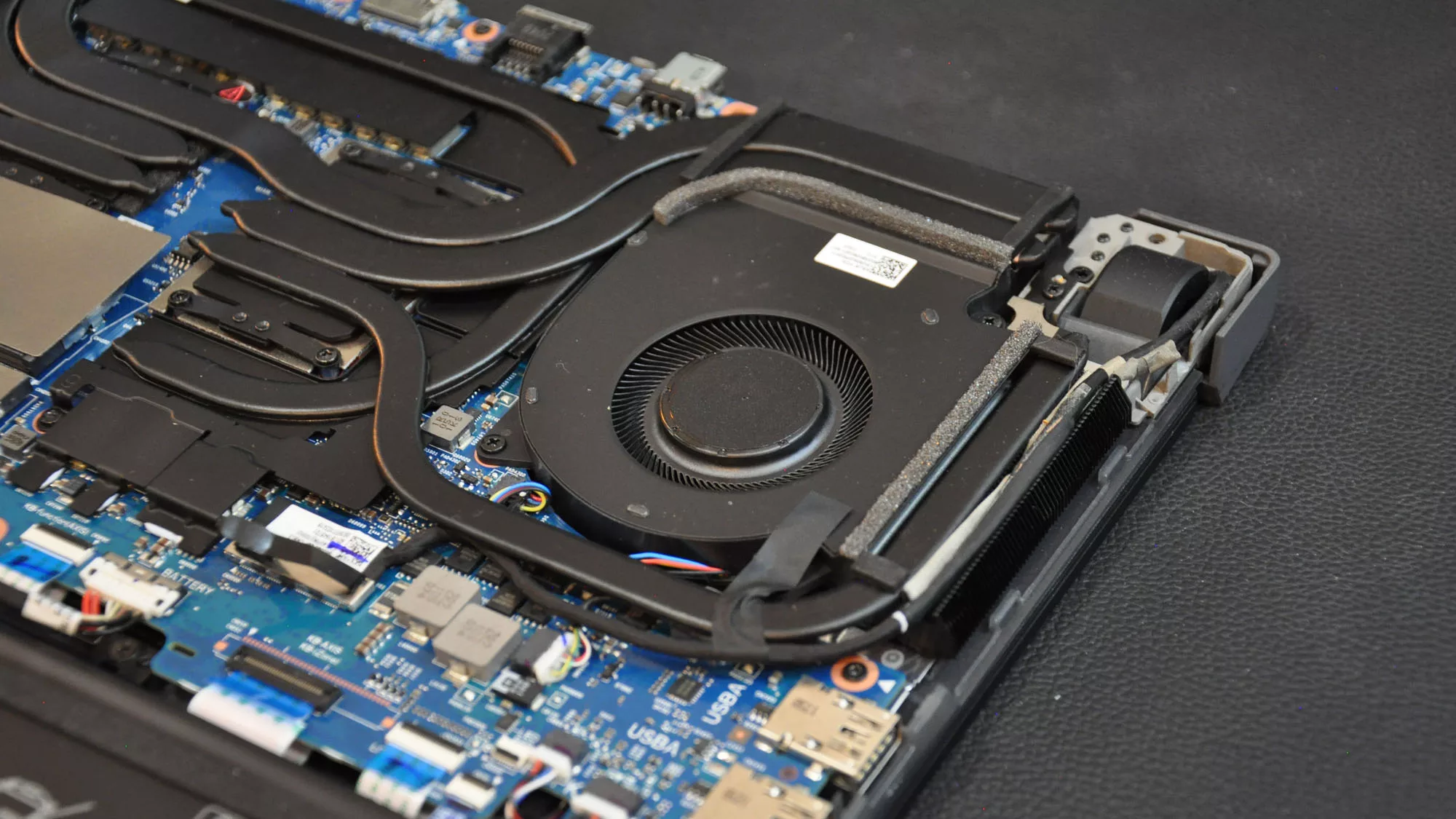
Gaming laptops are essentially powerful desktop computers squeezed into a compact, portable form factor. This means high-performance CPUs and GPUs, which generate significant heat, are packed closely together. To prevent these components from overheating and throttling performance, the laptop's cooling system, primarily its fans, must work aggressively to expel hot air. Smaller fans need to spin faster and louder to move the same volume of air as larger desktop fans, especially when running graphically intensive games that push hardware to its limits. This design necessity makes fan noise a common byproduct of high-performance mobile gaming.
Is it normal for my gaming laptop to sound like a jet engine when playing games?
Yes, to a certain extent, it's quite normal for a gaming laptop to sound like a 'jet engine' or a loud whirring fan when you're heavily engaged in gaming. This noise indicates that your cooling system is fully engaged, actively dissipating the intense heat generated by your CPU and GPU. Modern games push hardware limits, and the fans are merely doing their job to protect your components from thermal damage and maintain peak performance. It's a necessary trade-off for the powerful gaming experience in a portable package. However, if it's excessively loud during light tasks, or if you hear grinding or rattling, then there might be an issue.
How can I reduce the fan noise on my gaming laptop?
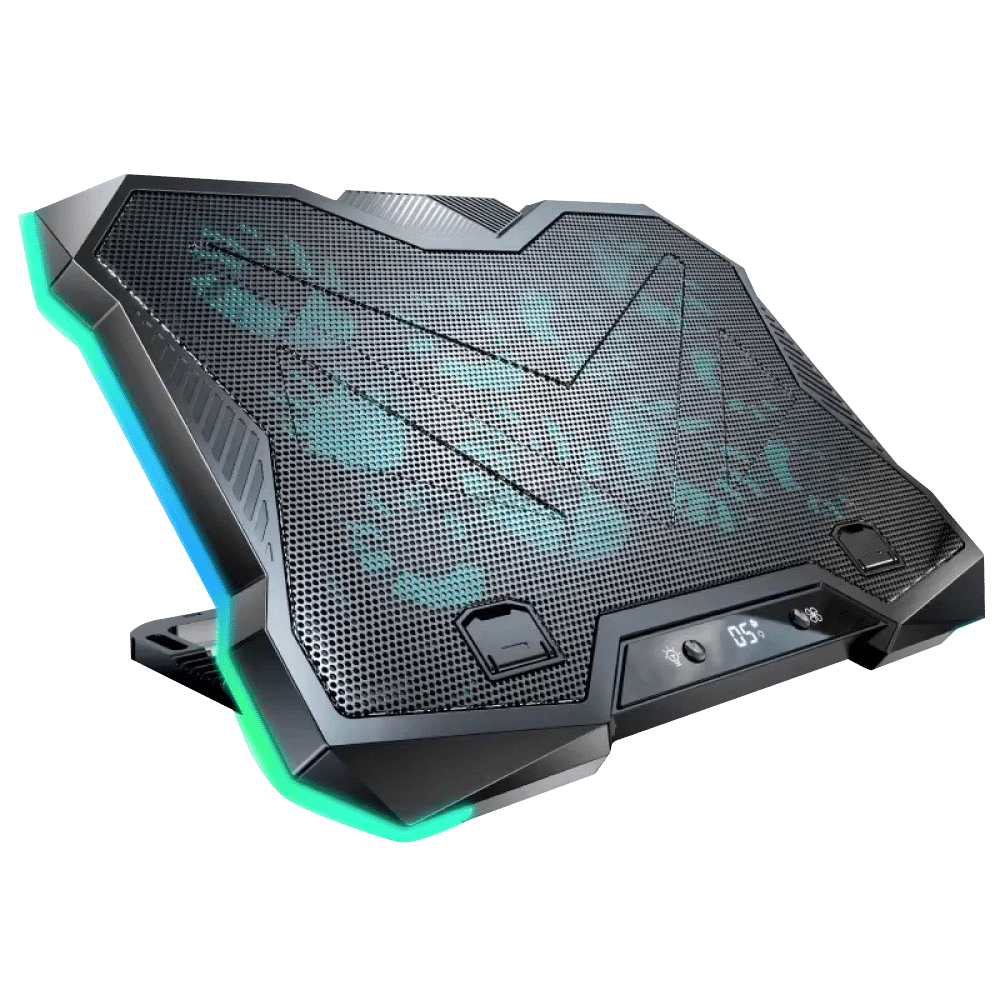
There are several effective ways to reduce gaming laptop fan noise. First, perform regular maintenance by cleaning dust from the vents, fan blades, and heatsinks using compressed air. Dust buildup obstructs airflow, making fans work harder. Second, consider software solutions like undervolting your CPU/GPU, which reduces heat generation without significant performance loss. Most gaming laptops also have proprietary software allowing you to choose 'Silent' or 'Quiet' fan profiles. Third, use a laptop cooling pad; these external fans improve airflow to the laptop's underside, lowering internal temperatures and reducing the need for internal fans to spin as fast.
When should I be concerned about my gaming laptop's fan noise?
While some noise is normal, you should be concerned if the fan noise is constantly excessive even during light tasks like browsing, if it's accompanied by grinding, rattling, or whining sounds (indicating a potential mechanical issue or obstruction), or if the laptop feels unusually hot despite the loud fans. Additionally, sudden increases in fan noise coupled with noticeable performance drops, frequent crashes, or system instability could signal a significant cooling problem, malware, or a failing component. Addressing these early can prevent further damage and maintain your laptop's longevity.
Does a cooling pad actually help quiet a gaming laptop?
Yes, a good quality laptop cooling pad can absolutely help quiet a gaming laptop. By providing additional, external airflow to the laptop's intake vents, a cooling pad assists in dissipating heat more efficiently. This supplementary cooling means your laptop's internal fans don't have to work as hard or spin as fast to maintain optimal temperatures. As a result, the internal fan noise often decreases significantly. While it won't eliminate noise entirely, it's a cost-effective and easy-to-implement solution for many gamers looking to reduce the intrusive sounds of their machine during intense gaming sessions.
Can I undervolt my gaming laptop to make it quieter, and is it safe?
Yes, undervolting your gaming laptop's CPU or GPU can make it quieter, and when done correctly, it is generally safe. Undervolting involves reducing the voltage supplied to your components while maintaining their clock speed. Less voltage means less power consumption, which directly translates to less heat generated. With less heat, your laptop's fans don't need to spin as fast or as loudly. If you undervolt too aggressively, your system might become unstable and crash, but this won't cause permanent damage; a simple reboot will usually revert settings. Use tools like ThrottleStop (for CPU) or MSI Afterburner (for GPU) and make incremental adjustments, testing for stability each time. It's a popular and effective method for optimizing acoustics and thermals.
What are the best settings in my laptop's software to reduce fan noise?
Most gaming laptops come with proprietary software (e.g., ASUS Armoury Crate, MSI Dragon Center, Alienware Command Center) that offers specific settings to manage fan noise. The 'best' settings usually involve choosing a 'Silent' or 'Quiet' mode profile, which prioritizes lower fan speeds and acoustics over maximum performance. While this might slightly reduce frame rates, it significantly cuts down noise. Some advanced users can create custom fan curves, manually setting temperature thresholds for fan speed increases. Additionally, ensuring your operating system's power plan is set to 'Balanced' or 'Power Saver' when not gaming can prevent unnecessary fan activity during light use, keeping things quieter overall.
Hey fellow gamers! Ever found yourself deep in a critical match or immersed in a breathtaking single-player world, only for your gaming laptop to suddenly sound like it's preparing for takeoff? You're not alone. The question 'are gaming laptop fans loud' is one that echoes across Discord channels and search bars, especially for us who balance a demanding career, family life, and still carve out precious hours for our favorite digital escapes. We love the thrill of high frame rates and stunning graphics, but that incessant fan whir can really break the immersion, or worse, annoy everyone else in the house. As about 87% of US gamers regularly dedicate over 10 hours a week to gaming, we know that a smooth, quiet experience is key to truly unwinding.
Modern gaming laptops are engineering marvels, cramming powerful CPUs and GPUs into surprisingly slim packages. All that raw power generates a lot of heat, and heat, my friends, is the enemy of performance and component longevity. So, those fans spin faster and louder to keep everything cool. But what if you could have your cake and eat it too? What if you could enjoy peak performance without the distracting din? This guide is your ultimate resource, packed with practical, no-nonsense advice to help you tame the roar of your gaming laptop fans, optimize your setup, and get back to enjoying your games in peace. We'll cover everything from simple tweaks to essential maintenance, ensuring your machine stays cool, quiet, and ready for action. Let's dive in!
Why are gaming laptop fans so loud?
Gaming laptop fans are loud primarily because they are working overtime to dissipate significant heat generated by powerful components like the CPU and GPU, which are crucial for running demanding games. These high-performance parts are packed into a compact chassis, limiting natural airflow and requiring aggressive cooling. When you're playing titles like the latest open-world RPG or an intense multiplayer shooter, your hardware is pushed to its limits, causing temperatures to rise rapidly. To prevent thermal throttling and damage, the fans ramp up to maximum RPMs, moving a large volume of air to expel heat, which inevitably creates a lot of noise. This is a normal function of a gaming laptop, designed to protect your investment and maintain performance, but it can certainly be intrusive.
Is loud fan noise normal for gaming laptops?
Yes, to a significant extent, loud fan noise is quite normal and expected for gaming laptops, especially under heavy load. Unlike desktop PCs with spacious cases and multiple large fans, laptops have smaller, faster-spinning fans that must work harder in confined spaces. When you launch a graphically intensive game, edit a video, or run demanding software, the CPU and GPU generate substantial heat. The laptop's cooling system, including its fans, automatically increases speed to dissipate this heat and prevent overheating. This noise is a sign that your cooling system is actively doing its job to protect your components and maintain optimal performance. It's only when the noise becomes excessive even during light tasks, or if it's accompanied by performance drops, that you might have a problem.
How can I reduce gaming laptop fan noise?
Reducing gaming laptop fan noise involves a multi-pronged approach combining hardware maintenance, software tweaks, and environmental considerations. One of the most effective steps is regular cleaning: dust and debris buildup in heatsinks and fan blades severely impede airflow, forcing fans to work harder. You can use compressed air to clear vents and fan intakes. Software solutions like undervolting your CPU or GPU can lower power consumption and heat generation without significantly impacting performance, thus reducing fan activity. Many gaming laptops also come with proprietary software that allows you to customize fan curves or select quiet modes. Lastly, using a laptop cooling pad can significantly improve airflow and reduce the internal fans' workload, especially for those marathon gaming sessions that 87% of US gamers regularly enjoy.
When should I worry about my laptop's fan noise?
While some fan noise is normal, you should start to worry if your laptop's fans exhibit unusual behavior. This includes:
- Consistently loud noise even during light tasks like web browsing or watching videos.
- Grinding, rattling, or whining sounds, which could indicate a failing fan bearing or an obstruction.
- Fans spinning at maximum speed constantly, even when the laptop feels cool to the touch.
- Sudden increases in noise accompanied by significant performance drops or system crashes.
- The laptop feeling excessively hot to the touch, despite the fans running loudly.
What maintenance helps quiet gaming laptop fans?
Regular maintenance is crucial for keeping your gaming laptop fans quiet and efficient. Here are key steps:
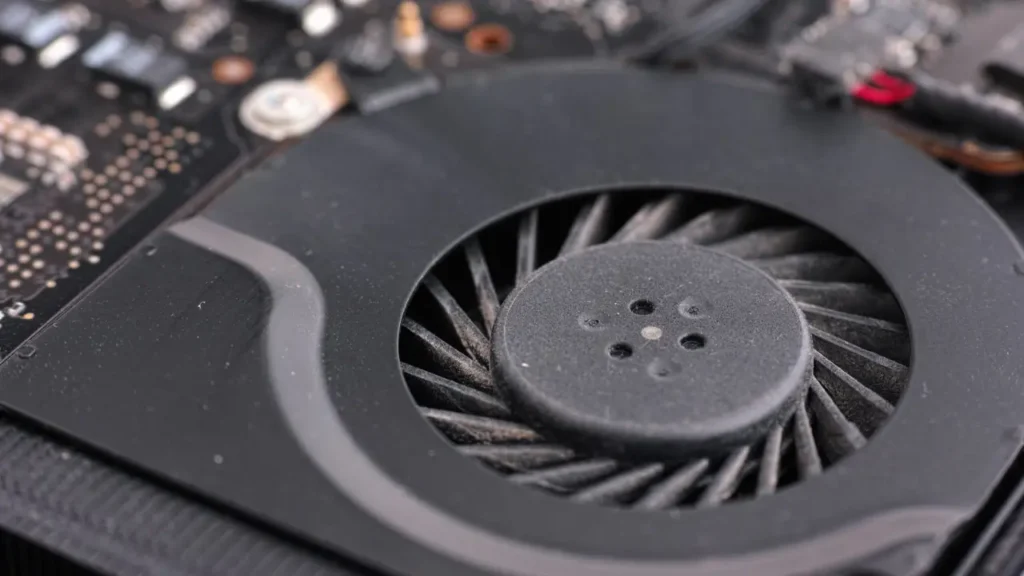
- Clean Fans and Vents: This is paramount. Over time, dust, pet hair, and lint accumulate in the fan blades and heatsink fins, creating a thermal blanket. Use a can of compressed air to blast air through the exhaust vents and intake grilles. For a deeper clean, if you're comfortable, open the laptop's bottom panel to gently clean the fan blades and heatsink directly with a soft brush and compressed air.
- Repaste the CPU/GPU (Advanced): After a few years, the thermal paste between your CPU/GPU and heatsink can dry out and become less effective, leading to higher temperatures and louder fans. Replacing it with fresh, high-quality thermal paste can drastically improve heat transfer. This is a more advanced task; if unsure, consult a professional.
- Update Drivers and BIOS: Manufacturers often release BIOS updates that improve fan control algorithms, making them more efficient and sometimes quieter. Keeping your GPU drivers up-to-date also ensures optimal performance and thermal management for your games.
Consistent maintenance not only helps reduce noise but also extends the lifespan of your gaming laptop, a smart move for any gamer looking for value and longevity.
Are cooling pads effective for noise reduction?
Yes, cooling pads can be quite effective in reducing gaming laptop fan noise, particularly when combined with good internal maintenance. A cooling pad works by providing additional airflow to the laptop's underside, where most intake vents are located. This supplementary cooling helps lower the internal temperature of the laptop, which in turn reduces the need for the laptop's internal fans to spin at maximum speed. By assisting the cooling process, cooling pads alleviate the workload on your laptop's native cooling system, leading to quieter operation. For gamers who prioritize immersion and have limited time for extensive internal maintenance, a quality cooling pad offers a simple yet impactful solution to a noisy rig.
How do I choose a quiet gaming laptop?
Choosing a quiet gaming laptop involves looking beyond raw specs and considering thermal design and manufacturer reputation. Here's what to prioritize:
- Thermal Design: Look for laptops with robust cooling solutions. This includes multiple heat pipes, larger fan sizes, and innovative vapor chamber designs. Reviews often highlight thermal performance and fan noise levels under load.
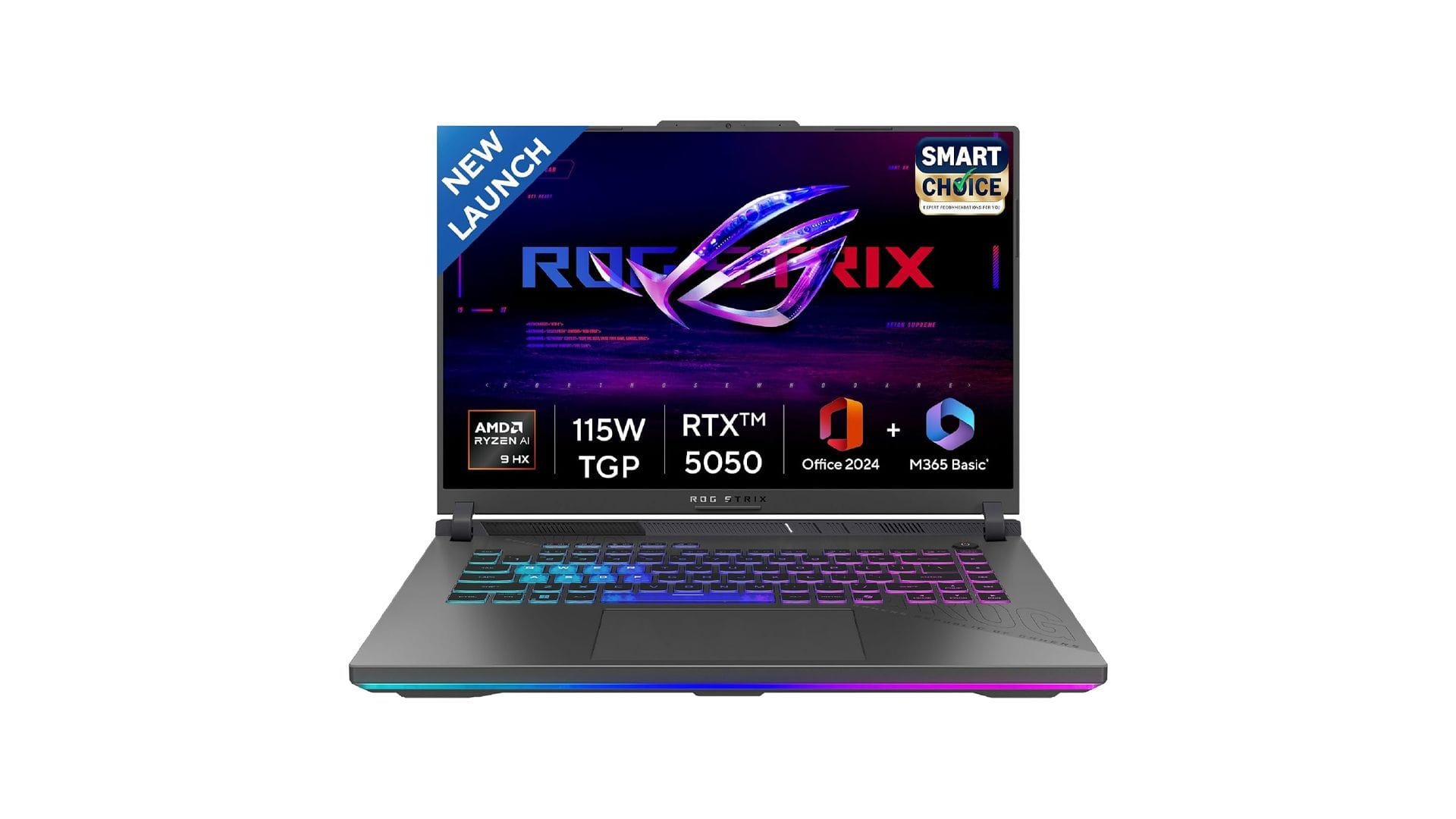
- Manufacturer Software: Many brands, like ASUS (Armoury Crate), MSI (Dragon Center), and Alienware (Command Center), offer dedicated software allowing users to customize fan curves, switch between performance modes (e.g., Silent, Performance, Turbo), and even undervolt components.
- Reviewer Feedback: Before buying, always check detailed reviews that specifically mention fan noise levels during gaming. Many tech journalists measure decibel levels, giving you a quantifiable idea of how loud a laptop gets.
- Component Efficiency: Newer generations of CPUs and GPUs are often more power-efficient, generating less heat for the same or better performance, which can contribute to quieter operation.
Investing in a laptop from a reputable brand known for its cooling prowess, even if it costs a little more, often pays off in a more enjoyable and quieter gaming experience.
What software settings can reduce fan noise?
Several software settings and tools can help tame your gaming laptop's fan noise without resorting to hardware modifications. Firstly, most gaming laptops come with manufacturer-specific control software (e.g., ASUS Armoury Crate, MSI Dragon Center, Lenovo Vantage). Within these applications, you can often find profiles like 'Silent Mode' or 'Quiet Mode' that prioritize lower fan speeds at the cost of some performance. You can also manually adjust fan curves to set thresholds for when fans should ramp up. Secondly, consider undervolting your CPU and/or GPU using tools like ThrottleStop or MSI Afterburner. Undervolting reduces the voltage supplied to components, which lowers heat generation and, consequently, fan noise, often with minimal performance impact. Finally, ensure your operating system's power settings are optimized. Setting your power plan to 'Balanced' or 'Power Saver' when not gaming can prevent unnecessary fan activity, contributing to a quieter environment for daily tasks. These software tweaks give you granular control over your laptop's thermals and acoustics.
Can undervolting damage my gaming laptop?
Undervolting, when done correctly, is generally safe and will not damage your gaming laptop. In fact, it's a popular method among enthusiasts to achieve lower temperatures and reduced fan noise, often leading to better sustained performance by avoiding thermal throttling. Undervolting means reducing the voltage supplied to your CPU or GPU without reducing their clock speed. If you undervolt too much, the system will become unstable, leading to crashes or blue screens, but it will not cause permanent damage. The system will simply revert to its default settings upon reboot. Always test undervolting incrementally, making small adjustments and stress-testing for stability. Tools like ThrottleStop for CPUs and MSI Afterburner for GPUs are commonly used, offering safe ways to experiment. It's a fantastic way to optimize your gaming experience without any financial investment.
How does dust affect fan noise and performance?
Dust is the silent killer of quiet performance in gaming laptops. When dust accumulates on fan blades, heatsink fins, and inside vents, it acts as an insulating layer, trapping heat within the system. This buildup significantly reduces the efficiency of your laptop's cooling system because heat cannot be expelled effectively. As a result, the internal components heat up faster, forcing the fans to spin at much higher RPMs to compensate. This constant, high-speed operation leads to increased noise. Furthermore, obstructed airflow can cause thermal throttling, where the CPU and GPU automatically reduce their clock speeds to prevent overheating, leading to a noticeable drop in game performance. Regular cleaning is therefore not just about noise, but about maintaining optimal performance and extending your laptop's lifespan, especially since the average US gamer is looking for value and longevity from their tech.
Conclusion
Navigating the world of gaming laptops often means confronting the reality of loud fans. However, as we've explored, there are numerous effective strategies to bring that roar down to a manageable hum without compromising your gaming experience. From simple dust cleaning and strategic software tweaks like undervolting, to investing in a good cooling pad or making informed choices when buying your next rig, you have the power to optimize your laptop's acoustics. For busy gamers balancing work, family, and play, a quieter setup means more immersive, stress-free relaxation. Remember, a well-maintained and optimized laptop not only performs better but also lasts longer, giving you more bang for your buck.
What's your biggest gaming challenge when it comes to balancing performance and peace? Comment below!
FAQ Section
Q: Is there such a thing as a completely silent gaming laptop?
A: No, not truly. While some gaming laptops are designed to be quieter than others, especially during light tasks, the sheer heat generated by powerful components under gaming load means fans will always need to spin to dissipate that heat, creating some level of audible noise. 'Silent' modes often dramatically reduce performance.
Q: How often should I clean my gaming laptop's fans?
A: It's generally recommended to clean your gaming laptop's fans and vents every 3-6 months, or more frequently if you live in a dusty environment or have pets. Regular cleaning prevents significant dust buildup and helps maintain optimal cooling efficiency and reduce fan noise.
Q: Do all gaming laptops get loud?
A: Most gaming laptops will get loud under heavy load due to the need for aggressive cooling. However, the degree of loudness varies significantly between models and manufacturers, depending on their cooling system design, component efficiency, and software optimization. Some premium models excel at managing noise better than others.
Q: Can loud fans damage my laptop?
A: Loud fans themselves don't damage your laptop. They are a symptom of heat build-up. However, if the fans are constantly running at maximum speed due to excessive heat that they can't adequately dissipate, it indicates potential overheating. Prolonged overheating can degrade component lifespan, so addressing the underlying heat issue is crucial.
Gaming laptop fans are often loud due to high-performance components in compact spaces. Key highlights include understanding fan noise causes like intense gaming and dust buildup, practical solutions such as cleaning, undervolting, and using cooling pads, and how to choose quieter models. Proper maintenance and software optimization are crucial for balancing performance with acoustics, enhancing the gaming experience for busy adults seeking relaxation.
35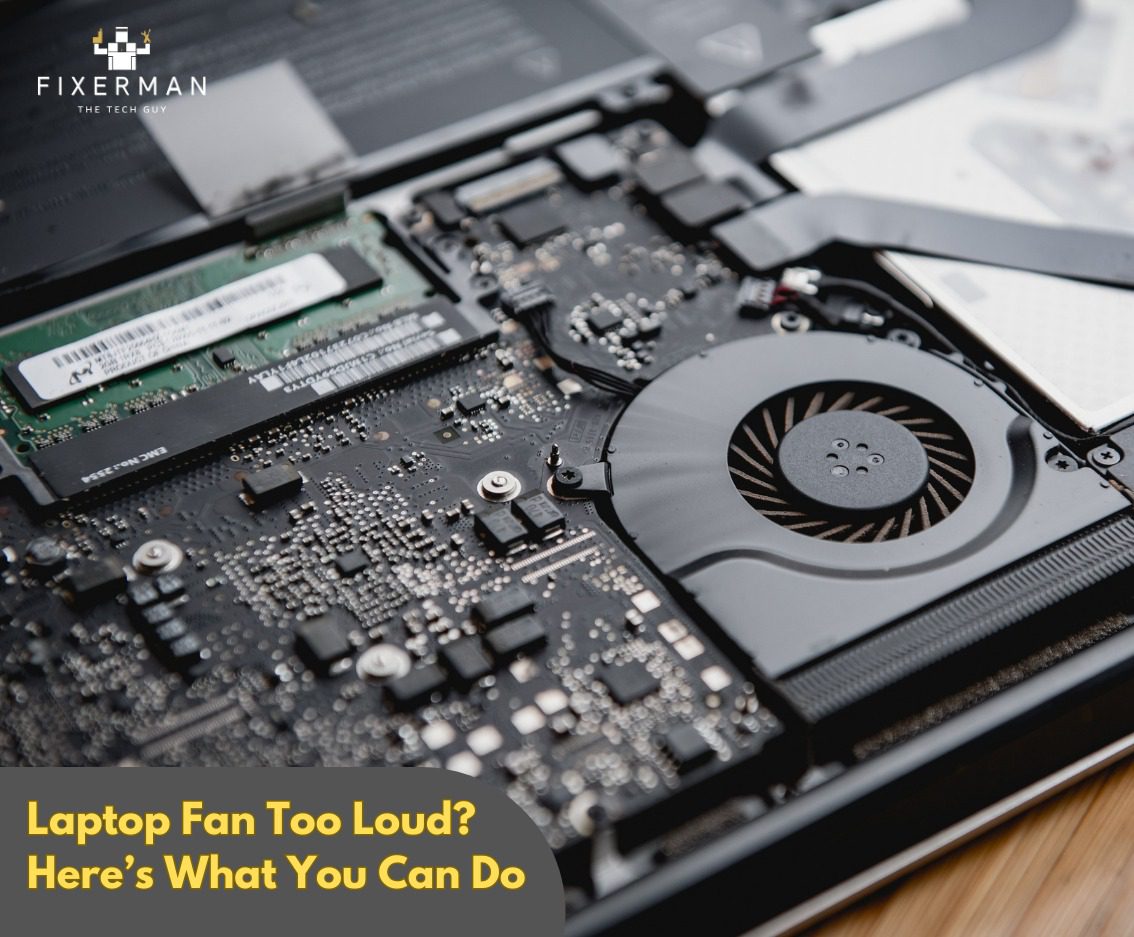
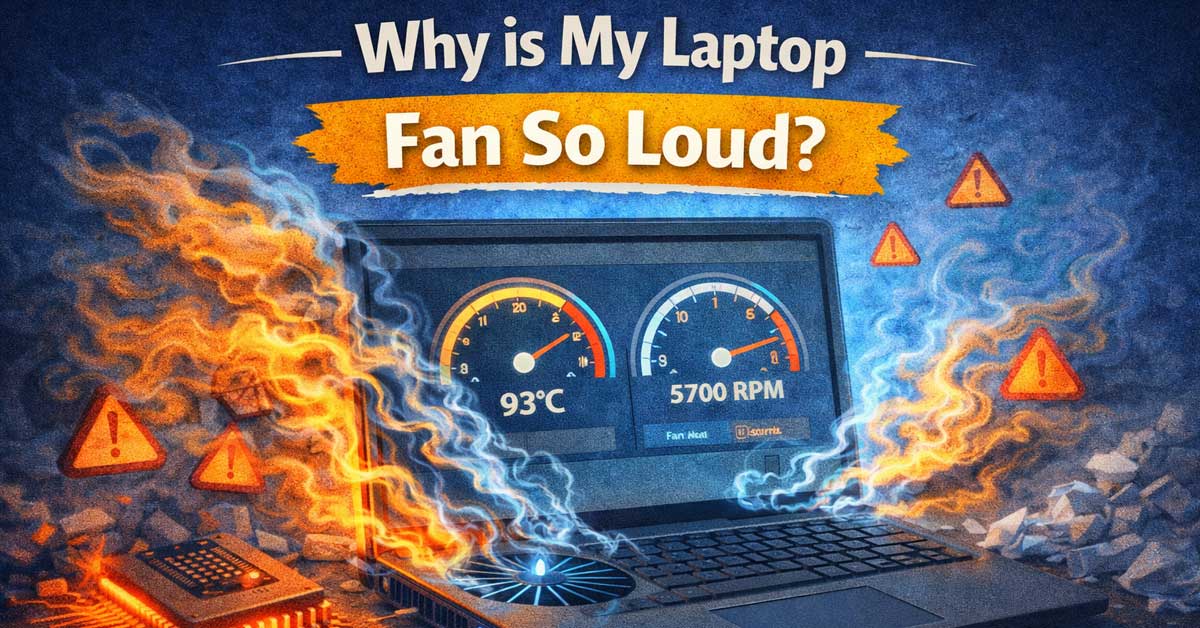

Upgrading Your Laptop RAM Is It Worth It Laptop Fan Too Loud Heres What You Can Do . Why Is My Laptop Fan So Loud 7 Fixes TechDiy Info Why Is My Laptop Fan So Loud . How To Fix Loud Fan Noise On Any Laptop Acer Dell HP Lenovo Asus . Why Is My Laptop Fan So Loud Nerd Techy Why Is My Laptop Fan So Loud . Why Is My Laptop Fan So Loud 6 Ways To Stop Fan Noise GEEKOM Fixes For Loud Computer Fan Noise.webp


Loud Laptop Fan Fix Fan Loud Of Laptop . Best 5 Gaming Laptop Cooling Pads Of 2026 Ultimate Thermal Management Labo Kool Img 25 . Is Your Laptop Fan Loud How Cooling Pads Can Reduce Noise And Heat Admin Ajax.php. Why Is My Laptop Fan So Loud Possible Fixes Explored 39ddd 1920 . 10 Best Laptop Cooling Pads For Gaming May 2026 Reviews Best Laptop Cooling Pads For Gaming 1024x572


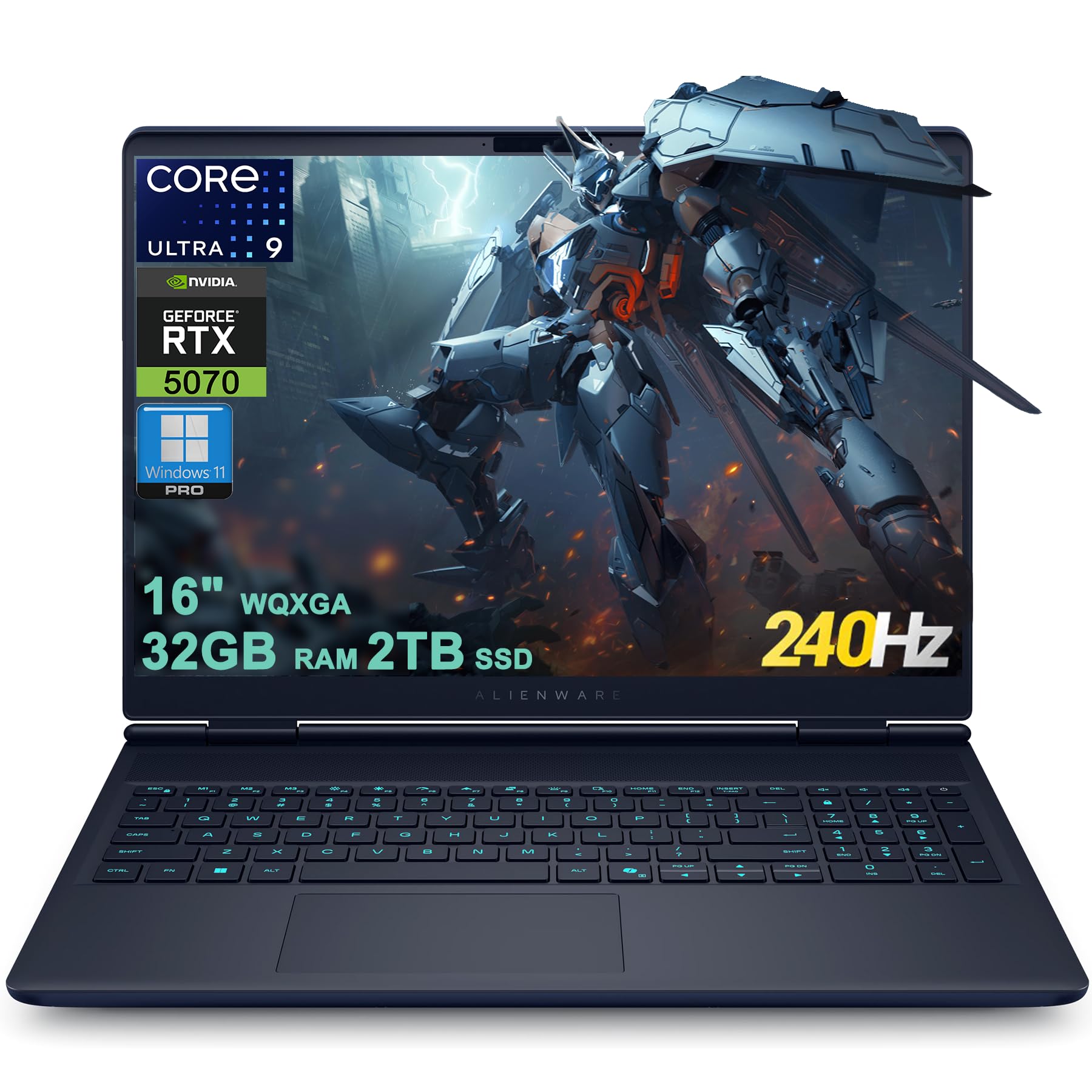
Best Flagship Gaming Laptops 2026 SCAR 16 SCAR 18 Blade 16 Ranked Asus Rog Strix Scar 18.webp. ASUS ROG Zephyrus G16 2026 Gaming Laptop Review CGMagazine Asus Rog Zephyrus G16 2026 Gaming Laptop Review 4344 . Gaming Laptop Cooling Guide 2026 How To Keep Your Laptop Cool Og Default . Lenovo LOQ 15 15IPH11 Review The Coolest Budget Gaming Laptop Of Lenovo LOQ 15 15IPH11 Review The Coolest Budget Gaming Laptop Of 2026 1536x864 . Best Buy Gaming Computer Laptop 2026 Co Gaming PC Guru 71o0ASklb9L

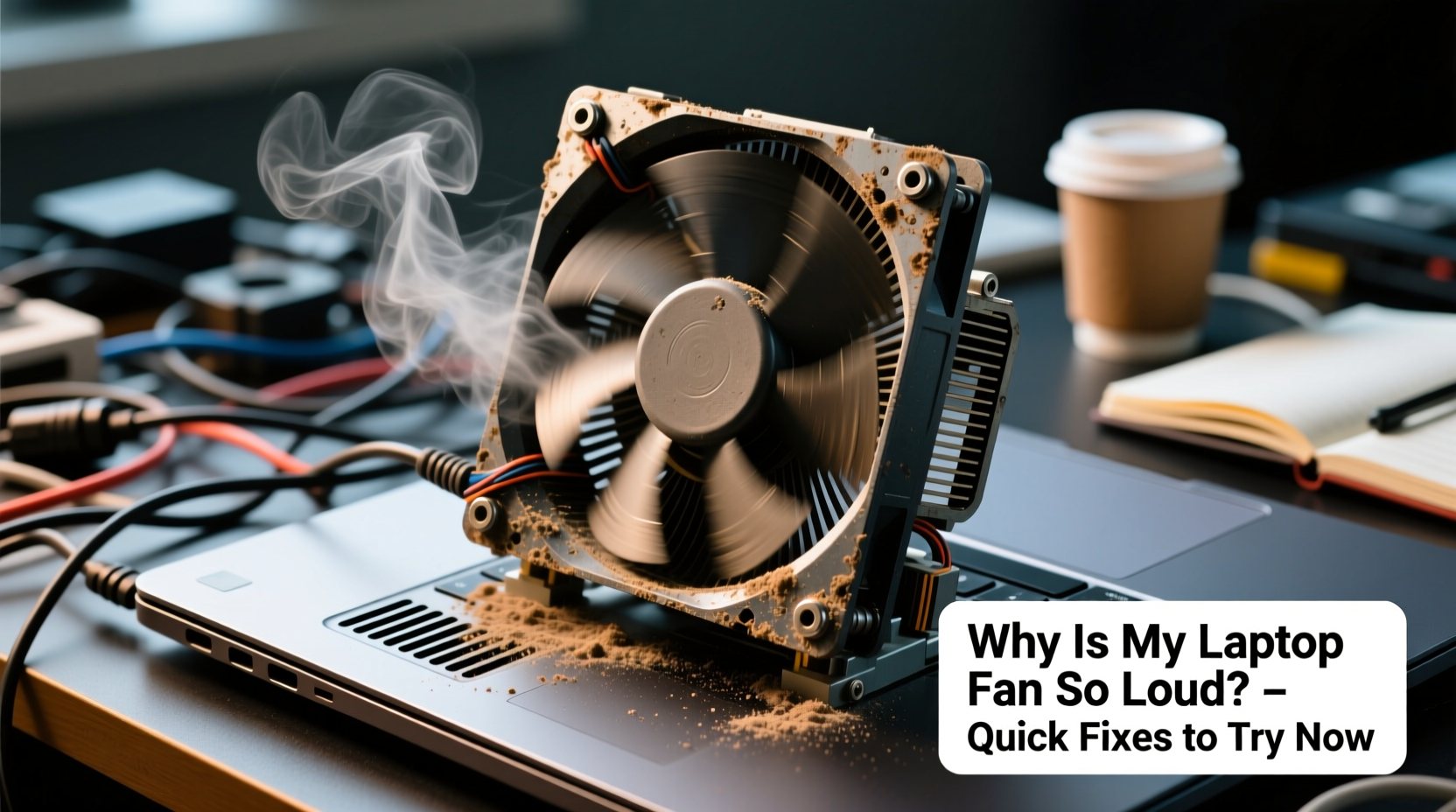

Why Is Your Laptop Fan So Loud How To Fix Overheating High Fan . Why Is My Laptop Fan So Loud All Of A Sudden Causes And Quick Fixes To . PC Fans Too Loud YouTube . Why Is My Pc Fan Loud At Bradley Briseno Blog Why PC Fans Are Loud . Computer Fan Loud And Always Running On Windows 7 Ways To Fix It 2026 Computer Fan Loud Always Running Fix
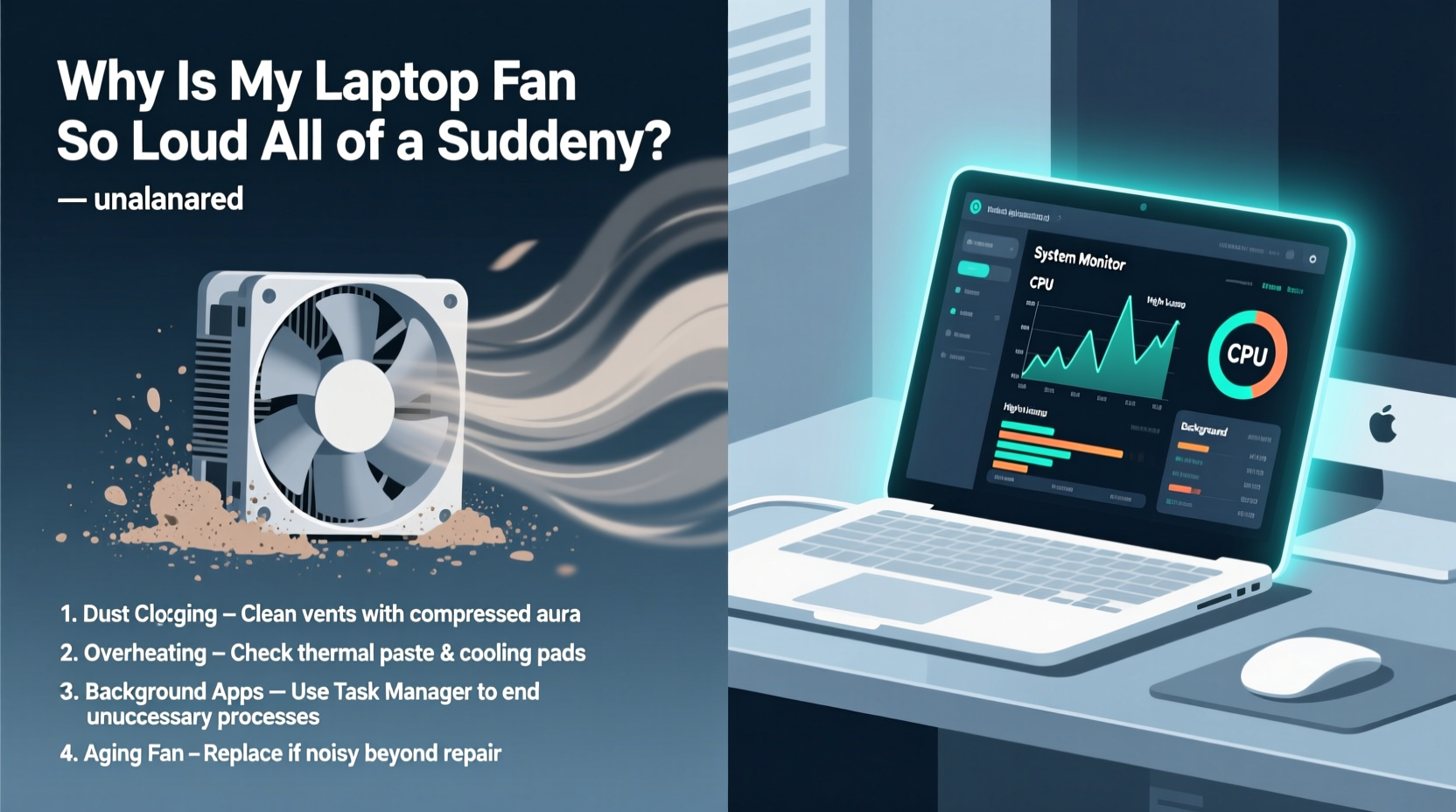


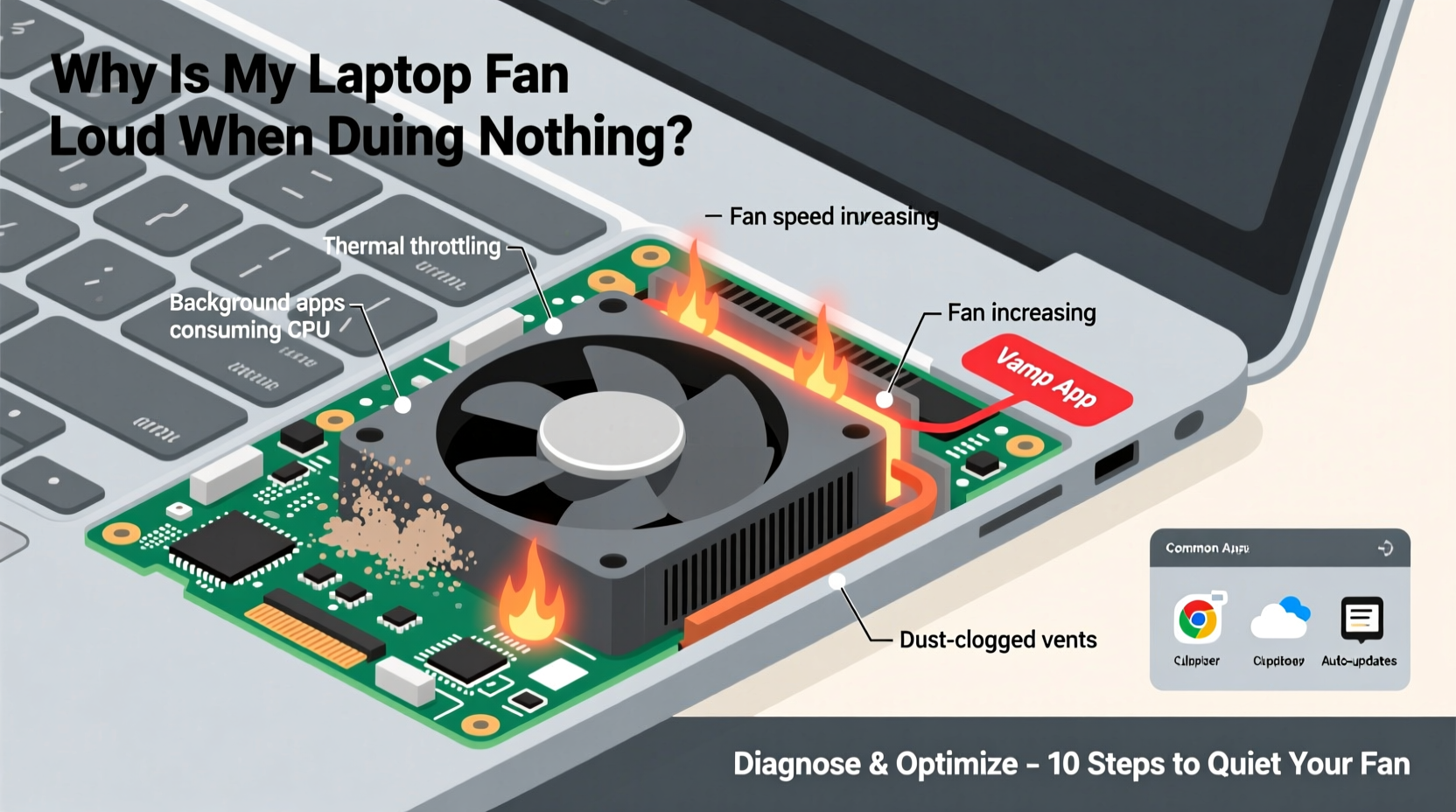
Why Is My Laptop Fan So Loud Causes And Fixes Of Loud Fan Noise Why Is My Laptop Fan Loud Causes And Fixes. Why Is My Laptop Fan So Loud All Of A Sudden Quick Fixes And Causes . Why Is My Laptop Fan So Loud Reason 7 Ways To Fix 2024 U Why Is My Laptop Fan So Loud Reason 7 Ways To Fix 2024 V0 . Loud Fan Noise When Using Microsoft Teams At Julian Gomez Blog Fixing GPU Loud Fan Noise When Gaming 1024x576 . Why Does My Laptop Fan Run Loud When Doing Nothing Finding Background
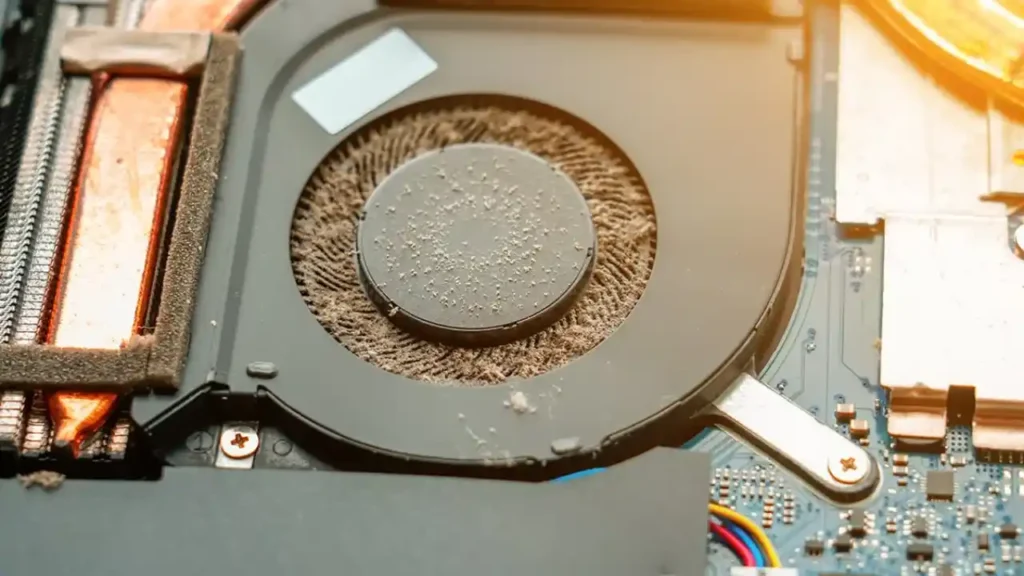


Why Is My Laptop Fan So Loud Causes And Fixes Of Loud Fan Noise Dusty Laptop Cooling Fan Hardware Maintenance. Why Is My Laptop Fan So Loud Causes And Fixes Of Loud Fan Noise Dusty Laptop Cooling Fan Close Up. How To Fix Loud Bed At Joy Herman Blog . Resolve Loud Fan Noise On Your Gaming Laptop New York Computer Help MSI Apache Pro Gaming Laptop Fan Cooling System Cleaning Abbey Wood London SE2 IMG 20190626 132349 768x576 . Why Is My GPU Fan So Loud Robots Net Why Is My Gaming Laptop Fan So Loud 1697419681



What To Do When Your Laptop Fan Gets Loud Tips And Fixes. 15 Best Amazon Prime Day Gaming Laptop Deals July 2026 B0F6NRYPPG Customer 1 . Fan Noises In Your Gaming PC Modern Gamer What Causes Fan Noises In A Gaming Pc . Why Your Laptop Fan Is So Loud And How Moe Repair Can Help ChatGPT Image Apr 14 2025 11 28 58 AM . 10 Best Gaming Laptop Cooling Pads July 2026 Reviewed B0CDC3XW44 Customer 1