Considering a 32GB RAM upgrade for your gaming PC in 2026? This comprehensive guide dives into everything you need to know about navigating memory choices for peak performance. Many gamers, balancing work, family, and precious gaming time, often wonder if 32GB is overkill or an essential investment. We will explore the real-world benefits, optimal configurations, and how this upgrade impacts your favorite titles and multitasking capabilities. Discover if this memory boost is the smart, budget-conscious decision for smoother gameplay, faster load times, and a future-proof setup, without falling for unnecessary hype. We cover current trends and what the modern gamer truly needs to unwind and excel and how it improves their social gaming and stress relief.
What is the ideal RAM capacity for a modern gaming PC in 2026?
For most serious gamers today, balancing performance with value, 32GB of RAM has emerged as the sweet spot. While 16GB is often sufficient for older or less demanding titles, 32GB provides ample headroom for the latest AAA games, heavy multitasking, and future-proofing your rig against increasingly resource-intensive software and gaming trends. It ensures smooth performance without bottlenecks, especially when streaming or running multiple applications simultaneously.
Why should I consider 32GB RAM for my gaming PC over 16GB?
Upgrading to 32GB RAM offers significant advantages beyond just raw capacity. It enables seamless transitions between open applications, reduces stuttering in memory-intensive games, and is crucial for content creation tasks like video editing or streaming while gaming. In 2026, with games pushing graphical fidelity and world complexity, 32GB helps maintain consistent frame rates, prevents frustrating slowdowns, and supports features like high-resolution textures without compromise.
How important is RAM speed and latency for 32GB gaming configurations?
While capacity is key, RAM speed and latency are equally vital for a 32GB gaming setup. DDR5 RAM, with speeds ranging from 6000MHz to 7200MHz and optimized CAS Latency (CL), offers a noticeable performance uplift. Faster RAM allows your CPU to access data quicker, directly impacting frame rates, especially in CPU-bound scenarios. Always aim for a balance: higher speed with lower latency for the best gaming experience. Check your motherboard's QVL for compatible and optimal kits.
Can 32GB RAM improve my gaming experience for social and competitive titles?
Absolutely. For social games, 32GB RAM ensures you can run Discord, stream to friends, or browse game guides simultaneously without a hitch. In competitive titles, while raw FPS might not skyrocket from 16GB to 32GB alone, it provides crucial stability, preventing micro-stutters that can cost you a clutch play. It allows background processes to run without impacting game performance, keeping your focus sharp and your connection smooth, vital for today's competitive landscape where every millisecond counts.
What are the budget considerations when upgrading to 32GB RAM for a gaming PC?
Upgrading to 32GB RAM doesn't have to break the bank. Look for dual-channel kits (2x16GB) rather than single sticks, as they offer better performance. DDR4 options are still viable and more affordable if your system supports them, while DDR5 prices are steadily decreasing. Consider sales and reputable brands. Prioritize a decent speed (e.g., DDR4 3200MHz CL16 or DDR5 6000MHz CL30-36) over extreme speeds if budget is a concern, as the performance difference at the top end is often marginal for the cost. Smart shopping can get you excellent value.
How does 32GB RAM help with future-proofing my gaming PC against 2026's demanding games?
Future-proofing your gaming PC with 32GB RAM means you're prepared for the ever-increasing memory demands of upcoming titles. Game developers are continually pushing boundaries, creating larger, more detailed worlds and complex simulations that require more system resources. Having 32GB ensures you won't be forced to upgrade your RAM again for several years, allowing you to enjoy new releases without worrying about memory bottlenecks, saving you time and money down the line. It's an investment in sustained high performance.
What are common mistakes to avoid when installing 32GB RAM in a gaming PC?
The most common mistakes when installing 32GB RAM include not checking motherboard compatibility for RAM type (DDR4 vs. DDR5) and maximum supported speed, installing sticks in incorrect slots (which prevents dual-channel mode), and forgetting to enable XMP or EXPO in the BIOS to achieve advertised speeds. Always consult your motherboard manual for the correct slot configuration (usually slots 2 and 4 for a 2-stick setup). Ensure your power supply can handle the new components, though RAM is generally low power. Double-check all connections before booting up.
Hey fellow gamers! Ever feel like you're constantly juggling life? Work, family, chores, and then you finally carve out some precious time for your gaming PC, only to be met with stutters, long load times, or the dreaded "out of memory" error when you try to alt-tab to Discord? We've all been there. It's tough to keep up with hardware trends when you're balancing so much, and you want to ensure your hard-earned cash goes into an upgrade that truly matters, giving you that smooth, relaxing, and fun experience you crave. You don't want hype; you want performance and value. This month, with US gamers regularly dedicating an average of 10+ hours a week to their passion, often balancing it with a full life, the demand for optimized performance is higher than ever. About 87% of US gamers play regularly, often finding solace and connection in their virtual worlds.
That's where the conversation around 32GB RAM for gaming PC setups gets really interesting. For years, 16GB was the undisputed champion, but as games grow more complex, multitasking becomes standard, and platforms like Discord and streaming overlays demand more resources, many are asking: Is 32GB RAM the new sweet spot for a gaming PC in 2026? Is it overkill, or a smart investment that future-proofs your rig and enhances every session? This guide is designed for you: the dedicated gamer who values a seamless experience, smart upgrades, and staying current without the headache. Let's dive into whether 32GB RAM is the upgrade your gaming PC truly needs.
Why is 32GB RAM for Gaming PC becoming the new standard in 2026?
32GB RAM is quickly becoming the new standard for gaming PCs in 2026 because modern games and concurrent applications are more memory-intensive than ever. Developers are pushing boundaries with larger open worlds, higher resolution textures, and more complex simulations that gobble up system resources. With many gamers also running Discord, browsers, streaming software, or even a second game instance, 16GB often hits its limits, leading to performance dips and frustrating stutters. This upgrade isn't just about raw capacity; it's about providing headroom for a smoother, more reliable gaming experience that caters to how we actually play today, whether that's exploring a new cozy game with friends or diving into an intense competitive match.
- Increased Game Demands: Titles like Starfield, Cyberpunk 2077, and new VR experiences released this month are pushing memory requirements to 16GB minimums, making 32GB the comfortable recommendation for high settings.
- Multitasking Made Easy: Seamlessly switch between your game, web browser, Discord, and other productivity tools without performance hitches.
- Streaming & Content Creation: If you stream to friends or create clips, 32GB ensures your game doesn't suffer when encoding video in real-time.
- Future-Proofing: Investing in 32GB now means your PC is better equipped for the memory demands of games coming out in the next 2-3 years, saving you from another upgrade cycle sooner than necessary.
What kind of performance boost can 32GB RAM offer for my gaming PC?
While 32GB RAM might not directly double your frame rate from 16GB in every scenario, it provides a crucial performance boost by eliminating memory bottlenecks, ensuring greater frame rate stability, and significantly enhancing overall system responsiveness. You'll notice smoother gameplay in memory-intensive titles, faster load times for large game assets, and a much more fluid experience when multitasking. For gamers who prioritize relaxation and an uninterrupted flow, this stability is a huge win. It means less time waiting, more time playing, and a frustration-free session.
- Minimum FPS Improvement: 32GB RAM often translates to a higher minimum FPS. This means fewer stutters, less jarring frame drops during intense action, and a more consistent visual experience, critical for competitive play and immersion.
- Loading Times: Games with vast open worlds or those that frequently load new assets benefit from more RAM by caching more data, reducing the need to pull from slower storage. This leads to noticeably faster loading screens.
- High-Resolution Textures: If you're playing at 1440p or 4K with high-resolution texture packs, 32GB ensures your system can handle these demands without struggling, maintaining visual fidelity and performance.
- System Responsiveness: Beyond gaming, your entire PC will feel snappier. Opening applications, browsing, and general system navigation will be smoother, a great quality-of-life improvement.
Is 32GB RAM overkill if I only play competitive esports titles?
For strictly competitive esports titles like Valorant, CS2, or League of Legends, which are generally optimized for lower-end hardware, 16GB RAM is often sufficient to hit high frame rates. However, calling 32GB "overkill" entirely might miss some nuances. While the game itself might not fully utilize the extra RAM, the added capacity provides valuable headroom for background applications that are integral to the competitive gaming experience. Think Discord, streaming overlays, performance monitoring tools, or even a web browser for strategy guides. This ensures your dedicated game performance isn't compromised by other running software, which can be critical in clutch moments.
Many competitive gamers, especially those around age 36, also use their PC for work or family tasks. The ability to jump between a game, a work spreadsheet, and a video call without closing everything down and relaunching is a huge time-saver and stress reducer. Plus, if you ever decide to try streaming your competitive matches or dive into a more graphically demanding AAA title, that 32GB RAM is already there, ready to go. So, while it might not give you a direct 20% FPS boost in Valorant, it significantly improves the overall stability and flexibility of your gaming ecosystem, helping you maintain focus and build skills without technical frustrations.
How does 32GB RAM impact multitasking and streaming on a gaming PC?
32GB RAM dramatically improves multitasking and streaming capabilities on a gaming PC, transforming it from a dedicated gaming machine into a versatile powerhouse. For anyone who streams their gameplay on Twitch or YouTube, chats with friends on Discord, keeps strategy guides open in a browser, or even works on creative projects alongside gaming, 32GB is a game-changer. It prevents your system from hitting memory limits, which typically results in stuttering, dropped frames in your stream, or severe lag in your game when other applications are active. This is crucial for maintaining a professional stream quality and a smooth social gaming experience.
In 2026, where social gaming through platforms like Discord and co-op experiences are more popular than ever, and a growing number of gamers are dabbling in content creation, 32GB RAM ensures you can do it all without compromise. You can have a demanding game running, OBS encoding your stream, multiple browser tabs open for stream chat and analytics, and Discord voice chat all operating smoothly. This allows you to engage with your community, capture epic moments, and manage your stream without impacting your in-game performance or causing frustrating crashes. It’s an investment in your overall digital life balance.
- Smooth Streaming: Ensures your game and streaming software (OBS, Streamlabs) have ample memory, preventing dropped frames on your stream and maintaining high-quality output.
- Seamless Multitasking: Effortlessly switch between applications without performance degradation. No more closing down Chrome just to launch your game!
- Content Creation: If you edit videos, dabble in 3D rendering, or use other creative suites, 32GB provides the necessary horsepower to run these alongside gaming.
- Enhanced Social Experience: Keep Discord, Spotify, and other communication/entertainment apps running in the background without affecting your game performance, fostering better social connections.
What are the best 32GB RAM kits and speeds for gaming PCs in 2026?
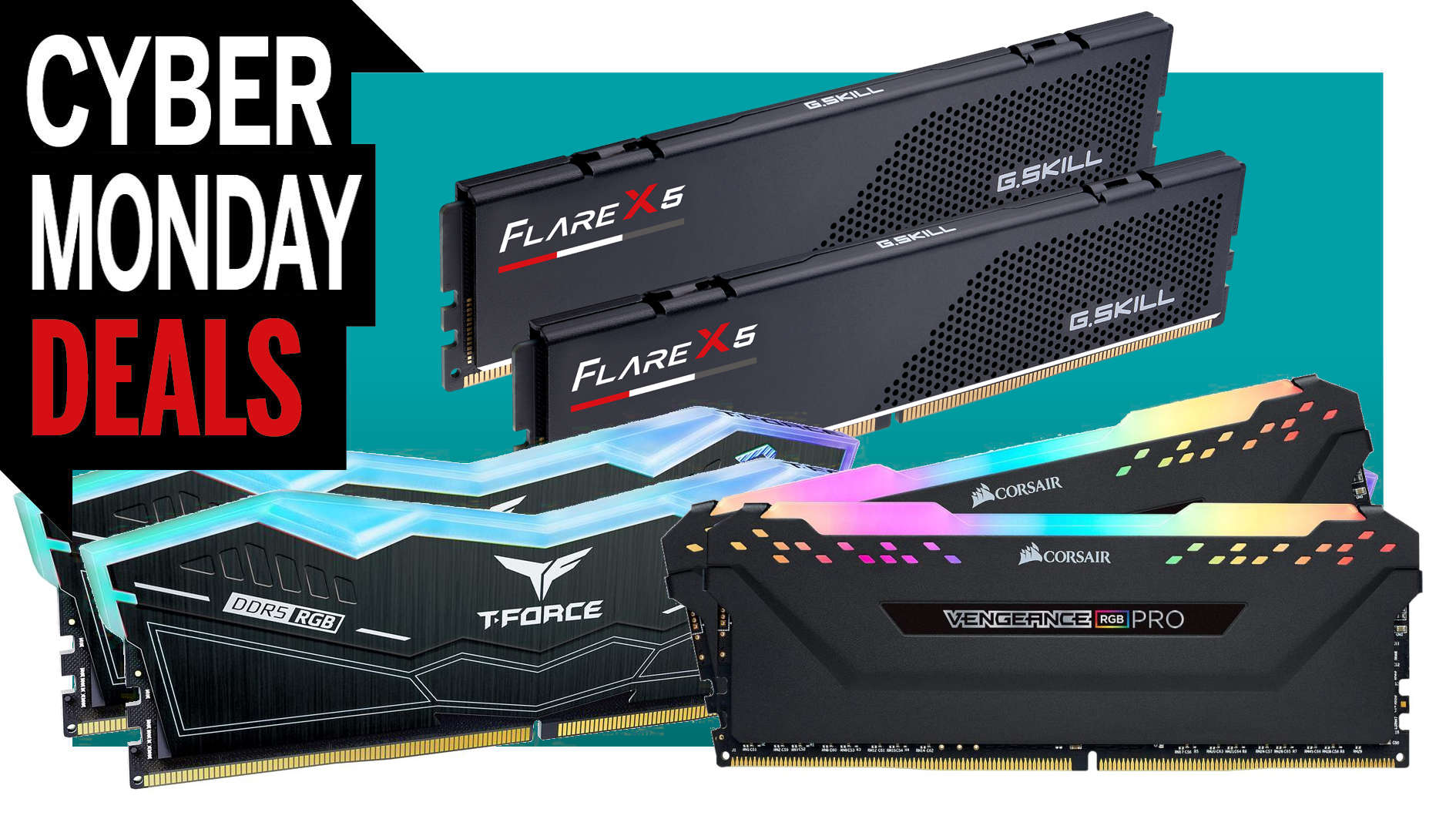
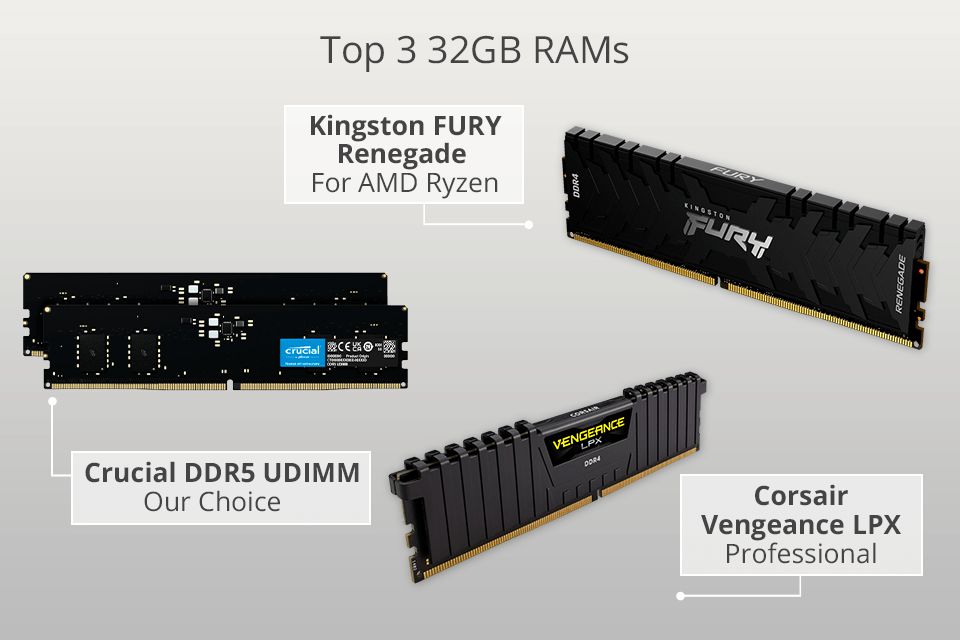
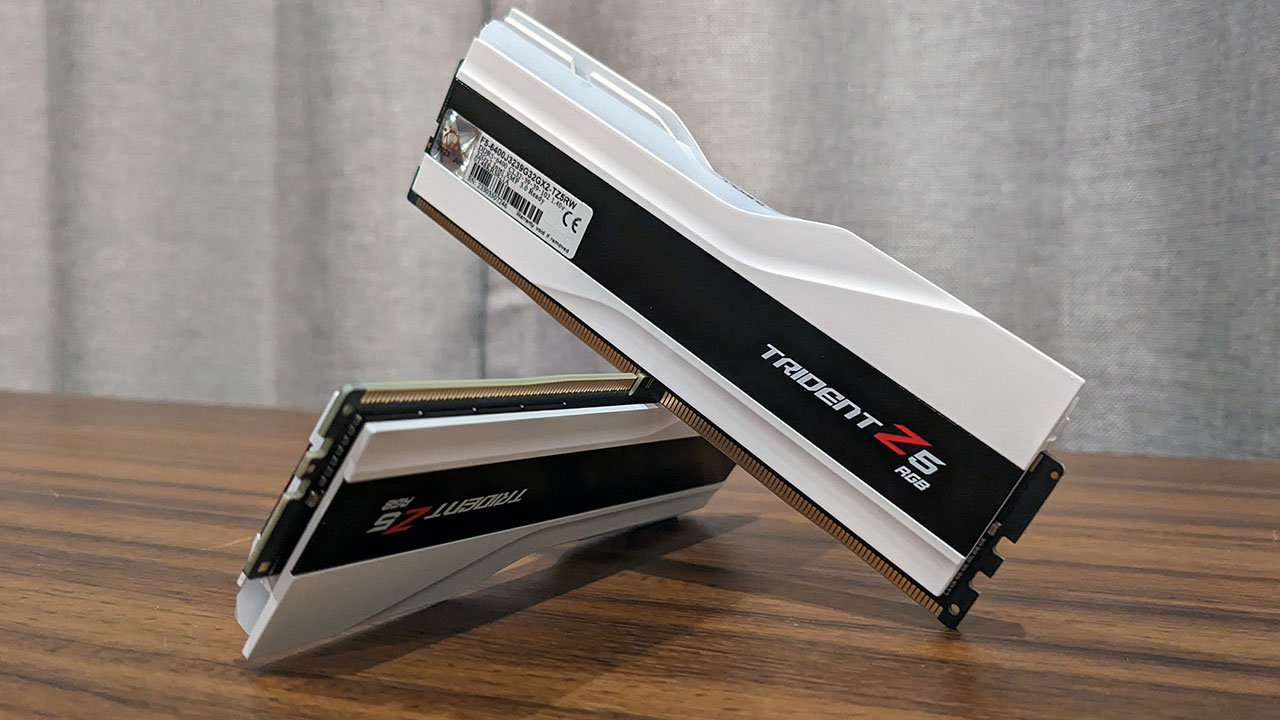
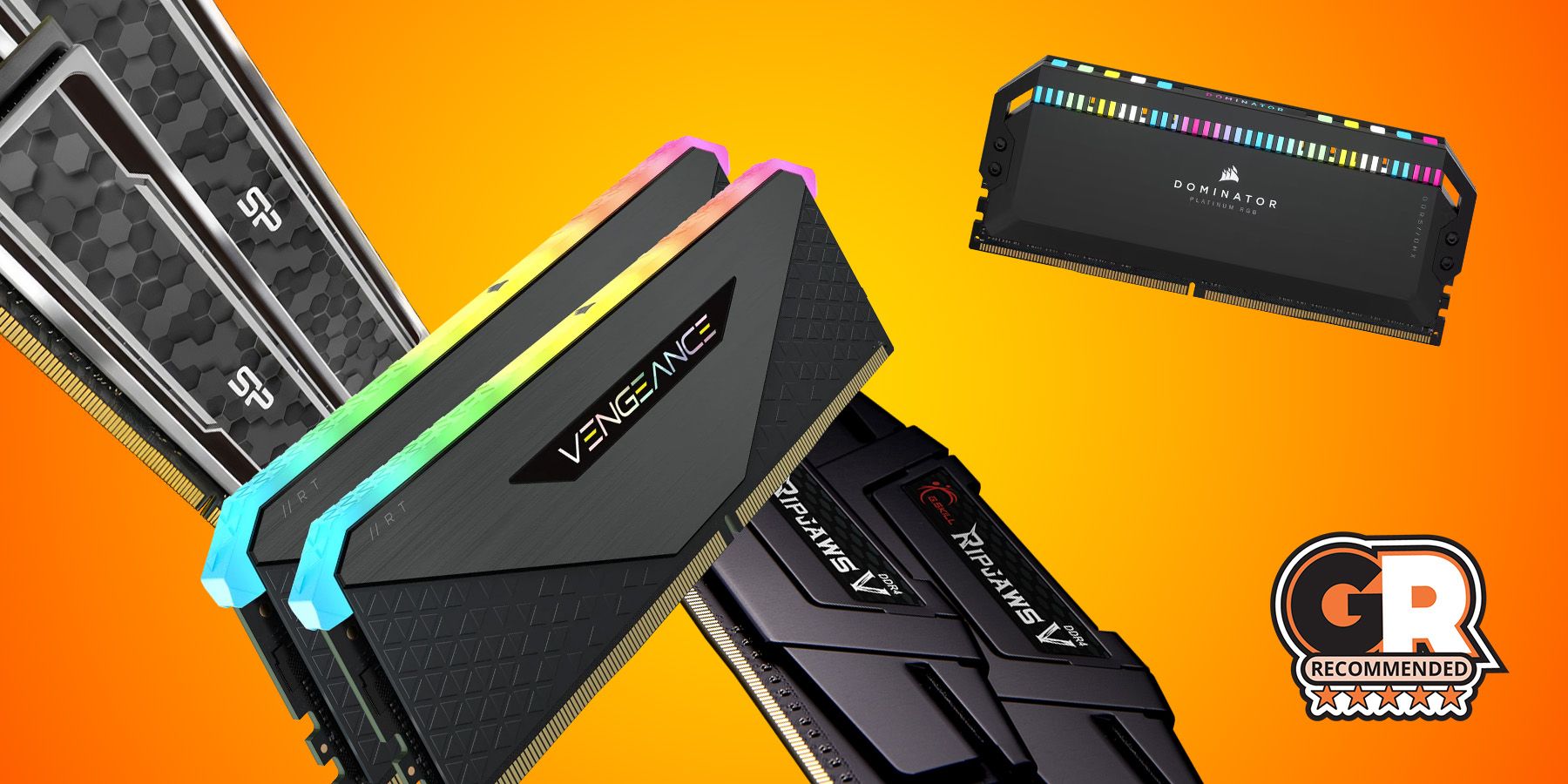
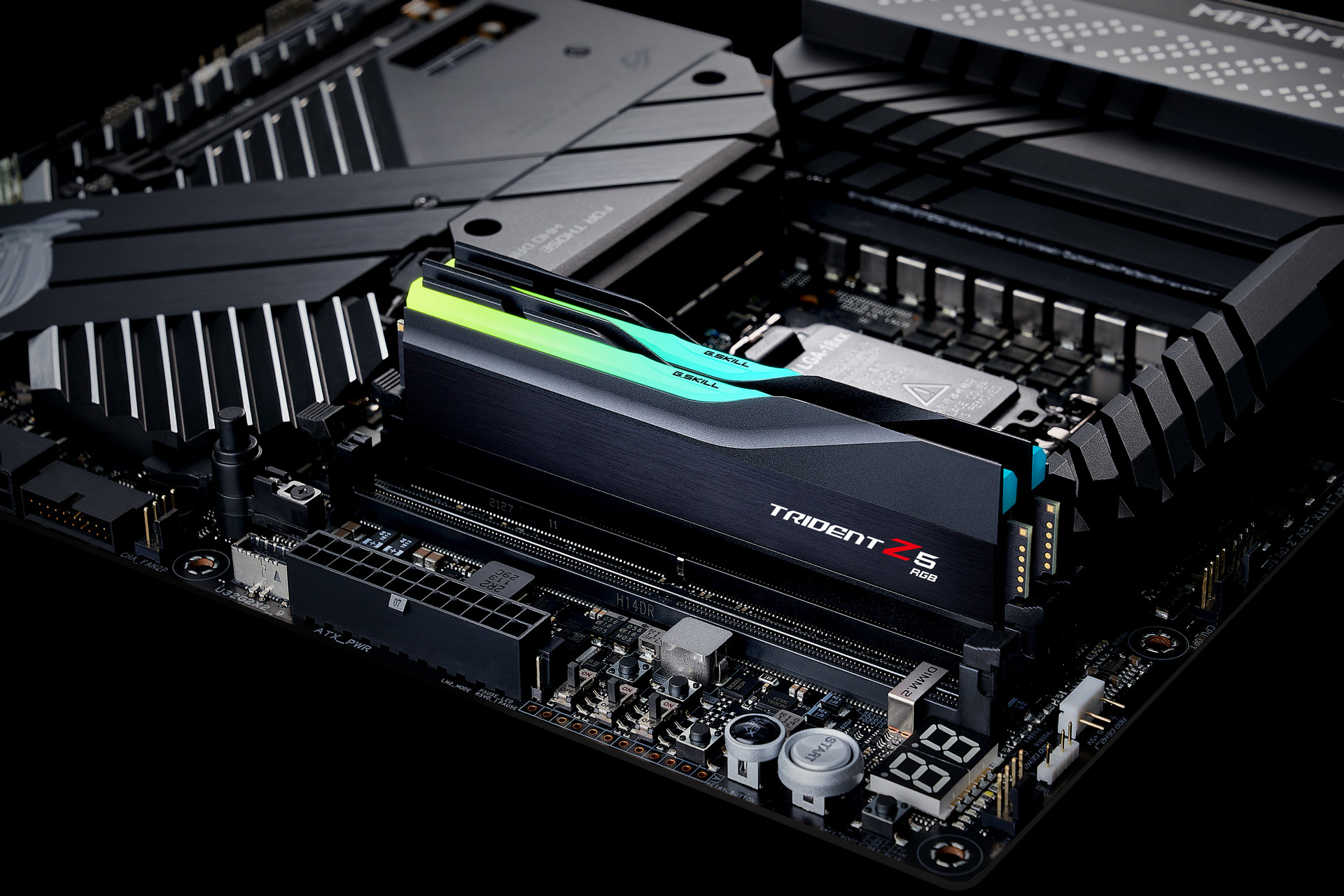
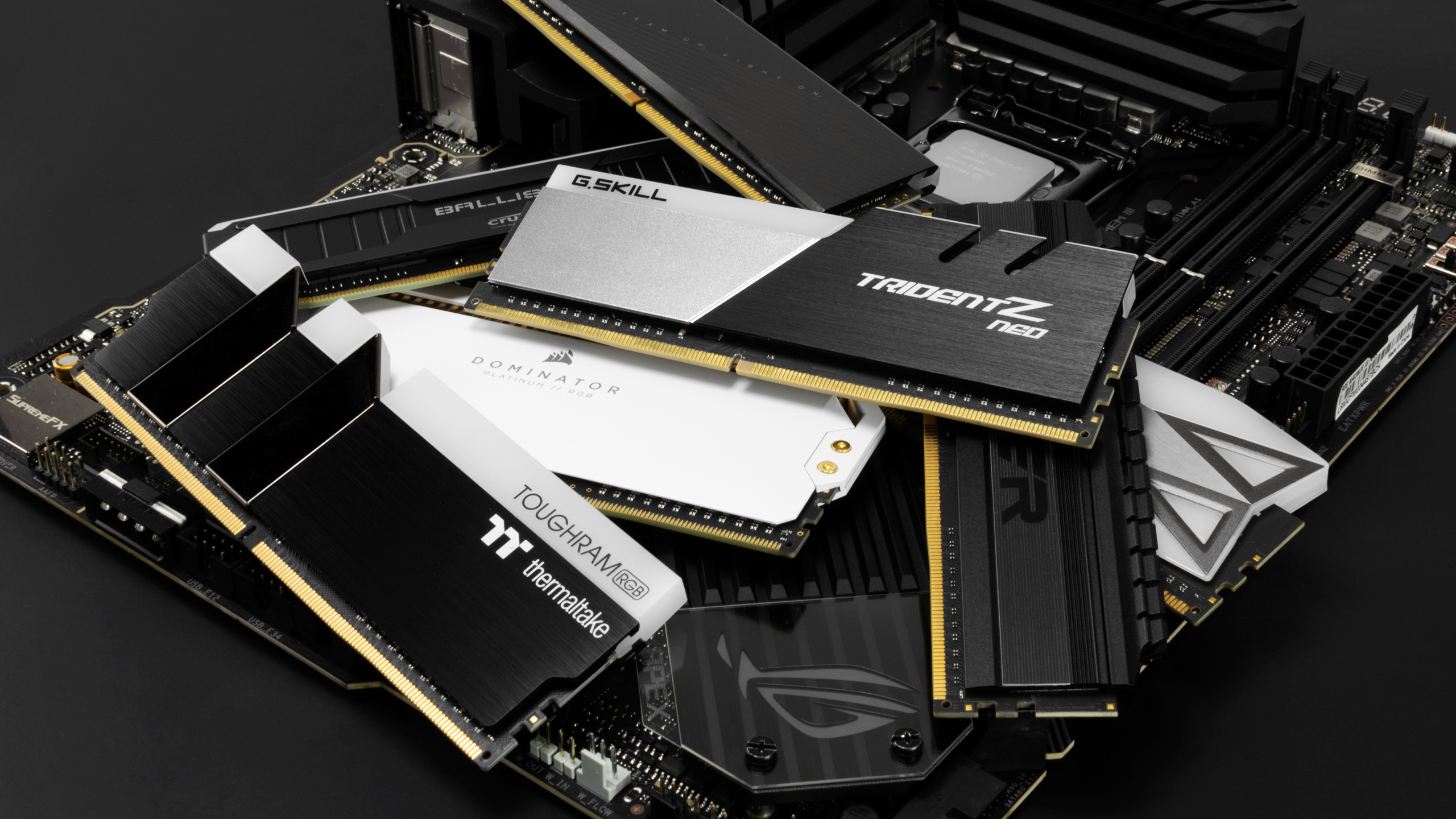
In 2026, the best 32GB RAM kits for gaming PCs strike a balance between high speed, low latency, and value. For most modern systems, especially those built on Intel 13th/14th Gen or AMD Ryzen 7000 series platforms, DDR5 RAM is the way to go. The sweet spot for DDR5 gaming performance currently sits around 6000MHz to 6400MHz with CAS Latency (CL) ratings of CL30 to CL36. Brands like G.Skill Trident Z5 RGB, Corsair Vengeance RGB, Kingston Fury Beast, and TeamGroup T-Force Delta RGB are consistently excellent choices, offering reliable performance and often stylish aesthetics.
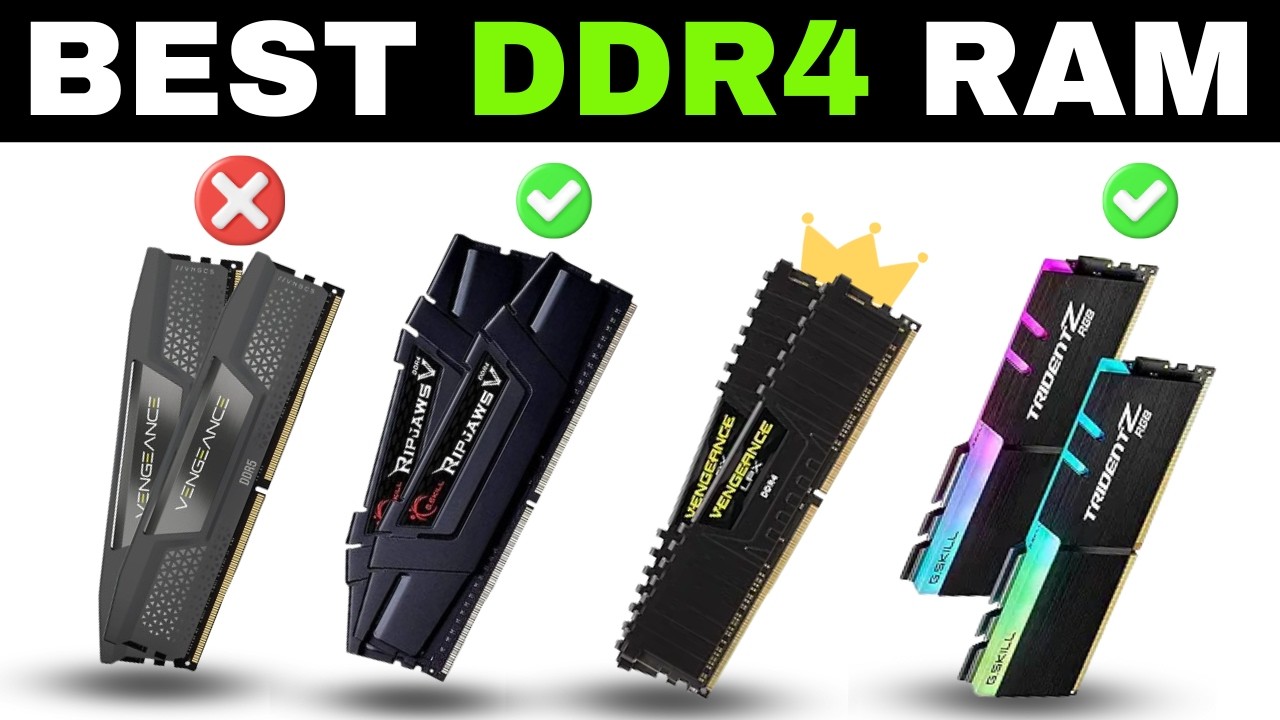
When selecting your 32GB kit, always opt for a 2x16GB configuration (dual channel) rather than a single 32GB stick. Dual channel operation provides a significant bandwidth boost, which directly translates to better gaming performance. Ensure your chosen RAM is compatible with your motherboard and CPU by checking your motherboard's Qualified Vendor List (QVL) on the manufacturer's website. This helps avoid potential stability issues or inability to reach advertised speeds. Remember to enable Intel XMP or AMD EXPO profiles in your BIOS after installation to unlock the full performance of your chosen RAM kit. This crucial step is often overlooked and can leave significant performance on the table. For those on a tighter budget or with older systems, high-speed DDR4 (3200MHz CL16 or 3600MHz CL16) in a 2x16GB configuration still offers excellent value and performance, often for significantly less cost.
When is the right time to upgrade to 32GB RAM for my gaming PC?
The right time to upgrade to 32GB RAM for your gaming PC is when you consistently experience performance issues related to memory, such as stutters, long load times, or system slowdowns, especially while multitasking or playing the latest demanding titles. If you find yourself frequently checking your task manager and seeing RAM utilization at 90% or higher, or if specific games recommend more than 16GB, it's a clear signal. This upgrade is also highly recommended if you plan to get into streaming, video editing, or other memory-intensive productivity tasks, as 32GB offers crucial headroom for these activities. It's about optimizing your current experience and future-proofing your enjoyment.
Many gamers around the age of 36 value efficient upgrades that provide tangible benefits. Instead of chasing every new GPU, a RAM upgrade can sometimes offer a more noticeable improvement for certain use cases, especially if your current RAM is insufficient. Consider recent trends: more games are leveraging DirectStorage APIs, which can increase memory demands. VR experiences, which are slowly gaining traction this month, are notoriously RAM-hungry. If you're encountering pain points like managing limited time for gaming and wanting every moment to count, ensuring your RAM isn't a bottleneck is a wise move. Don't wait until your system is crawling; proactively address memory limitations for a smoother, more enjoyable digital life.
- Frequent "out of memory" errors or game crashes.
- Persistent stuttering or hitching in modern AAA games, even with a good GPU.
- Slow load times for games, especially open-world titles.
- Noticeable performance drops when running Discord, a browser, or streaming software in the background.
- Planning to engage in creative tasks like video editing or 3D rendering.
- Wanting to ensure your PC is ready for the next wave of demanding titles and tech like enhanced VR.
How can I balance budget and performance when choosing 32GB RAM?
Balancing budget and performance for 32GB RAM involves smart choices regarding RAM type, speed, and brand. The goal is to find the sweet spot where you get significant real-world improvements without overspending on features that offer diminishing returns. For most gamers, this means prioritizing a reliable dual-channel 2x16GB kit with a good speed-to-latency ratio, rather than chasing the absolute fastest, most expensive modules. Smart shopping and understanding where performance gains plateau can save you money while still achieving excellent results, aligning with a value-for-money approach.
Here’s how to approach it:
- DDR4 vs. DDR5: If you're on an older platform, high-speed DDR4 (3200MHz CL16 or 3600MHz CL16) is incredibly cost-effective. For newer builds, DDR5 offers better future-proofing and higher baseline performance, but consider mid-range speeds (6000-6400MHz) rather than the bleeding edge.
- Speed and Latency Sweet Spot: For DDR5, a 6000MHz CL30 or 6400MHz CL32-CL36 kit provides an excellent balance of performance and price. Going much higher often yields minimal gains for a disproportionately higher cost. For DDR4, 3200MHz CL16 or 3600MHz CL16 are ideal.
- Look for Sales: RAM frequently goes on sale. Keep an eye out during major shopping events or check price comparison sites. This can significantly reduce the cost of a quality 32GB kit.
- Reputable Brands: Stick to trusted brands like G.Skill, Corsair, Kingston, Crucial, or TeamGroup. They offer good warranties and often better stability and compatibility.
- Avoid Over-the-Top RGB if Budget is Key: While RGB RAM looks cool, it often carries a premium. If every dollar counts, non-RGB or subtly lit kits perform identically for less.
Remember, the goal for a busy adult gamer is value for money and reliable performance that enhances relaxation and fun, not just benchmarks. A well-chosen 32GB RAM kit is a wise investment that pays dividends in smoother gameplay and a more responsive PC without requiring you to constantly chase the latest, most expensive gear.
Will 32GB RAM future-proof my gaming PC for upcoming titles?
Upgrading to 32GB RAM is one of the most effective ways to future-proof your gaming PC, especially for titles expected in the next 2-3 years. As game engines evolve and developers continue to push graphical fidelity and immersive world design, the memory footprint of games will only increase. By investing in 32GB now, you're ensuring that your system has ample headroom for these future demands, delaying the need for another memory upgrade and allowing you to enjoy new releases without worrying about performance bottlenecks. This strategy aligns perfectly with the desire for value for money and staying current without succumbing to constant upgrade hype.
Consider the trajectory of game development: just a few years ago, 8GB was standard, then 16GB became the norm. Now, 16GB is increasingly becoming the minimum for many demanding AAA titles, with some recommending 32GB for optimal performance, particularly at higher resolutions or with ray tracing enabled. Future titles will only build upon this trend, with technologies like Unreal Engine 5's Nanite and Lumen, or advancements in AI and physics simulations requiring more system resources. Having 32GB RAM ensures your PC can handle these evolving requirements gracefully, keeping your gaming experience fluid and enjoyable, allowing you to relax and fully immerse yourself in new worlds without technical frustrations.
What are common issues with 32GB RAM upgrades and how to solve them?
While upgrading to 32GB RAM is generally straightforward, a few common issues can arise. The most frequent include compatibility problems, failing to enable XMP/EXPO, incorrect installation, and minor stability quirks. Addressing these proactively ensures a smooth upgrade process, saving you time and frustration, which is paramount for busy gamers who just want to get back to playing. Proper planning and attention to detail during installation can prevent most headaches.
Here are the common issues and their solutions:
- Compatibility Issues (DDR4 vs. DDR5, Motherboard QVL):
Problem: Your motherboard only supports DDR4, but you bought DDR5 RAM, or vice-versa. Or, the RAM speed/model isn't officially supported by your motherboard's QVL (Qualified Vendor List), leading to instability or inability to reach advertised speeds.
Solution: Always check your motherboard's specifications for supported RAM type (DDR4 or DDR5) and maximum speed before purchasing. Consult the QVL on your motherboard manufacturer's website for specific, tested RAM kits. Stick to those recommendations for guaranteed compatibility and stability. - Forgetting to Enable XMP/EXPO in BIOS:
Problem: After installing 32GB RAM, your system reports it running at a much slower speed (e.g., 2133MHz or 2400MHz) than advertised.
Solution: Enter your motherboard's BIOS/UEFI settings (usually by pressing DEL or F2 during boot). Look for "XMP" (Intel platforms) or "EXPO" (AMD platforms) profiles, enable them, and select the profile that matches your RAM's advertised speed. Save and exit. This tells your system to run the RAM at its correct, faster settings. - Incorrect RAM Slot Installation:
Problem: You installed your two 16GB sticks, but they aren't running in dual-channel mode, leading to sub-optimal performance.
Solution: For a 2-stick setup, RAM should typically be installed in specific slots (e.g., A2 and B2, or slots 2 and 4 from the CPU). Refer to your motherboard's manual for the correct dual-channel configuration. Incorrect slot placement can disable dual-channel, effectively halving your memory bandwidth. - System Instability or Crashes:
Problem: After upgrading, your PC experiences random crashes, blue screens, or fails to boot.
Solution: First, ensure all RAM sticks are fully seated in their slots. Re-enable XMP/EXPO if you disabled it for testing. Run a memory diagnostic tool (like Windows Memory Diagnostic or MemTest86) to check for faulty RAM sticks. If issues persist, try reseating the CPU or clearing your CMOS. Sometimes, a BIOS update for your motherboard can improve RAM compatibility and stability, especially with newer, faster kits.
How does 32GB RAM help with social gaming and content creation?
32GB RAM significantly bolsters both social gaming and content creation by providing ample memory resources for concurrent applications, ensuring a seamless and high-quality experience across the board. For the modern gamer, especially those who prioritize social interaction and sharing their experiences, this memory capacity is invaluable. It removes the friction of managing background processes, allowing for more focus on fun, skill-building, and connecting with friends.
In the realm of social gaming, 32GB RAM means you can comfortably run any demanding game alongside multiple communication and social applications. Imagine playing a graphically intensive co-op game, chatting with your squad on Discord, having Spotify playing background music, and keeping a game guide open in a browser – all without any noticeable lag or stutter. This fluidity fosters better social play, as your communications remain clear and your game performance is uncompromised. For Gen Z and Millennial realities, where mobile and PC/console cross-play, and socializing in games or Discord are standard, 32GB RAM enables this connected experience without compromise.
For content creation, even casual streaming or video editing, 32GB RAM is a true enabler. If you're trying to record or stream your gameplay using software like OBS, the system needs to allocate significant memory to both the game and the encoding process. With only 16GB, one often suffers at the expense of the other. 32GB ensures both operate smoothly, allowing you to capture high-quality footage or stream without dropping frames. This empowers you to share your skills, funny moments, or unique perspectives with friends or a wider audience, all while maintaining excellent in-game performance. It supports the growing trend of creator influence and provides the tools for stress relief and building online communities.
Whether you're exploring a new cozy game with friends, competing in esports, or just sharing your favorite moments, 32GB RAM ensures your PC is a reliable partner in every social and creative endeavor, letting you balance your digital life with ease.
So, there you have it. While 16GB RAM once ruled supreme, the landscape of PC gaming in 2026 has shifted. 32GB RAM for a gaming PC is no longer just for enthusiasts; it's fast becoming the smart, practical choice for any serious gamer who wants a smooth, reliable experience without constant frustration. From eliminating stutters in demanding AAA titles to enabling seamless multitasking for streamers and social gamers, the benefits are clear. It's an investment that pays off in enhanced enjoyment, future-proofing, and a PC that truly keeps up with your busy life. You work hard, you game hard, and your hardware should support that without compromise. What's your biggest gaming challenge when it comes to performance? Comment below and let us know!
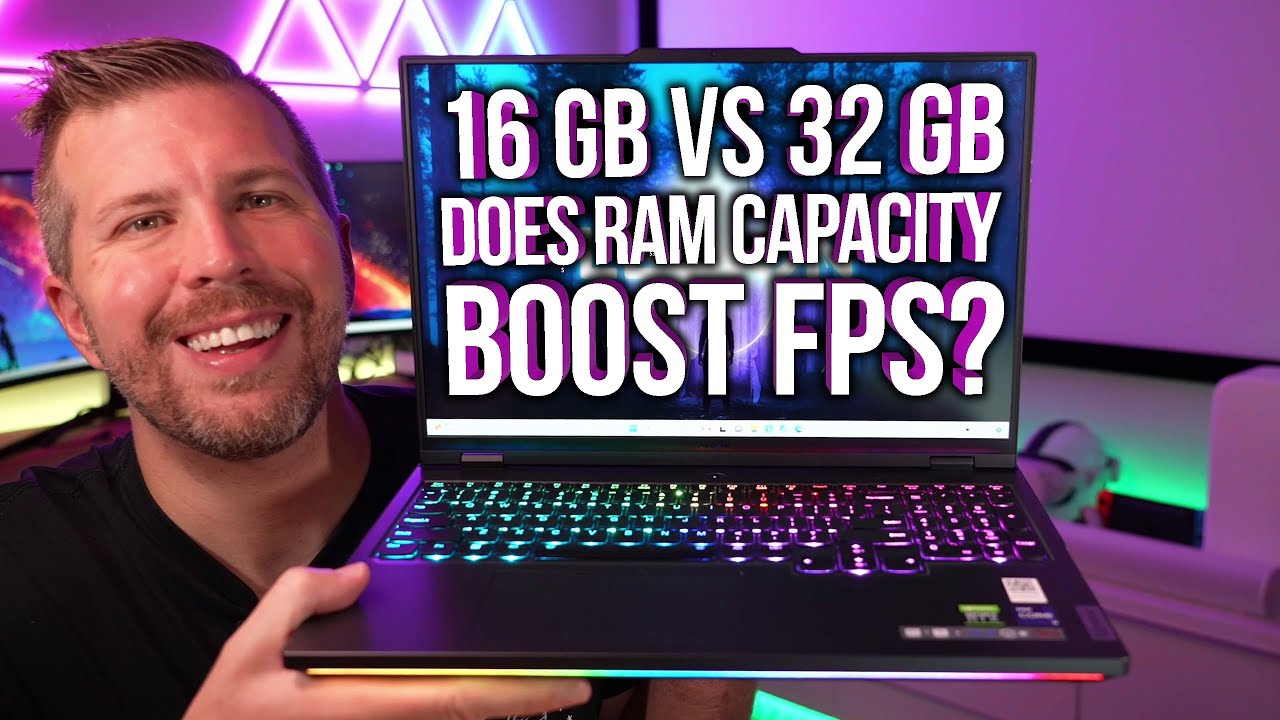
Does 32GB RAM increase FPS significantly?
While 32GB RAM doesn't typically provide a massive direct FPS increase over 16GB, it significantly improves minimum frame rates and frame stability, especially in memory-intensive games or when multitasking. This means fewer stutters, smoother overall gameplay, and a more consistent experience, which can feel like a substantial performance boost in practical terms for relaxation and fun.
Is DDR4 or DDR5 better for 32GB gaming RAM?
For new builds and optimal performance in 2026, DDR5 is generally better for 32GB gaming RAM due to its higher speeds and future-proofing. However, high-speed DDR4 (like 3200MHz CL16 or 3600MHz CL16) remains an excellent and more budget-friendly option for existing systems or those on tighter budgets, offering strong performance for its cost-conscious gamer.
Can I mix 16GB and 8GB RAM to get 24GB for gaming?
While technically possible, mixing different RAM stick capacities (e.g., 16GB and 8GB) is generally not recommended for gaming. It can lead to instability, compatibility issues, and often forces the RAM to run in single-channel mode for part of its capacity, significantly reducing performance. It's best to use matched pairs for optimal dual-channel performance, such as two 16GB sticks for 32GB total, avoiding setup issues.
What RAM speed is ideal for 32GB DDR5 gaming?
For 32GB DDR5 gaming RAM, the ideal speed sweet spot in 2026 is typically around 6000MHz to 6400MHz with a low CAS Latency (CL30-CL36). This range offers a fantastic balance of performance, stability, and value, providing noticeable benefits in games without venturing into the premium cost of extremely high-speed kits that offer diminishing returns for your value-seeking gaming PC.
How much RAM do most US gamers use in 2026?
In 2026, while 16GB RAM is still prevalent, a growing number of US gamers, especially those with newer systems or who prioritize top performance and multitasking, are adopting 32GB RAM. It's rapidly becoming the recommended standard for enjoying the latest AAA titles without compromise and for supporting the diverse digital activities of today's gamers, from streaming to content creation and social play.
Do I need 32GB RAM for VR gaming?
Yes, 32GB RAM is highly recommended for VR gaming. Virtual reality experiences are notoriously memory-intensive, requiring significant system resources to render two distinct views at high frame rates. Having 32GB RAM provides the necessary headroom to ensure smooth, immersive VR gameplay, preventing stutters or slowdowns that can break immersion and even cause motion sickness, making your VR sessions more enjoyable and comfortable.
Enhanced multitasking and smoother gameplay, future-proofing your gaming PC, optimal performance for demanding 2026 titles, budget-friendly upgrade options, essential for streamers and content creators, improved game load times, better social gaming experience, reduced stutters.
35

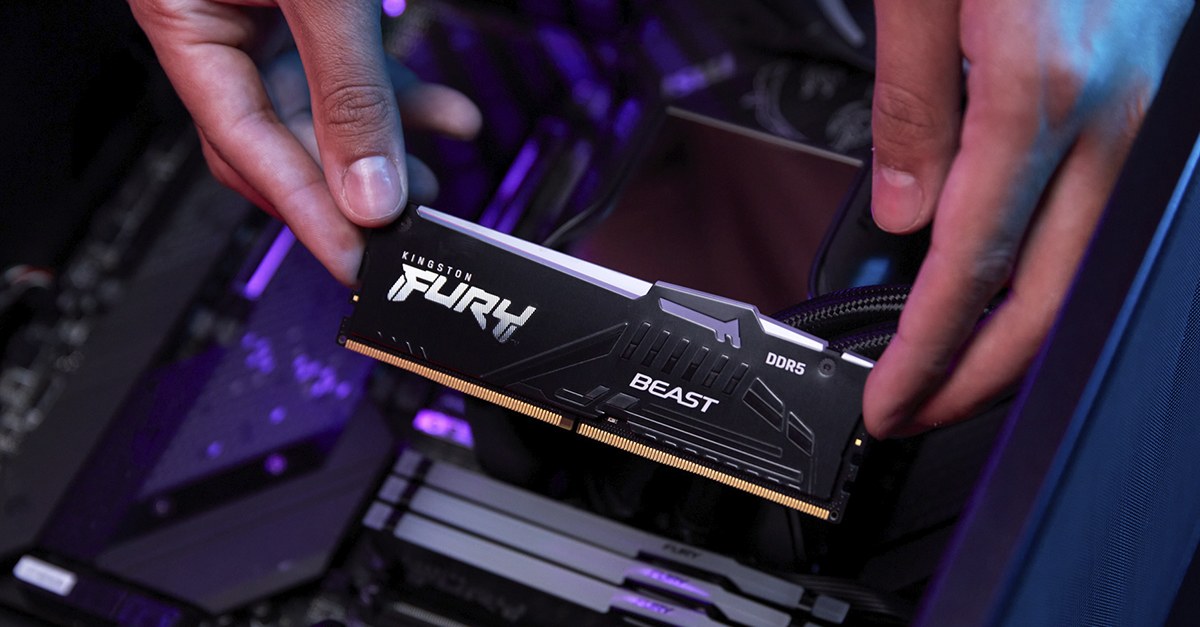
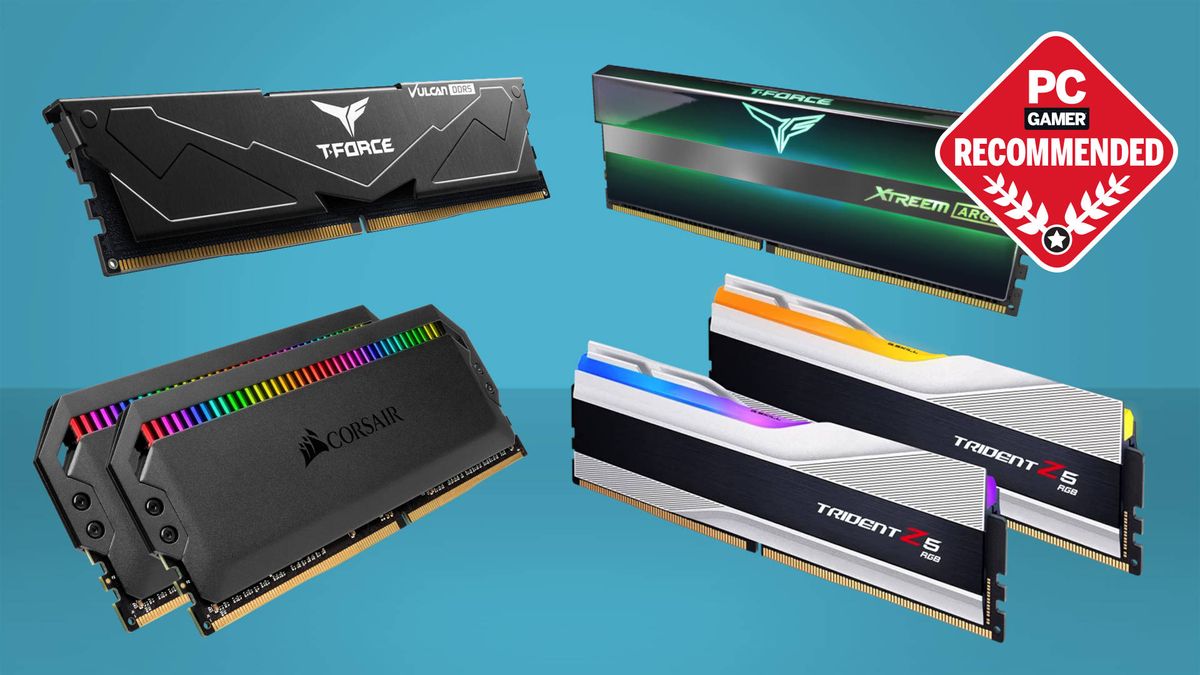
How Much RAM For Gaming In 2026 8GB Vs 16GB Vs 32GB The Ultimate Guide How Much Ram For Gaming 768x429 . 16GB Vs 32GB RAM What You Actually Need For Gaming In 2026 NoobFeed Ram Prices 2025 Ai Driving. 32GB Vs 64GB RAM For Gaming Which One Actually Makes Sense 32gb Vs 64gb Ram For Gaming. 2026 8 16 32 Ktc Opengraph Blog Gaming The Ultimate Ram Guide For Gamers . Best RAM For Gaming In 2026 I Ve Tested The Best DDR4 And DDR5 RAM To 1200 80
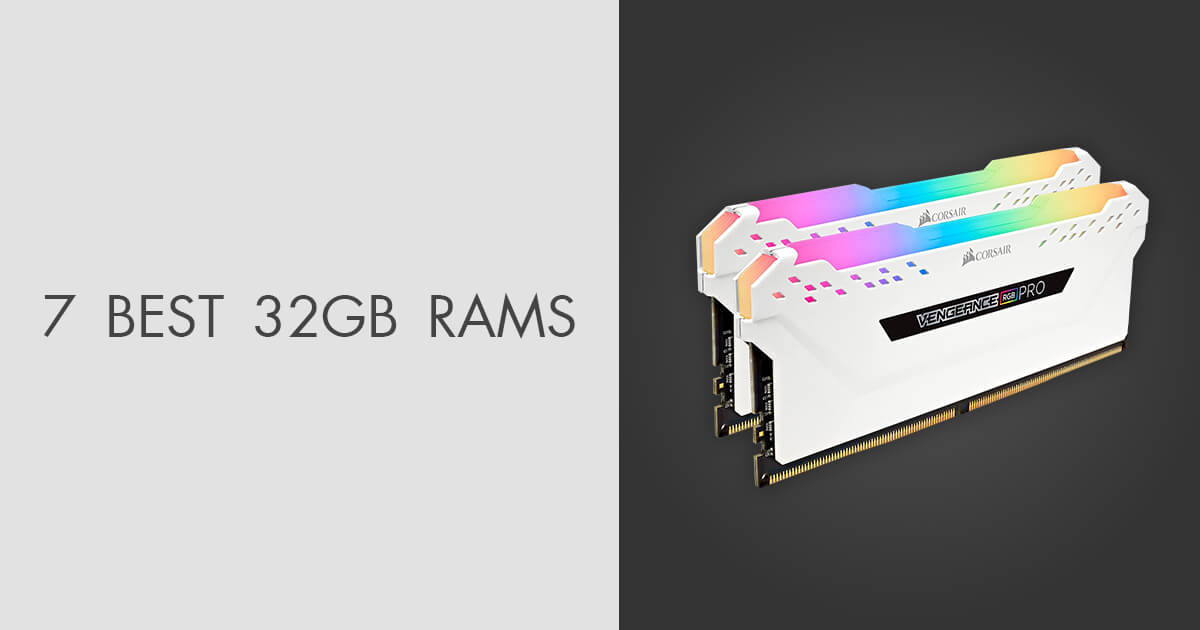

7 Best 32GB RAMs In 2026 Gaming Experts Tested News Fb Image 9807 . Now Might Be The Perfect Time To Load Up Your Gaming PC With A 32GB RAM . 7 Best 32GB RAMs In 2026 Gaming Experts Tested Top 3 32gb Ram . Best RAM For Gaming In 2025 I Ve Tested The Best DDR4 And DDR5 RAM To . 16GB Vs 32GB RAM In 2026 Real Gaming And Editing Performance Ddr5 2

7 Best DDR4 RAM For Gaming Video Editing On Desktop PC 2026 . Is 32GB RAM Becoming The New PC Standard By 2026 PC Hardware Trends 3 Random Access Memories . How Much RAM Do You Actually Need For Gaming In 2026 Reforged Rigs 16GBvs32GB . Best Mini Gaming PC 2026 Top Small Form Factor PCs Tested Gamers Best Gaming Ram . Beste RAM 2026 Riktig Minnebrikke For Din PC TechRadar 1200 80

32GB Vs 64GB Gaming RAM Vs 2026 2026 Builder Verdict PC Gaming Universe Best 16gb Ram For Gaming 2026 400x250 . Is 32GB RAM Good For Gaming Overkill Or Just Enough Memory Hone Blog Is 32GB RAM Good For Gaming Overkill Or Just Enough Memory . 14 Best 32GB DDR5 RAM Kits For Gaming July 2026 Expert Picks VVN News Best 32GB DDR5 RAM Kits For Gaming . Best RAM For Gaming Upgrade Your PC And Laptop RAM Lucky Falcon Best 16GB RAM For Gaming . Kingston Fury Beast DDR5 Kit RAM Corsair Vengeance RGB Pro 32 GB DDR4 6448612 Sd


Why 32GB Is The New 16GB Navigating The 2026 Memory Crisis In Canada Why 32GB Is The New 16GB Navigating The 2026 Memory Crisis In Canada . Best Memory For Gaming 2026 DDR5 Speed T Gaming PC Guru AC SL1500 . Rgb Ram Best Computer Ram For Gaming Ddr4 Ram What S The Best Ram For A The Best Ddr4 Ram For Gaming In 2023 Teamgroup Corsair G Skill Silicon Power Gamerant Recommended Feature . Corsair Dominator Titanium DDR5 7200 Revie Gaming PC Guru AC SL1500 . Best RAM For Gaming In 2025 I Ve Tested The Best DDR4 And DDR5 RAM To



16 GB Vs 32 GB Gaming Laptop Ram Capacity Test Does 32 GB Boost Game Live . Best Gaming PC For Under 500 In 2026 Exp Gaming PC Guru Best Gaming Computer Memory Featured 800x500 . Best Amount Of RAM For Gaming In 2026 16G Gaming PC Guru AC SL1200 . Best PC Builds For Gaming 2026 From 500 Budgets To 4 000 Tom S . How Much RAM Do You Need For Gaming 8GB Vs 16GB Vs 32GB Analysis



DDR4 Vs DDR5 For Gaming 2025 Which RAM Is Better For Gamers 61gD0yqG AL. AC SL1300 . 32GB Vs 64GB Gaming RAM Vs 2026 2026 Builder Verdict PC Gaming Universe Ddr5 6000 Vs 7200 Ram Vs Gaming 2026 400x250 . The Best RAM For Gaming In 2024 . Kingston Fury Renegade Black RGB XMP 32GB 7600MT S DDR5 CL38 DIMM 71GJY5 C14L. AC . Memory Matters For Gaming In 2024 CORSAIR MM Graph 2024 000.format Jpeg